Help center
Guides and answers.
Step-by-step guides for Studio, virtual try-on, the agents and your account, with screenshots from the product itself.
⌘K
Every guide.
13 guides
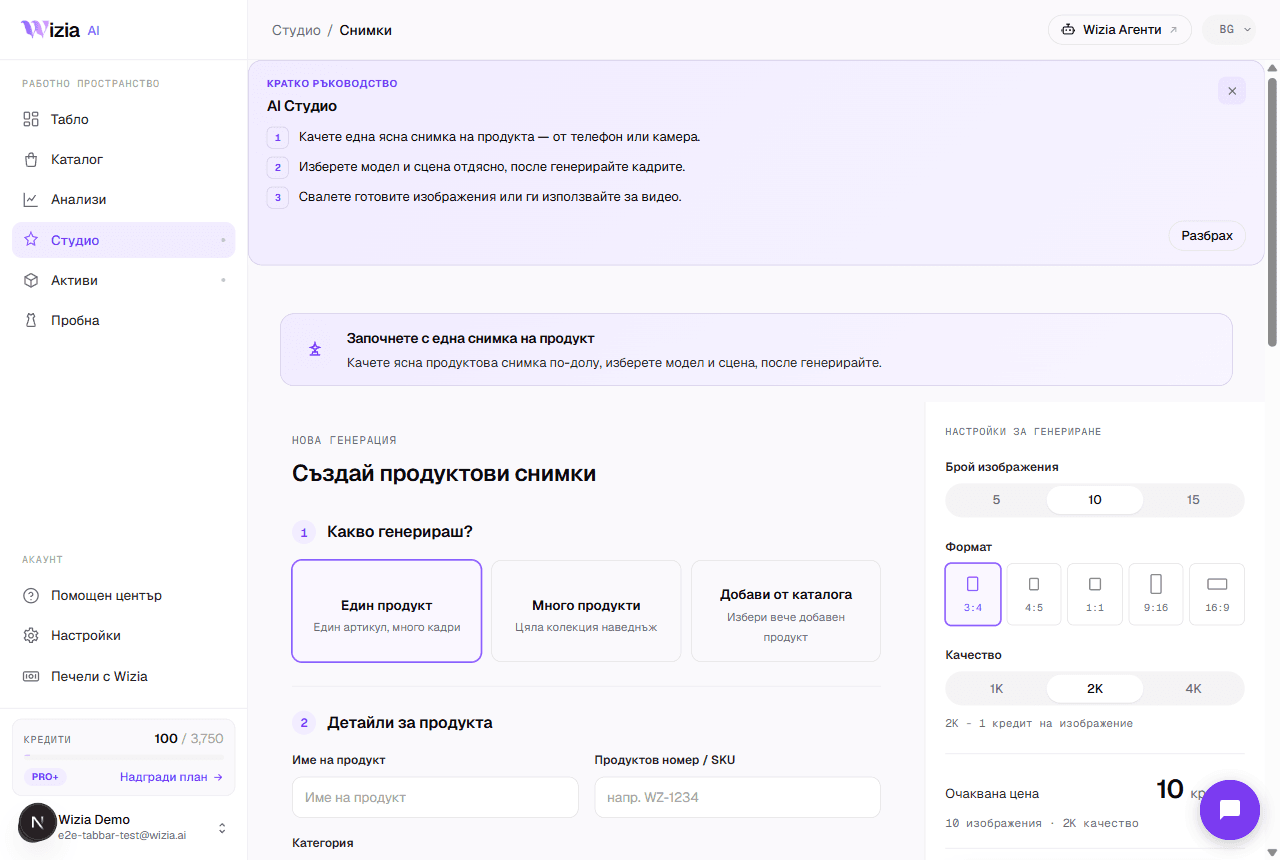 Getting started with the StudioFrom a phone photo to finished product shots with an AI model: the full walkthrough of your first generation.4 min
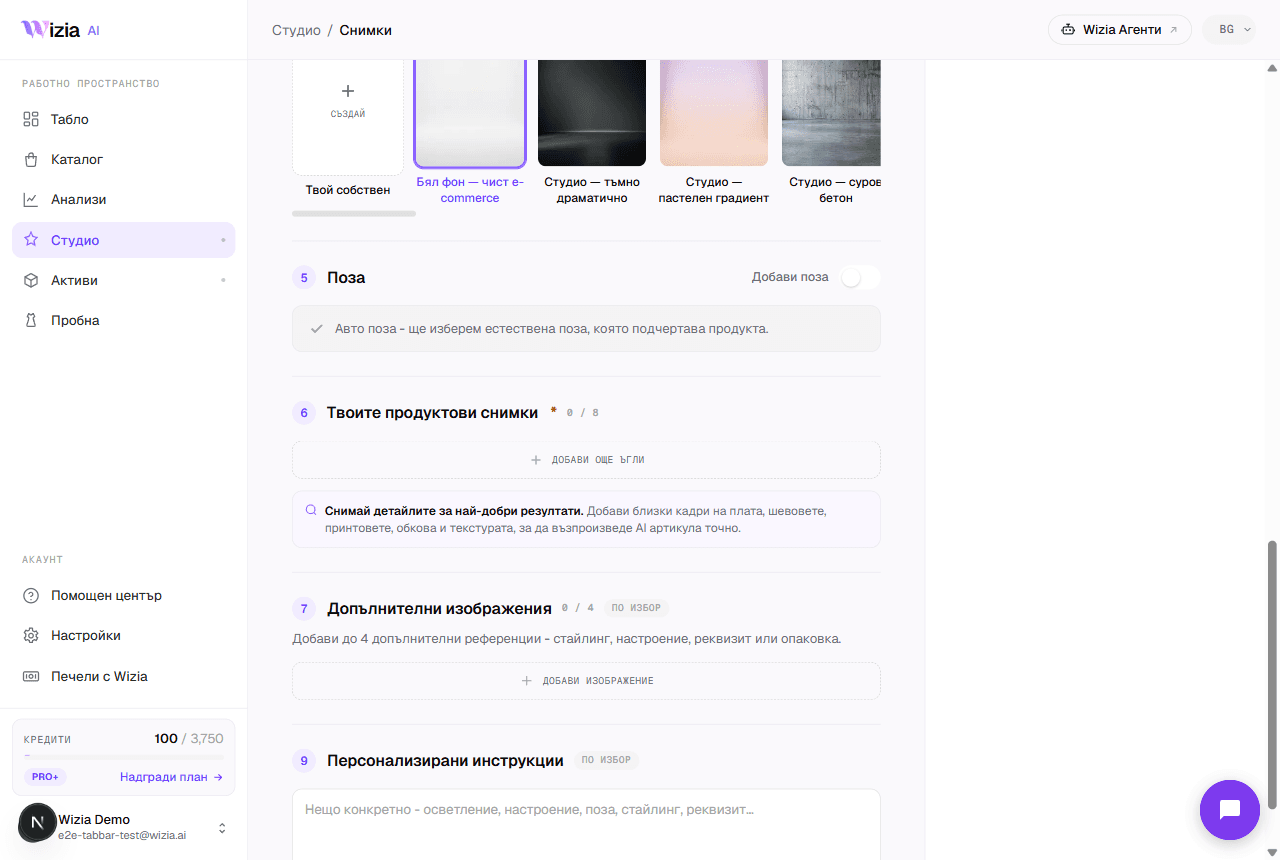 Uploading product photos for the best resultsThe AI is only as good as the photos you give it. How to shoot your product with a phone: light, background, angles, and formats.3 min
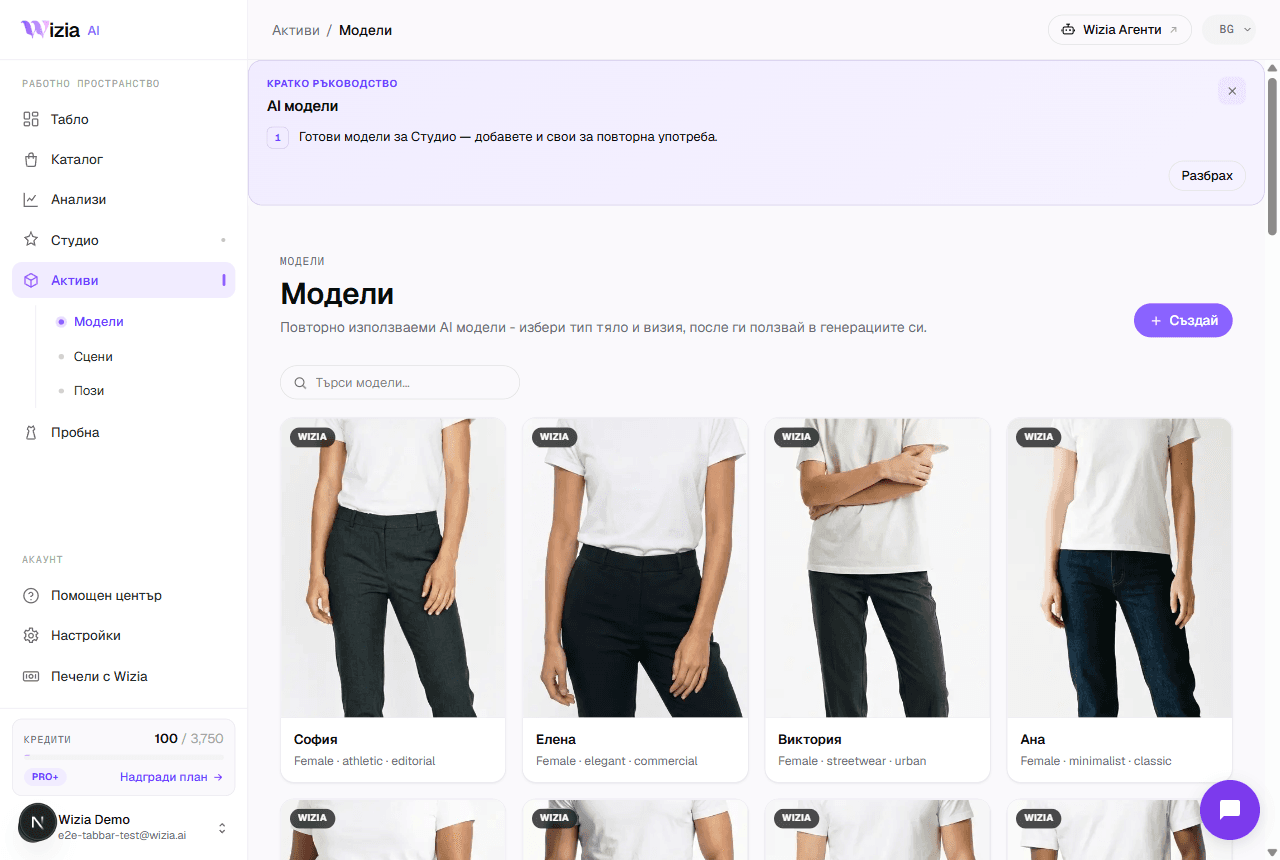 Custom models, scenes, and posesCreate your own AI model, scene, or pose for your brand. A two-step wizard with a preview before saving. Available on Pro+ plans and up.4 min
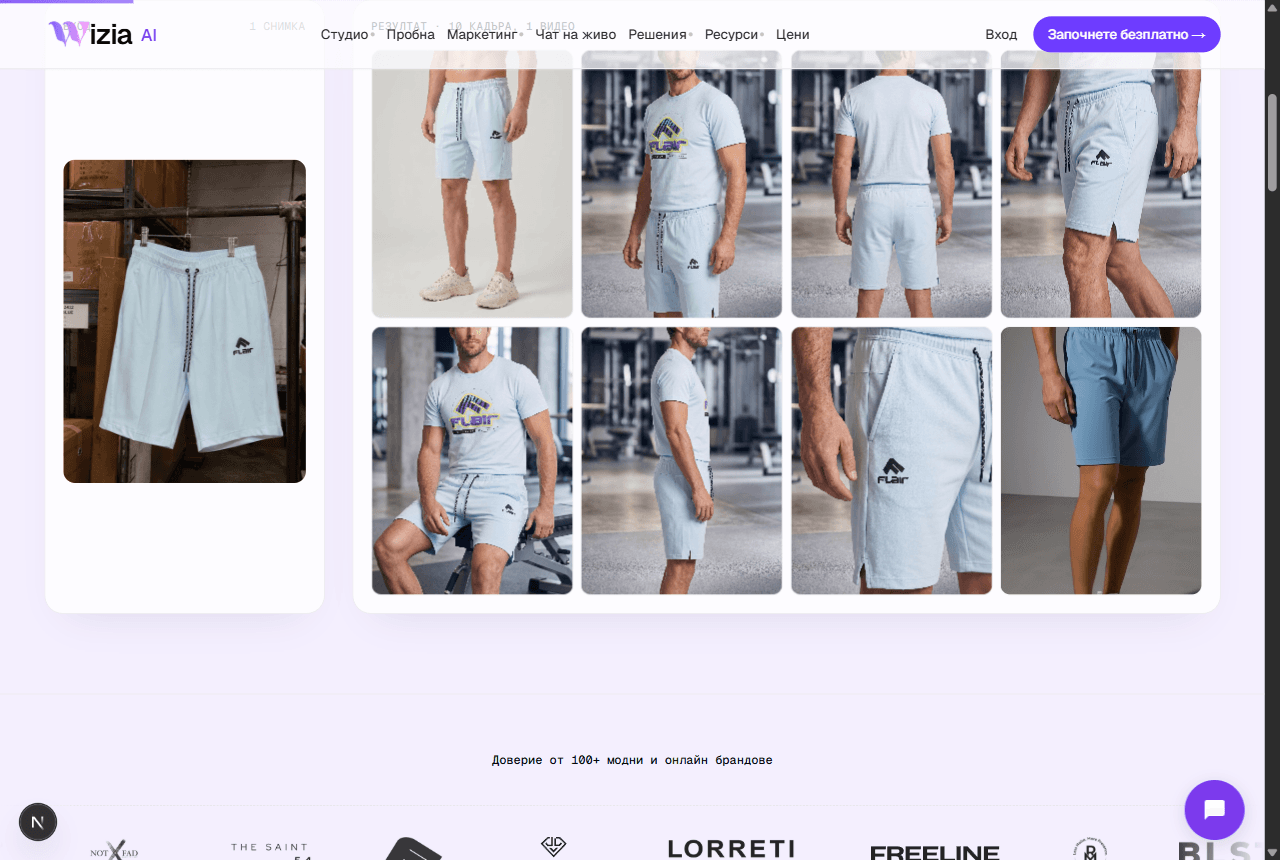 Exporting and uploading photos to your storeHow to download your finished shots and add them to Shopify or WooCommerce, plus ideas for the AI video on Reels and TikTok.4 min
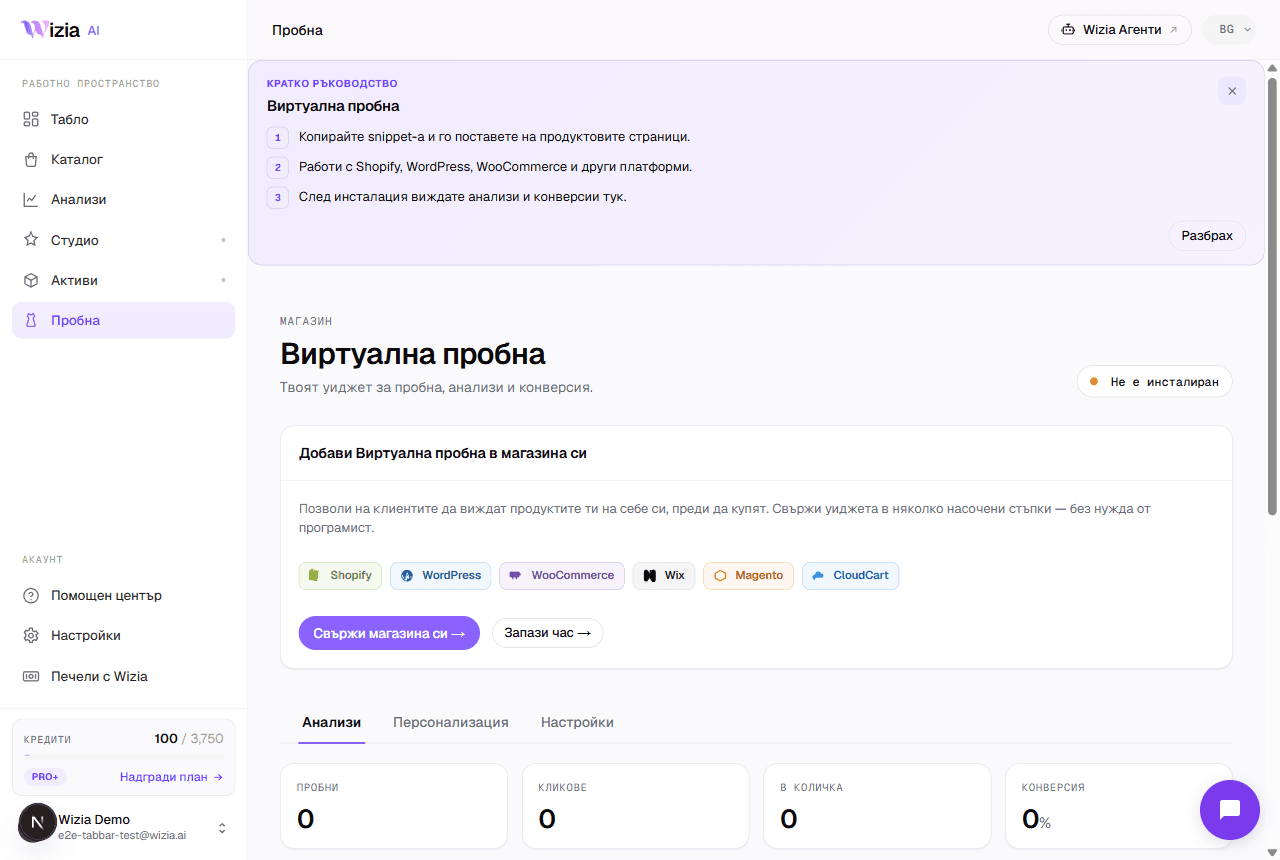 Installing the Virtual Try-on on your storeConnect the widget to Shopify, WooCommerce, Wix, Magento, or a custom site in under 5 minutes, with an automated check.5 min
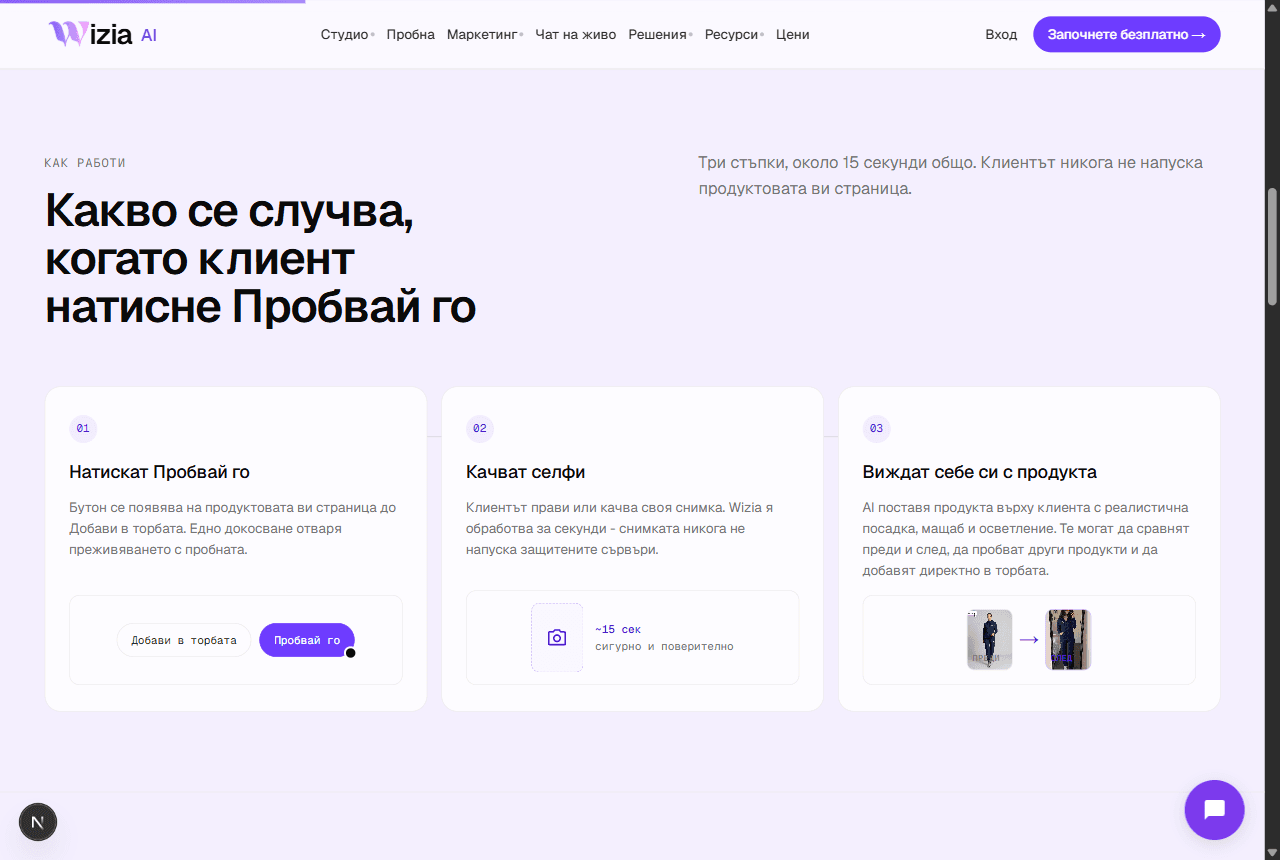 Why the try-on widget isn't showingThe most common reasons the try-on button is missing from product pages, and how to fix them.4 min
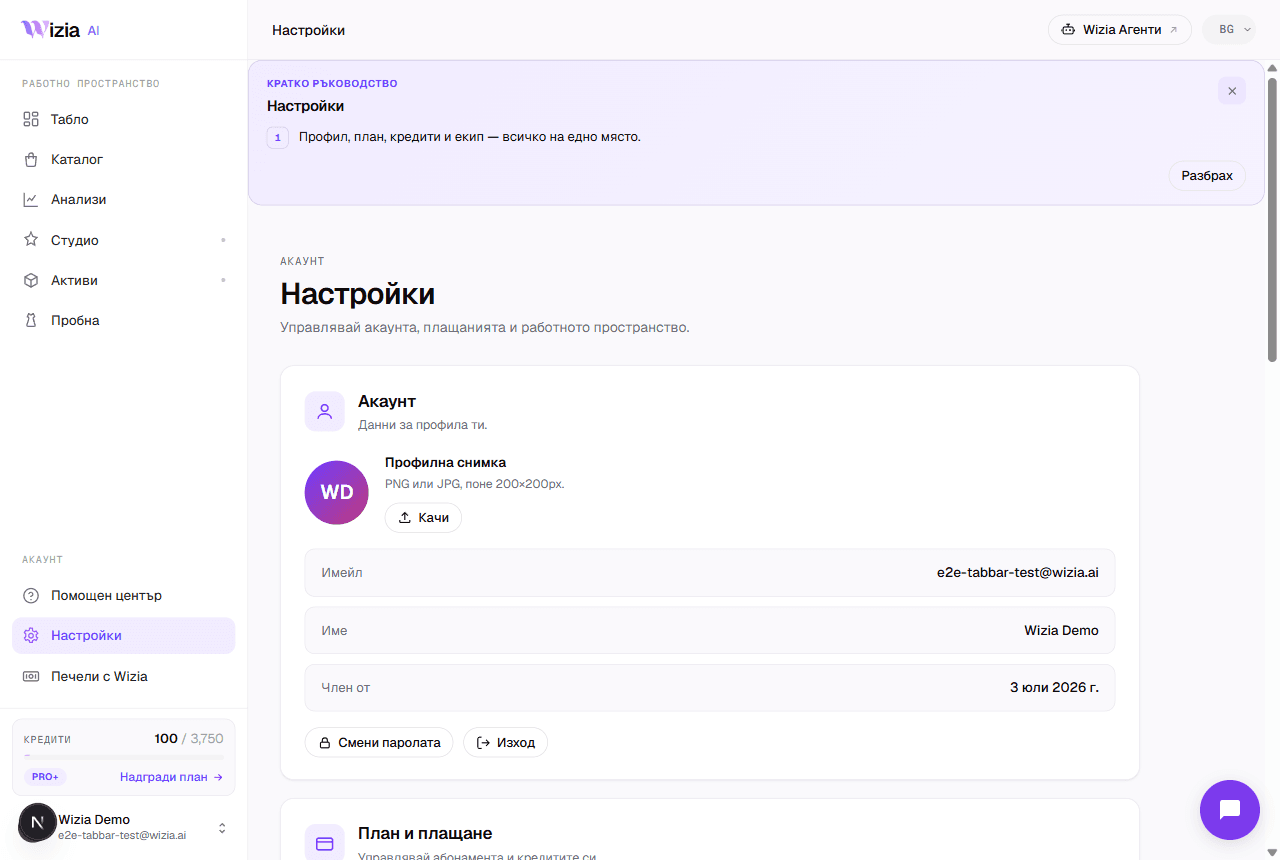 Credits, plans, and billingWhat each generation costs in credits, what the plans include, and how to change or cancel your subscription.4 min
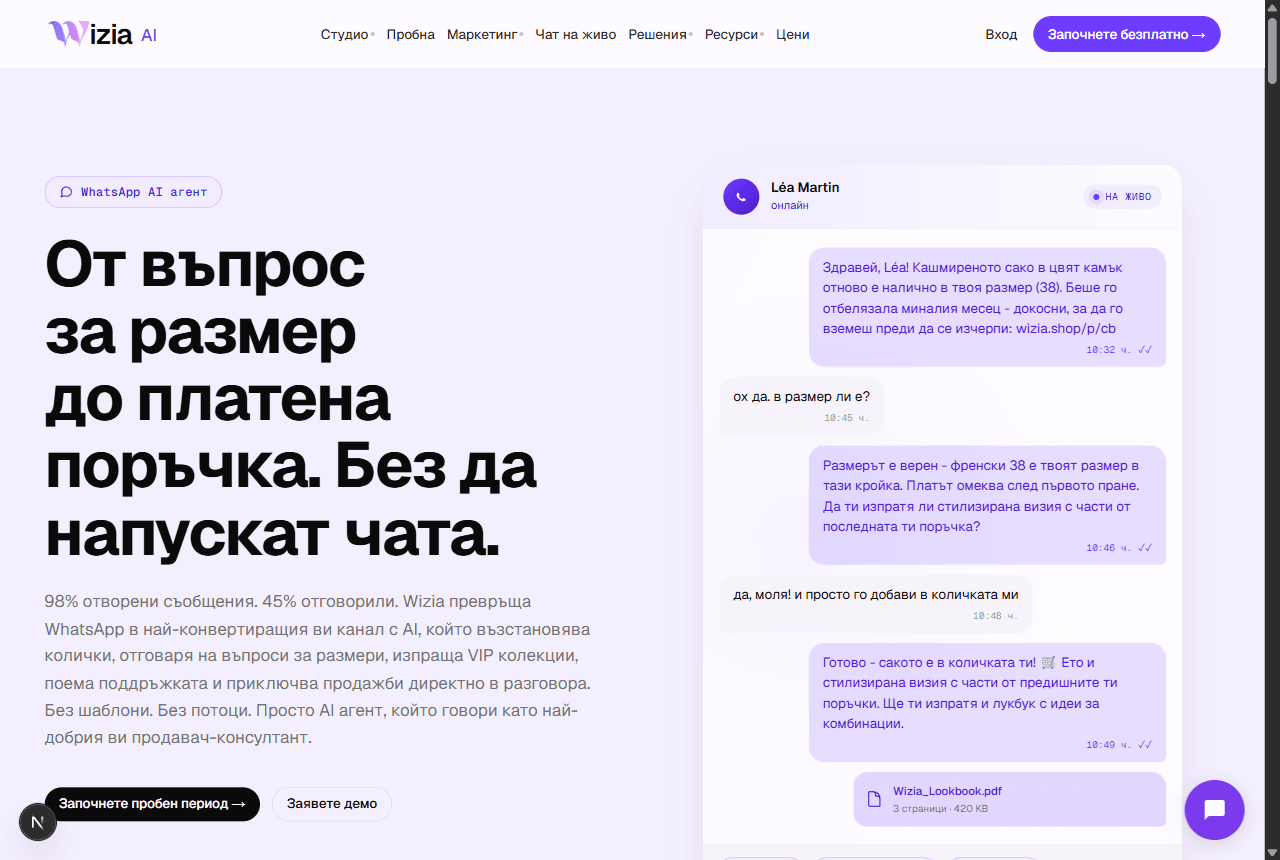 Connecting WhatsApp Business and Wizia AgentsWhat the AI sales agents are, why they live on their own platform, and how to launch your WhatsApp agent.5 min
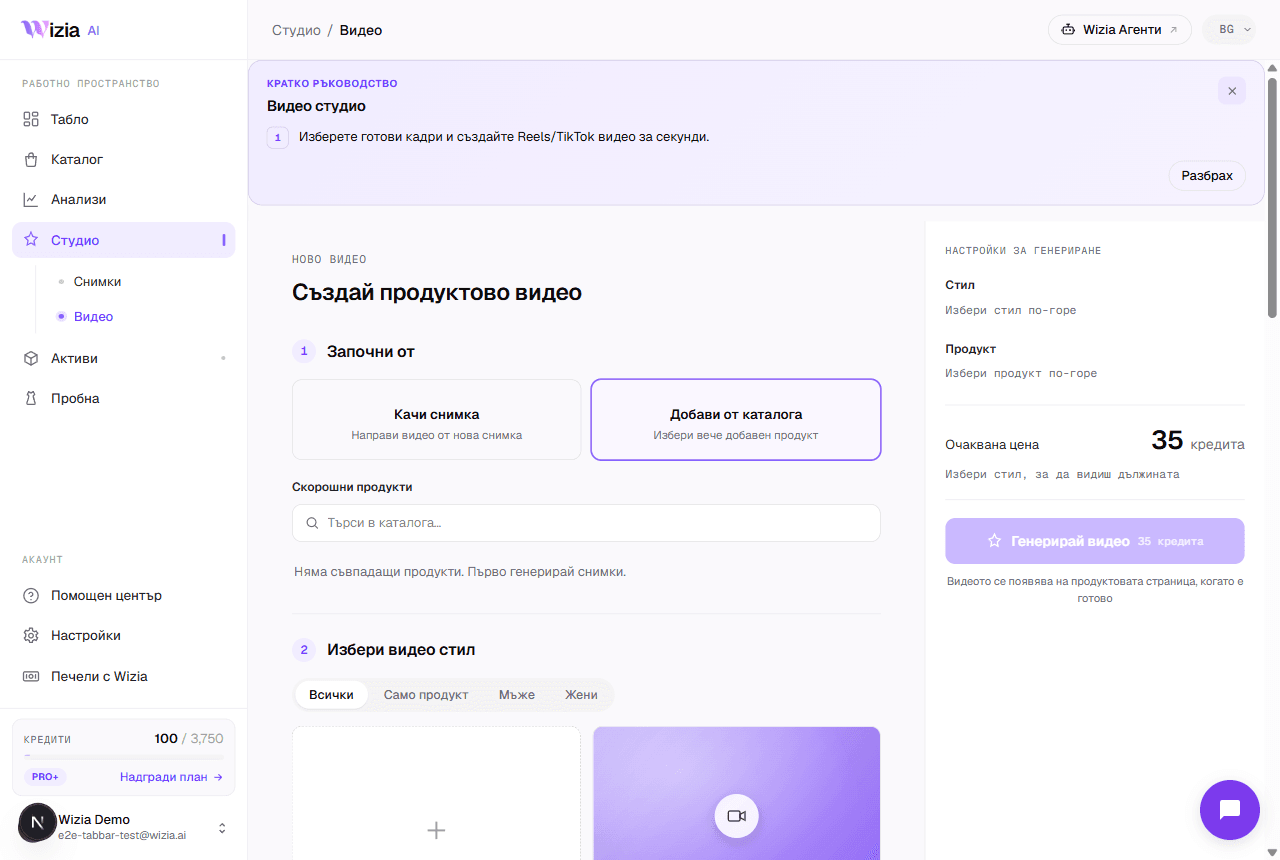 AI video from your product photosTurn a finished catalog product into an 8-second vertical video for Reels and TikTok, with a choice of style and model.4 min
- Regeneration and image qualityWhen regeneration is free, what it costs afterwards at 1K, 2K, and 4K, and how to describe the change to get a better frame.3 min
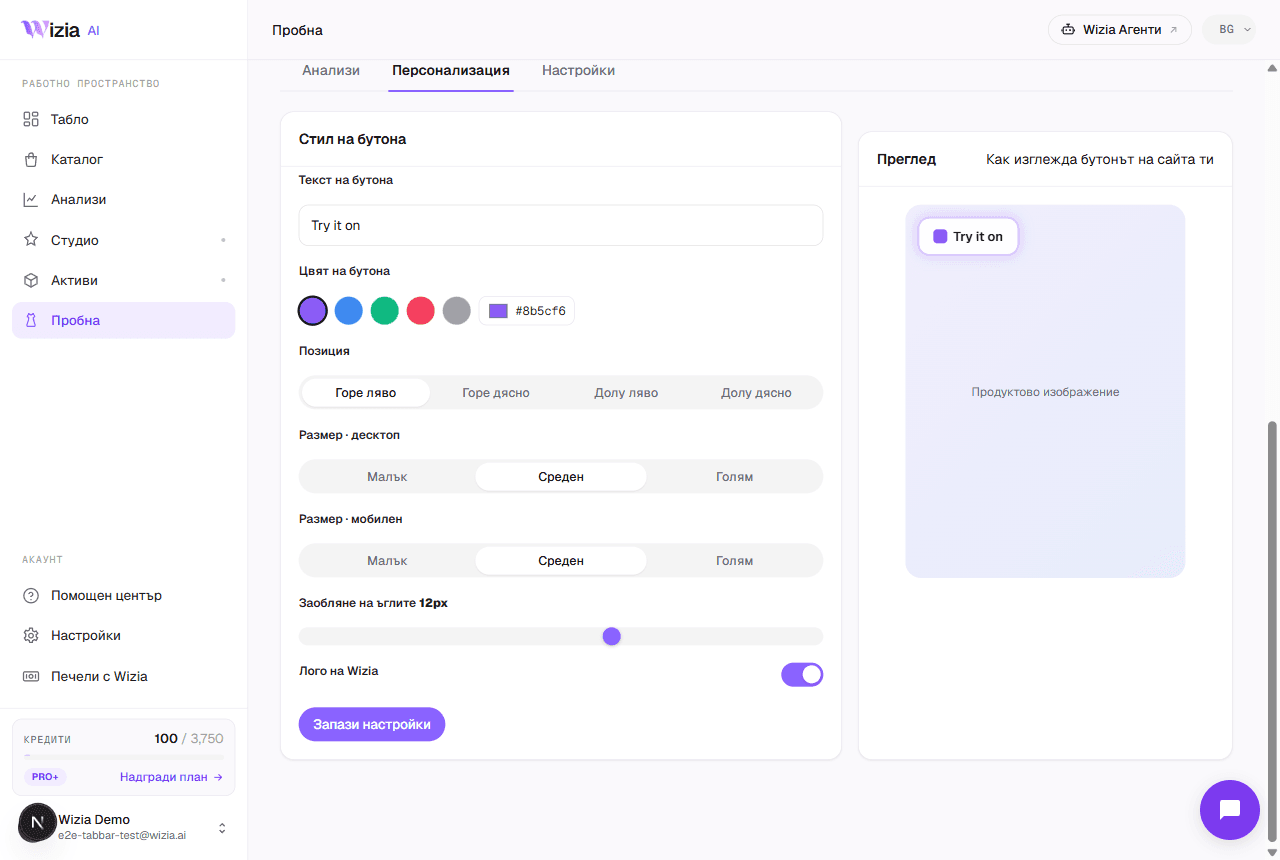 E-commerce platform integrationsWhere Wizia connects: the try-on widget on six platforms, photos and videos for any store, and AI agents with no installation.4 min
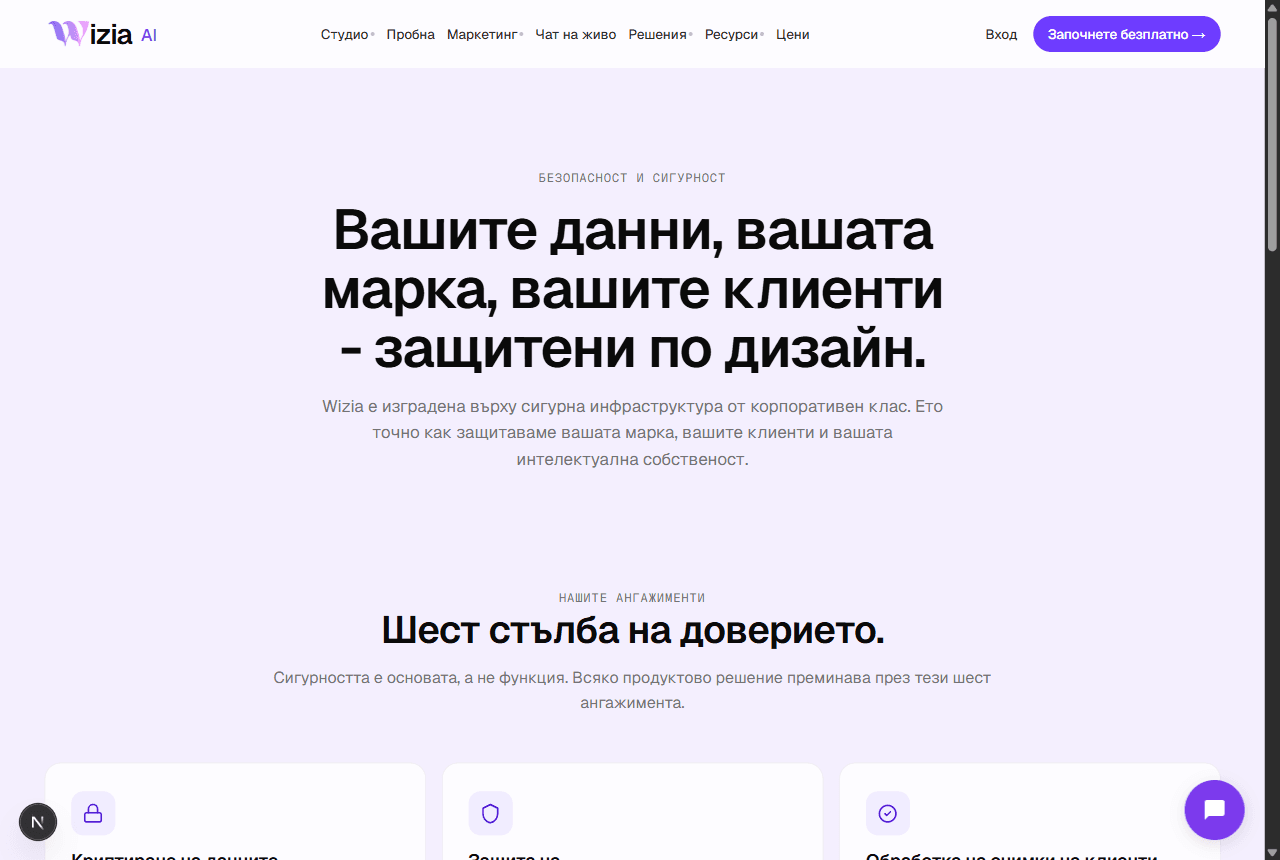 Security and personal dataWhere your data lives, how your uploads are used, and how to export or delete everything from Settings.3 min
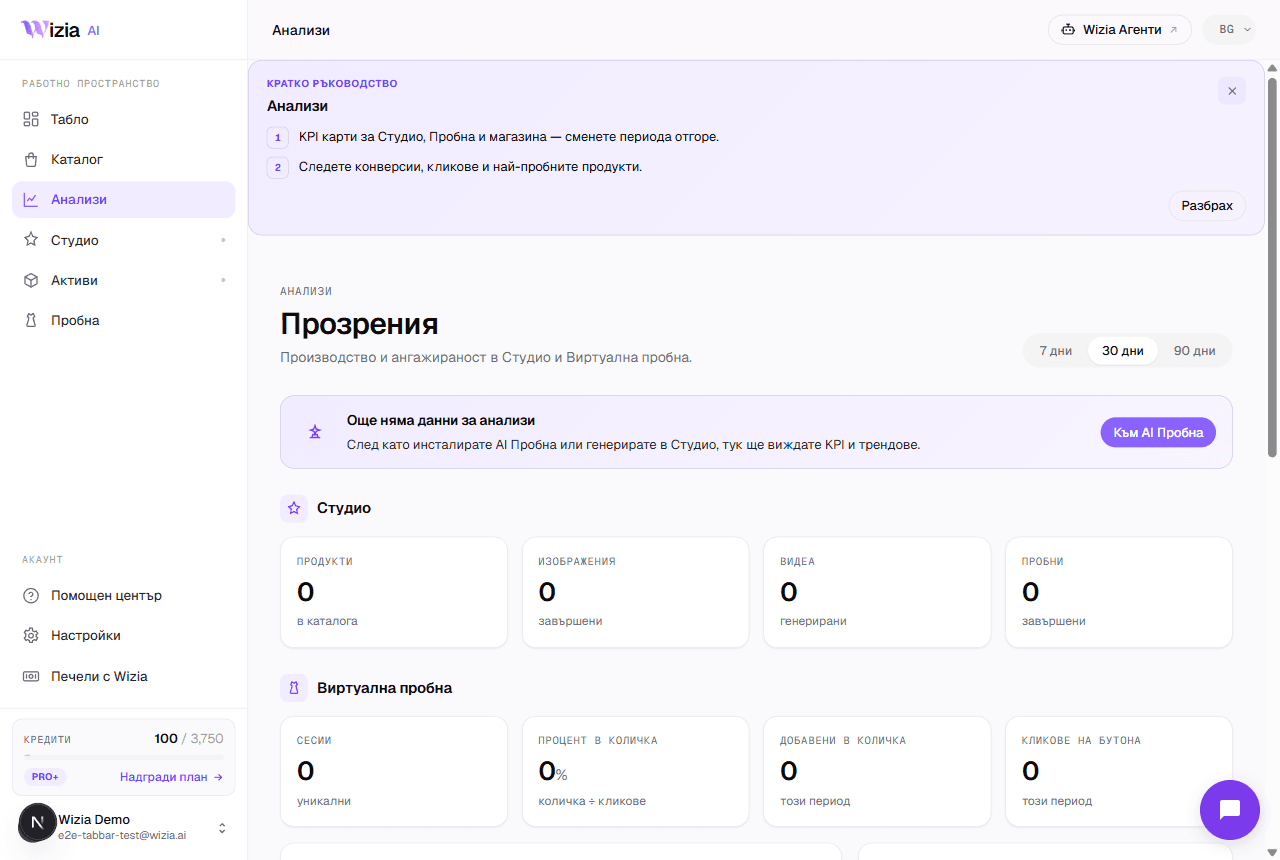 How to read your Try-on analyticsWhat each funnel stage means, where the numbers come from and why they can lag. Plus the Personalize and Settings tabs.4 min
Still stuck?
Email us or book 30 minutes with the team.
- Supportsupport@wizia.ai
- CallBook 30 minutes
- FormGo to the contact form
Common help center questions.
Do I need an account to read the guides?
No. The guides are public and free. You only need an account to act inside the product.
How current are the guides?
Every guide shows the date of its last edit. If the product looks different from the screenshots, tell us at support@wizia.ai.
I forgot my password. What now?
Use the forgot-password link on the sign-in page and we email a reset link to the account address. If you no longer have that inbox, email support@wizia.ai.
Can I talk to someone on the team?
Yes. Book a 30-minute call at a time that suits you, or write to us through the contact form.