You work with product photos, customer data, and sometimes photos of real people, so it matters to know exactly what happens to them. Here's a short, honest overview.
Where your data is stored
Your account data (photos, generated assets, and records) is stored in the European Union on Supabase infrastructure. All data is encrypted in transit and at rest.
How your uploads are used
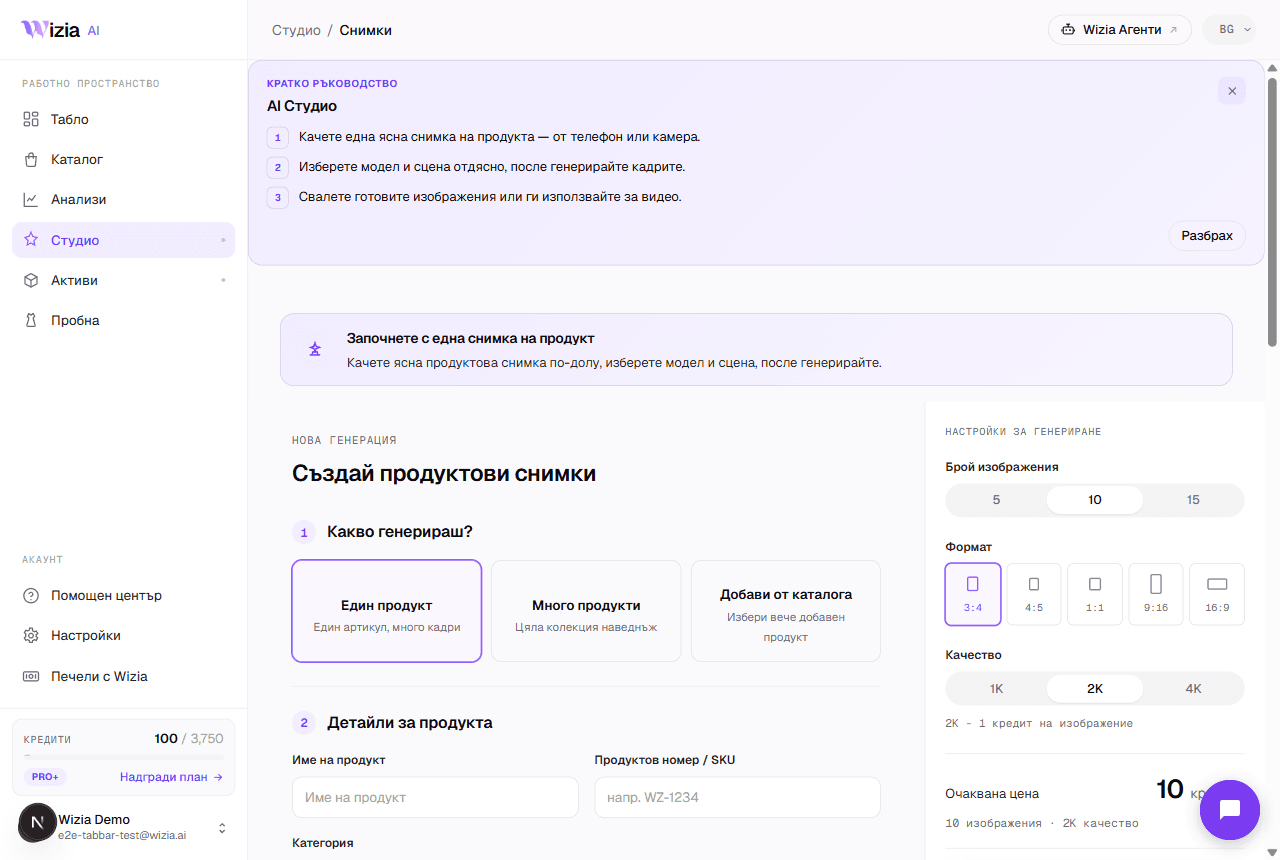
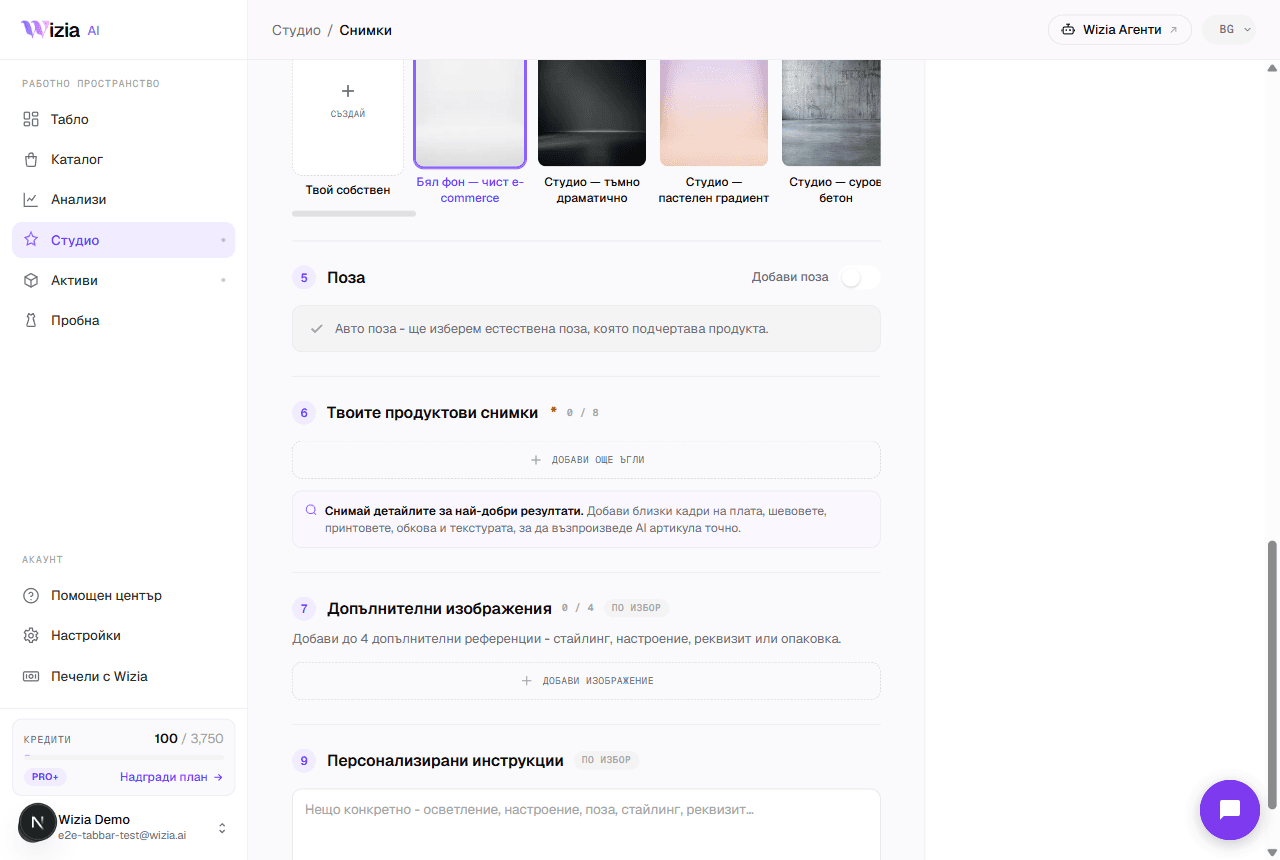
The photos you upload are used only for your generations (as the references your frames and videos are built from. We don't use your uploads or brand assets to train AI models. Photos that shoppers upload into the try-on widget are processed within the try-on session and deleted shortly after) we don't build profiles of your customers from them.
Your GDPR rights: from Settings
Export your data
In Settings, in the section at the bottom of the page, press the download button. You get a JSON file with your account data: profile, subscriptions, credit transactions, product sessions, and more. Generated media files aren't included: request them separately if needed.
Delete your account
From the same section, start deletion and confirm by typing your account email. Your personal data is removed from our active systems; backups are kept for up to 90 days and then permanently deleted.
Active subscription
If you have an active subscription, cancel it first from Settings → Billing: deletion is blocked while a subscription is running.
Tip: Deletion is irreversible: export your data before deleting the account.
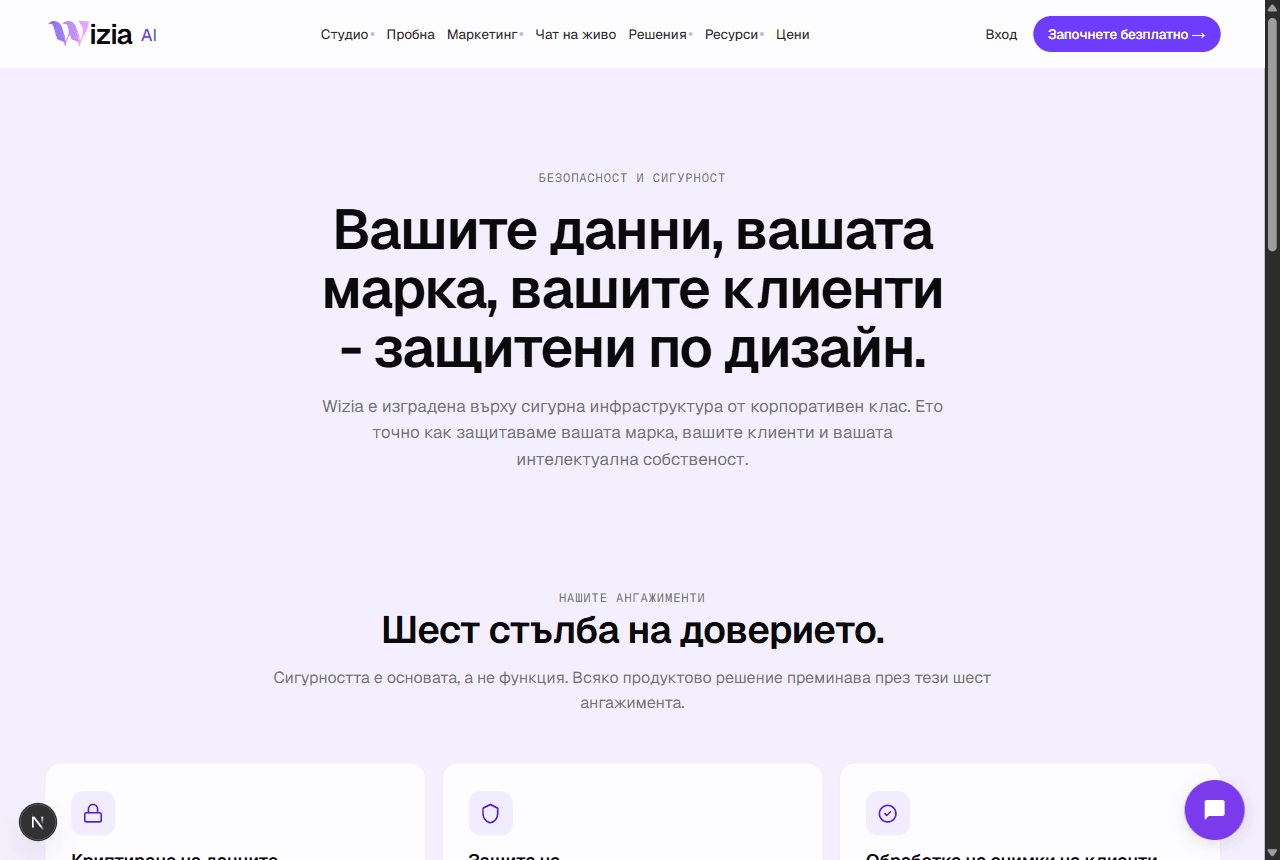
Our full commitments are described on the safety page of the site. For any data questions, email support@wizia.ai.