Skip to content

AI Virtual Try-On for Your Product Pages

Install the widget on your store in 5 minutes. Customers upload a selfie and see themselves in the product in about 15 seconds. Clothes, shoes, makeup, glasses, jewellery, home goods and more. Conversion up. Returns down.

5-min installWorks on all platforms15s per try-on

1. Upload your photo

2. Choose a product image

Trusted by 100+ fashion and ecommerce brands
FlairJunonaLorretiFreelineMartinaRosBallistic SportNot a FadThe Saint 54
How it works

What Happens When a Shopper Taps Try It On

Three steps, about 15 seconds total. The shopper never leaves your product page.

01

They tap Try It On

A button appears on your product page next to Add to Bag. One tap opens the try-on experience.

Add to BagTry it on
02

They upload a selfie

The shopper takes or uploads a photo of themselves. Wizia processes it in seconds — their photo never leaves secure servers.

~15 secsecure & private
03

They see themselves in the product

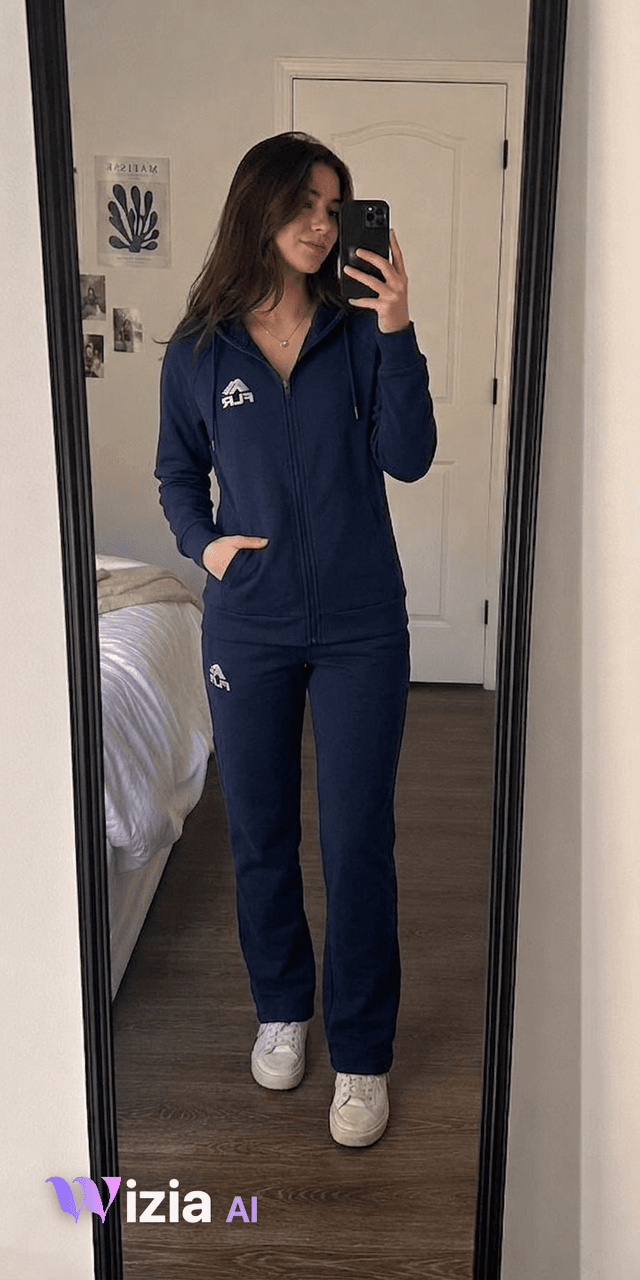
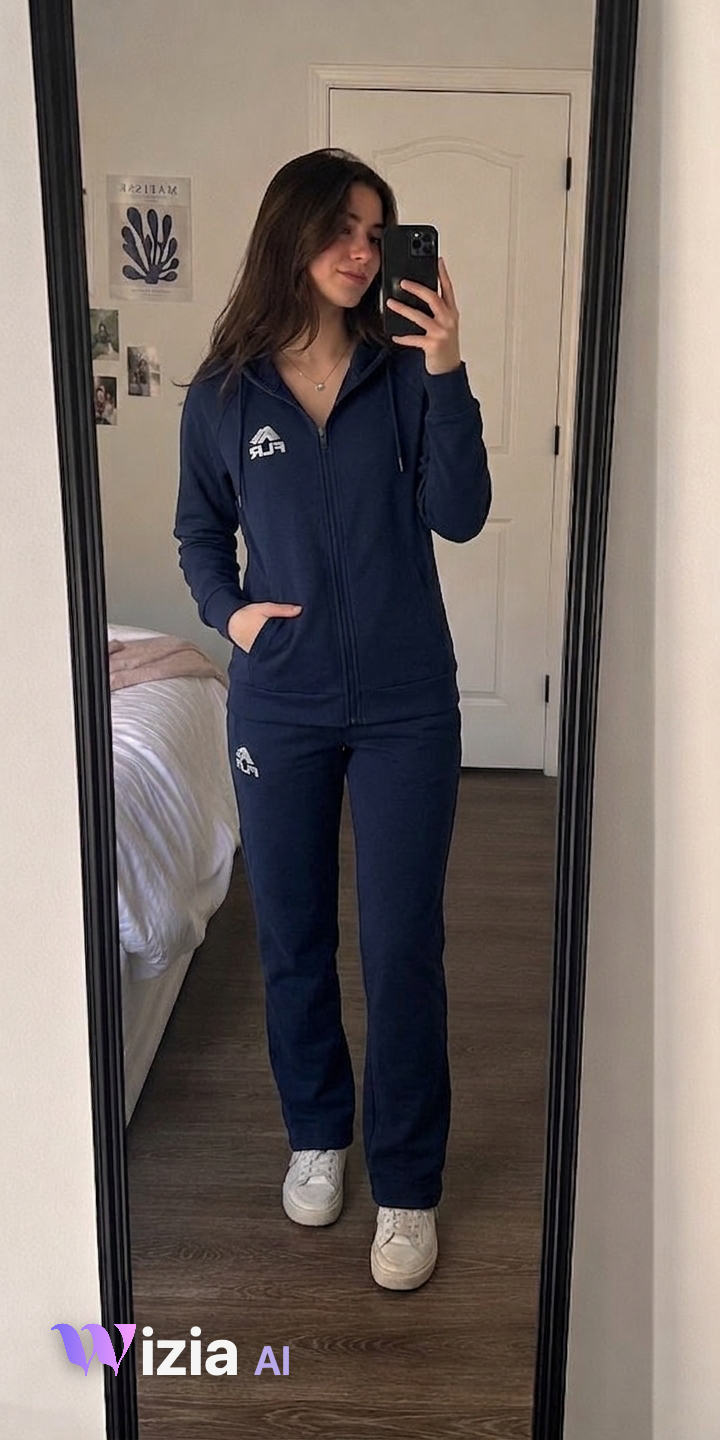
AI places the product on the shopper with realistic fit, scale and lighting. They can compare before and after, try other products, and add to bag directly.
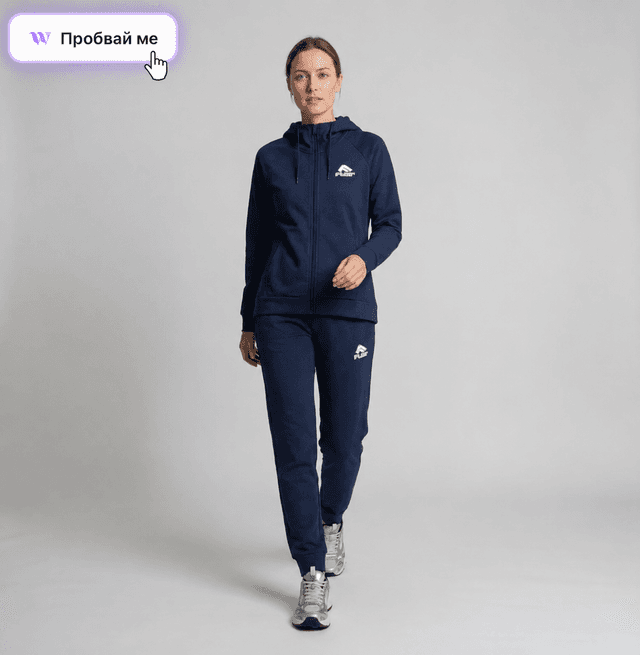
beforebefore
afterafter
Use cases

One try-on engine. Every category.

From fashion to furniture. Whatever your shoppers are buying, Wizia lets them see it on themselves — or in their space — before they buy.

Categories

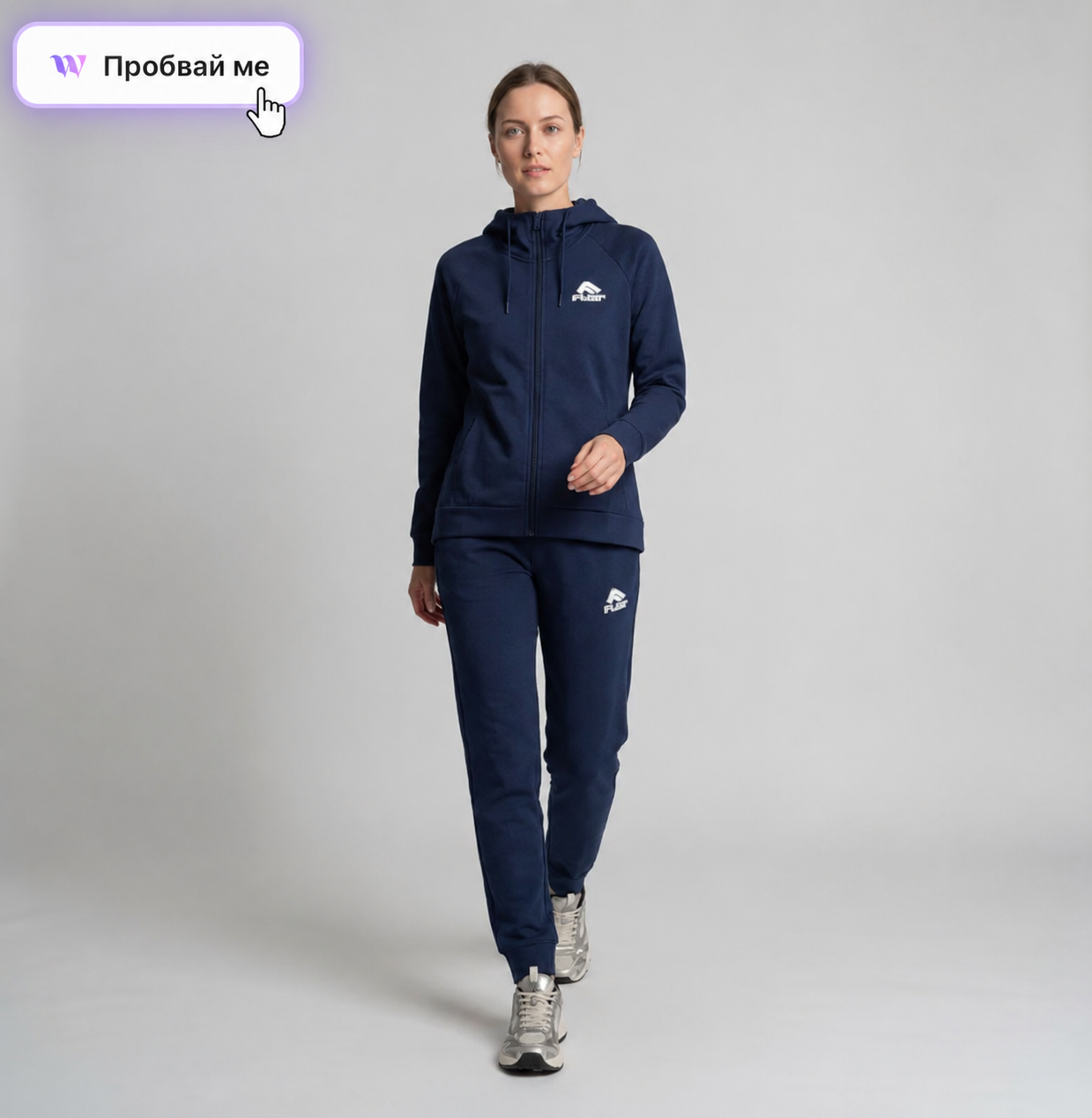
Clothes — Try-on at PDP

Tops, dresses, outerwear, denim, knits, suiting. Soft-goods drape and fit, realistic body shapes.
01 / 06
01 / 06
Cashmere blazer beforebefore
Cashmere blazer afterafter
Cashmere blazerouterwear
Results

Why Brands Add Virtual Try-On to Their Product Pages

Virtual try-on isn't a novelty feature — it's a proven conversion tool. Shoppers who try products on buy more and return less.

Up to41%
Higher conversion rate on pages with virtual try-on.
Up to50%
Fewer returns when shoppers see the product on themselves first.
Time on page3× longer
Spent on product pages with try-on enabled.
Average15 sec
Try-on time from selfie to result.

Published data from brands using virtual try-on across fashion, beauty and eyewear categories.

Integrations

Installs on Any Store in 5 Minutes

Drop the widget into Shopify, WooCommerce or CloudCart in 5 minutes. For custom stacks, use the REST API or Web SDK.

ShopifyNative app · 1-click install
WooCommercePlugin · 5-min install
CloudCartNative integration
REST APIFor custom stacks
Web SDKJavaScript embed
WebhooksReal-time events
FAQ

Frequently Asked Questions

01What is Wizia Try-On?
Wizia Try-On is an AI-powered widget that installs on your product pages. Shoppers tap "Try it on", upload a selfie, and see themselves wearing or using the product in about 15 seconds. It supports clothes, shoes, makeup, glasses, hair, jewelry, home goods, renovations and automotive products.
02How does virtual try-on actually work?
The shopper uploads a photo of themselves. Wizia's AI analyzes their body, face or space and places the product on them with realistic fit, scale and lighting. The result appears directly on your product page — no app download required for the shopper.
03How long does it take to install the widget?
About 5 minutes. Shopify has a native app with one-click install. WooCommerce and CloudCart have plugins. For custom platforms, use the REST API or JavaScript SDK.
04What platforms does Wizia Try-On work with?
Shopify, WooCommerce and CloudCart natively. Any other platform through the REST API, Web SDK or JavaScript embed. If your store runs on the web, the widget works.
05How fast is the try-on experience for the shopper?
About 15 seconds from uploading a selfie to seeing the result. Fast enough that shoppers use it on multiple products during a single session.
06Does virtual try-on increase conversion rates?
Yes. Published data shows virtual try-on increases conversion rates by 13 to 41% depending on the product category. Shoppers who try products on are significantly more likely to add to bag.
07Does virtual try-on reduce returns?
Yes. Brands with virtual try-on report 20 to 50% fewer returns. Shoppers who see the product on themselves before buying have more realistic expectations about fit, color and appearance.
08What product categories does Wizia Try-On support?
Nine categories: clothes, shoes, makeup, glasses, hair, jewelry, home goods, renovations and automotive. Most competitors only support one or two categories — Wizia covers them all with a single widget.
09Is the shopper's selfie stored or shared?
No. Shopper photos are processed securely and are never stored, shared or used for training. Privacy is built into the architecture.