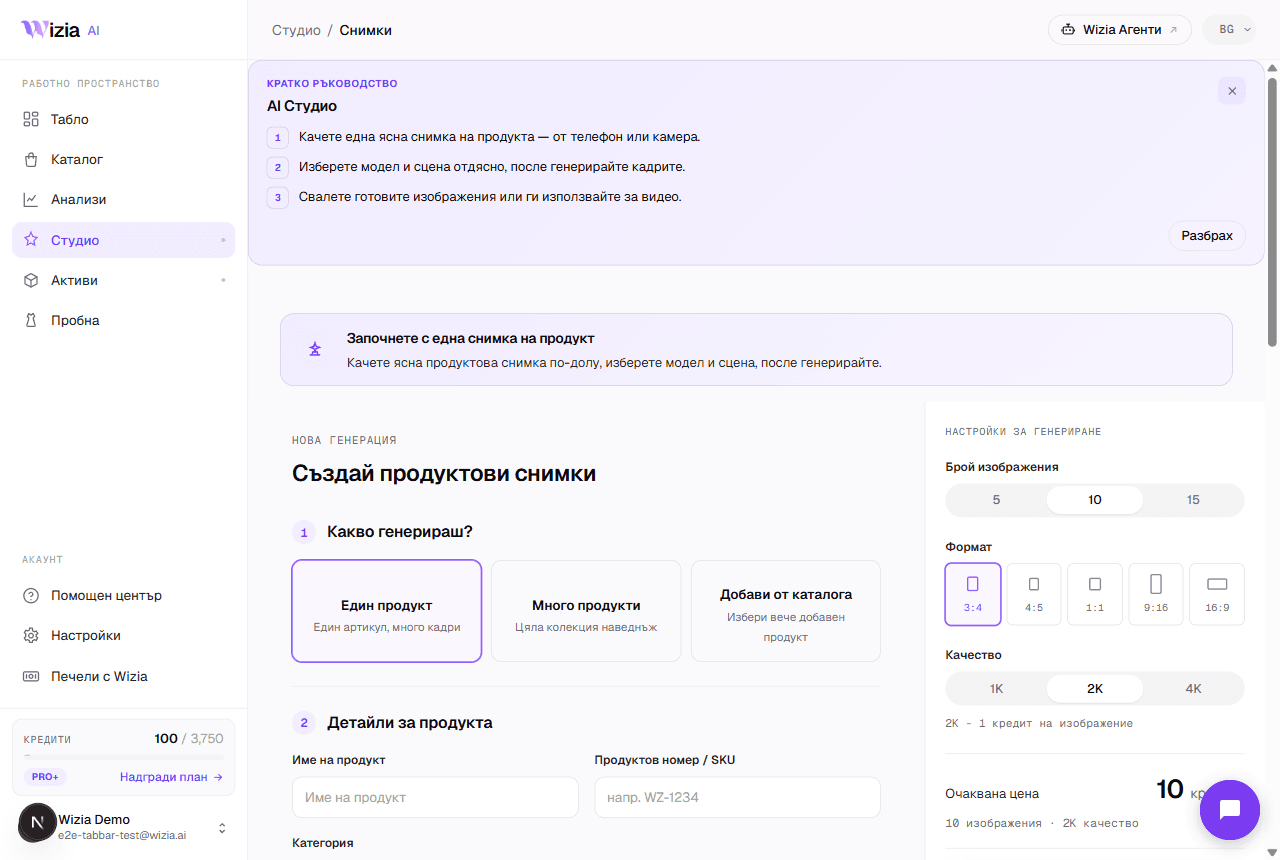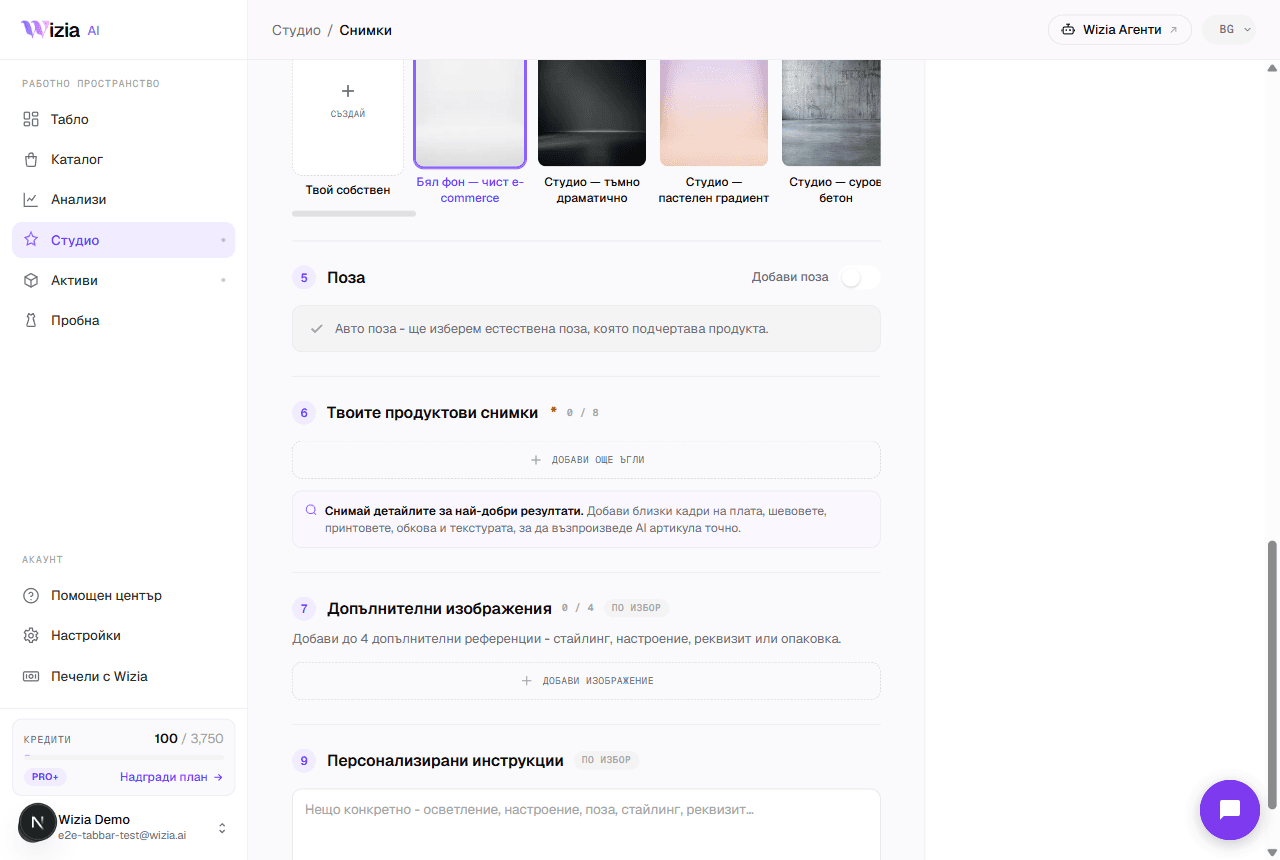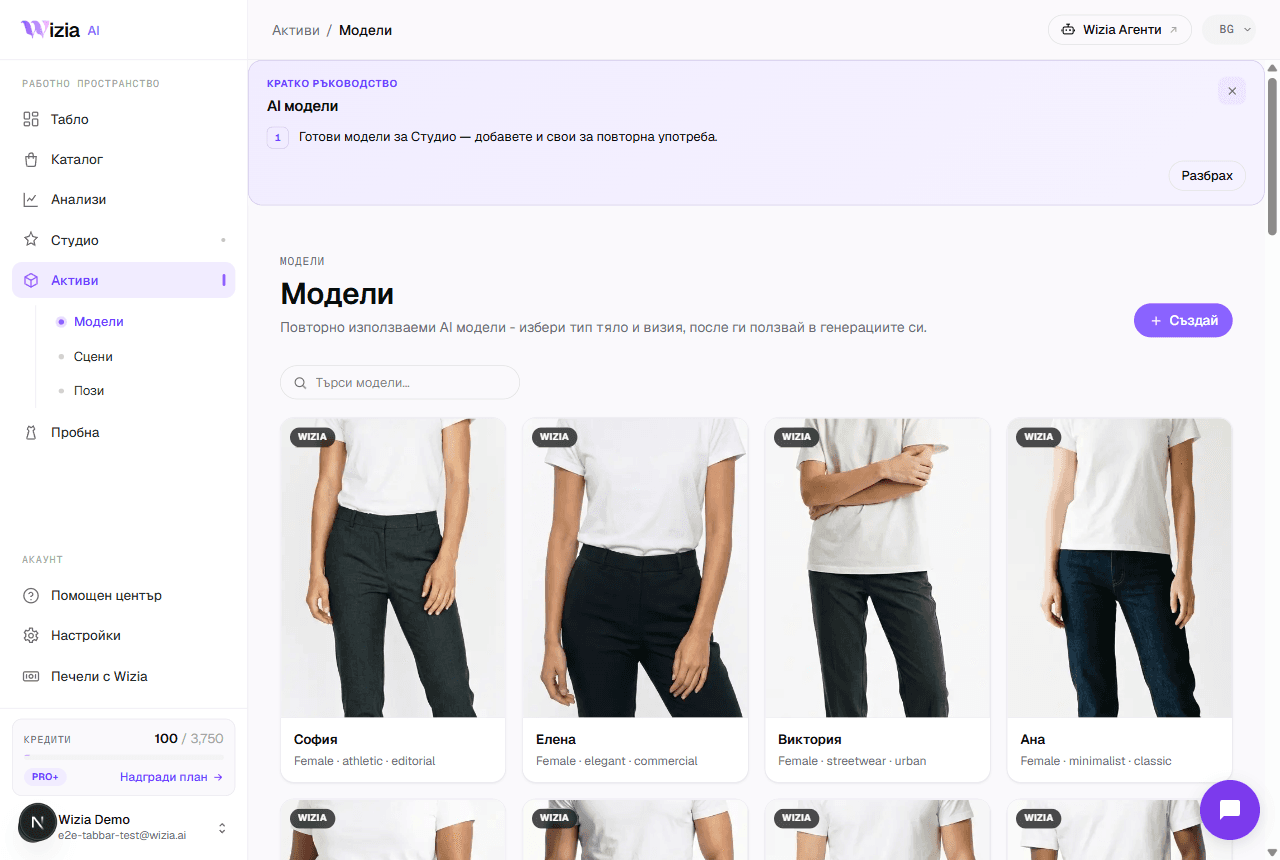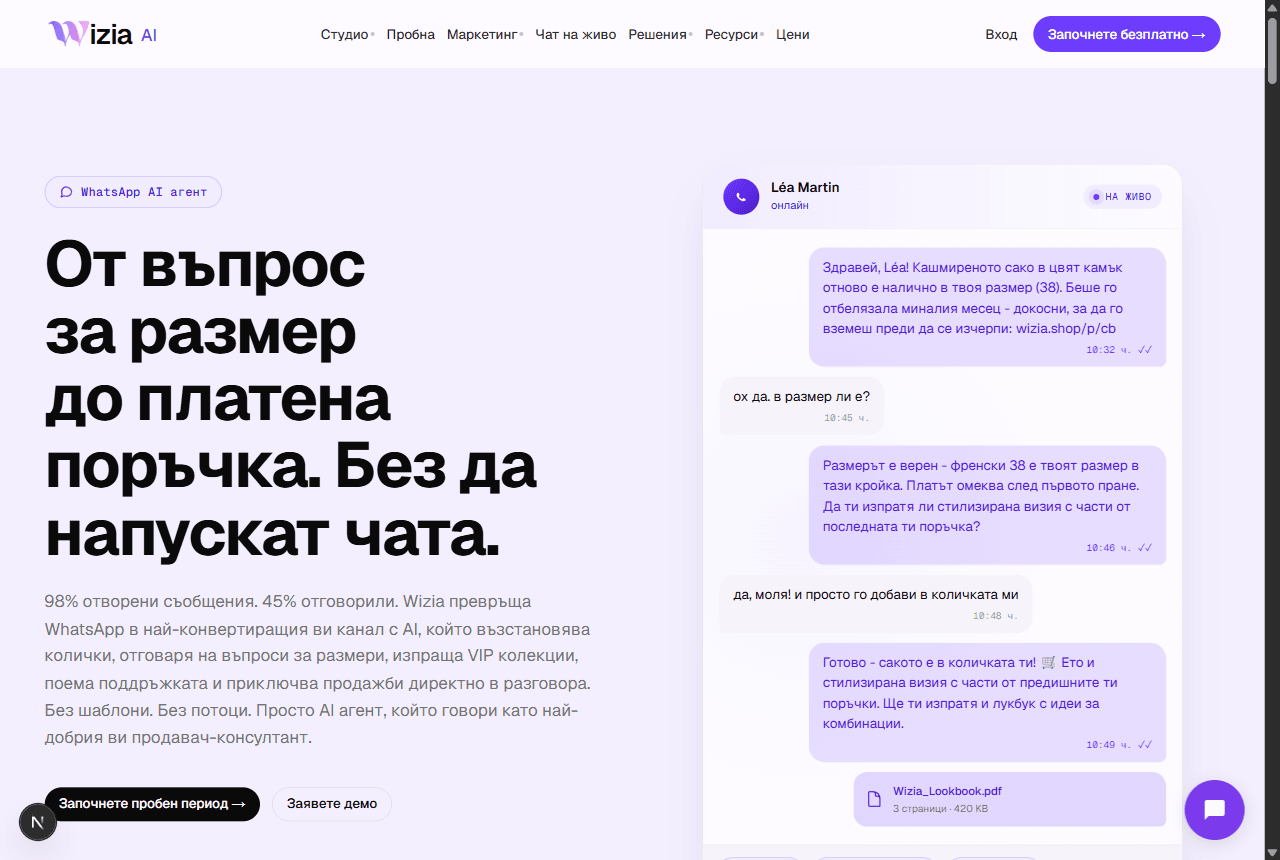
Beyond the visual studio, Wizia also offers AI agents for sales and marketing: they write and reply on your behalf on LinkedIn, over email, on WhatsApp, and in your website's live chat. The agents are a big enough product that they run on their own platform: agents.wizia.ai, with its own campaigns, inbox, and analytics. Your Wizia account is the entry point to both.
What the WhatsApp agent can do
The agent runs on the official WhatsApp Business API: you connect your business number and it takes over conversations on your behalf, around the clock.
Automatic replies and follow-ups
Personalized messages to customers and leads 24/7, including reminders after the first contact.
Answers about your products
The AI recognizes customer intent, answers catalog questions, and recommends products. When needed, it hands the conversation to a human.
Approved templates and rich media
Works with Meta-approved templates with dynamic variables, and sends photos, PDF offers, and interactive buttons.
Compliance built in
Automatic consent management (opt-in/opt-out), respect for WhatsApp's 24-hour window, and GDPR compliance.
How to get started
The app's top bar has a “Wizia Agents” button: it opens agents.wizia.ai in a new tab. You can also go to the address directly. All setup (connecting the WhatsApp Business number, templates, and the agent's behavior) happens inside the agents platform, where a wizard walks you through the steps.
Tip: Have access to your company's WhatsApp Business account ready: the connection goes through Meta and requires rights over the business number.
Where to get help
If you get stuck connecting the number or getting templates approved, email support@wizia.ai: the team supports both platforms and replies within one business day.