Not every frame comes out perfect on the first try: that's why every frame in a session can be regenerated. You describe what should change, and we create a new version of the same frame while keeping the product, the scene, and the model's face.
When regeneration is free
The first regeneration of a frame is free
Each frame gets one free regeneration: up to 3 free regenerations per session in total.
On Pro and above: no limit
The Pro, Pro+, Business, and Enterprise plans include unlimited free regenerations.
After that, you pay the price of one frame
A paid regeneration costs the same as a new image at your chosen quality: see the pricing below.
Quality and cost
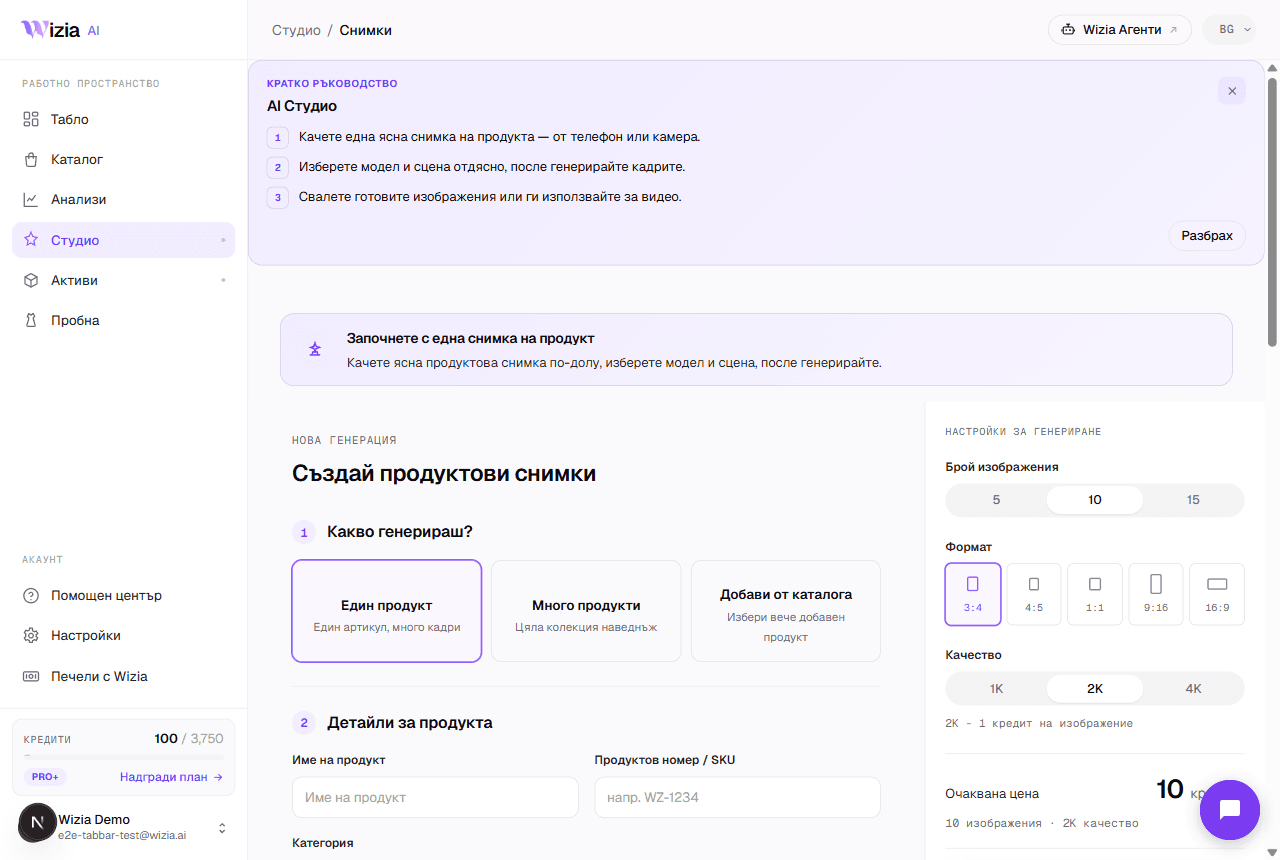
You pick the quality when creating the session, and it applies to regenerations too: 1K and 2K cost 1 credit each, and 4K costs 2 credits. As a rule of thumb: 1K is enough for quick drafts and previews, 2K is the standard for product pages, and save 4K for large visuals where every detail matters. If a generation fails for a technical reason, the credits are refunded automatically.
How to describe the change
Describe only what should change
“Make the background brighter” works better than retelling the whole scene: the rest is preserved automatically.
Be specific
“The pocket logo must be clearly readable” beats “fix the details”.
Attach a reference photo when needed
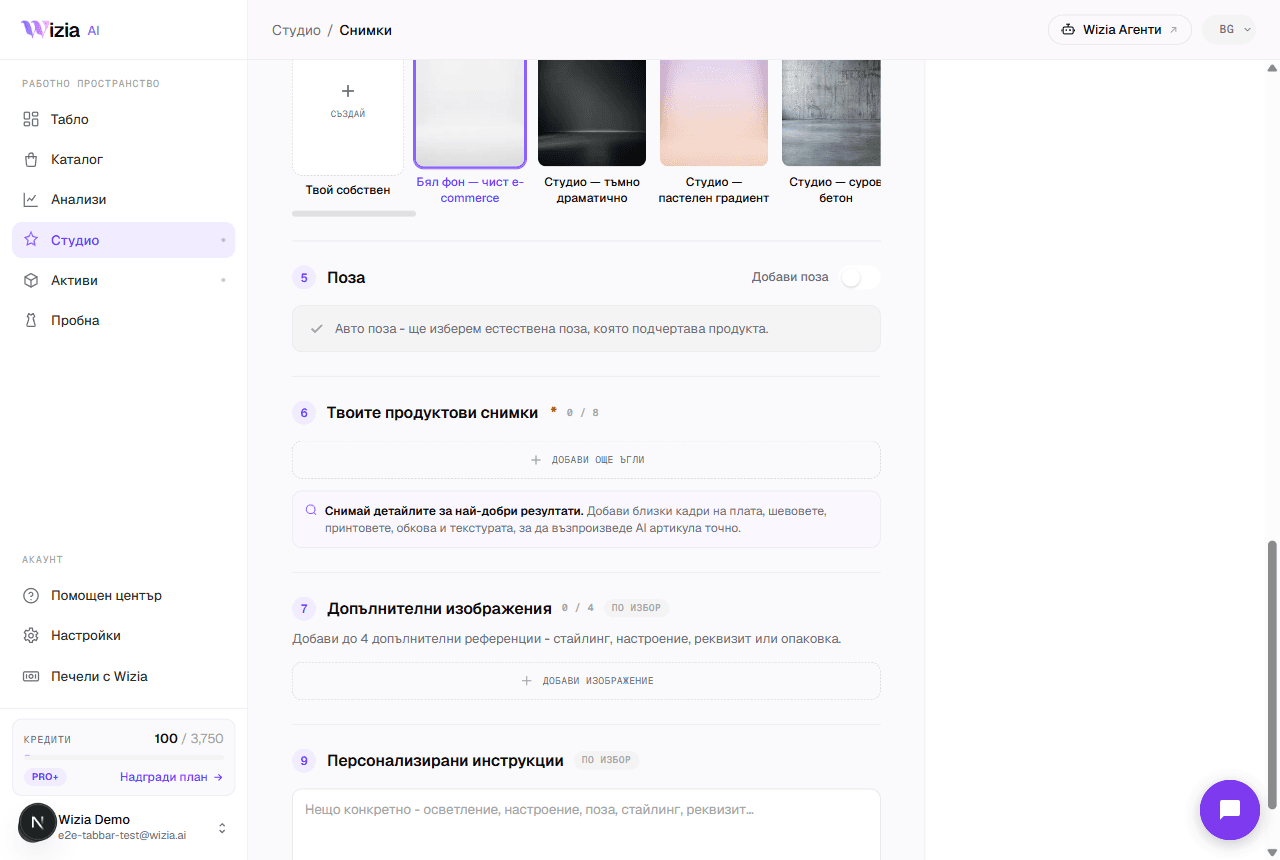
If a product detail keeps getting lost, add an extra photo of exactly that detail to the regeneration.
Tip: The first frame of the session acts as the anchor for the model's face: regenerate it first if you're unhappy with the model, and only then move on to the other frames.