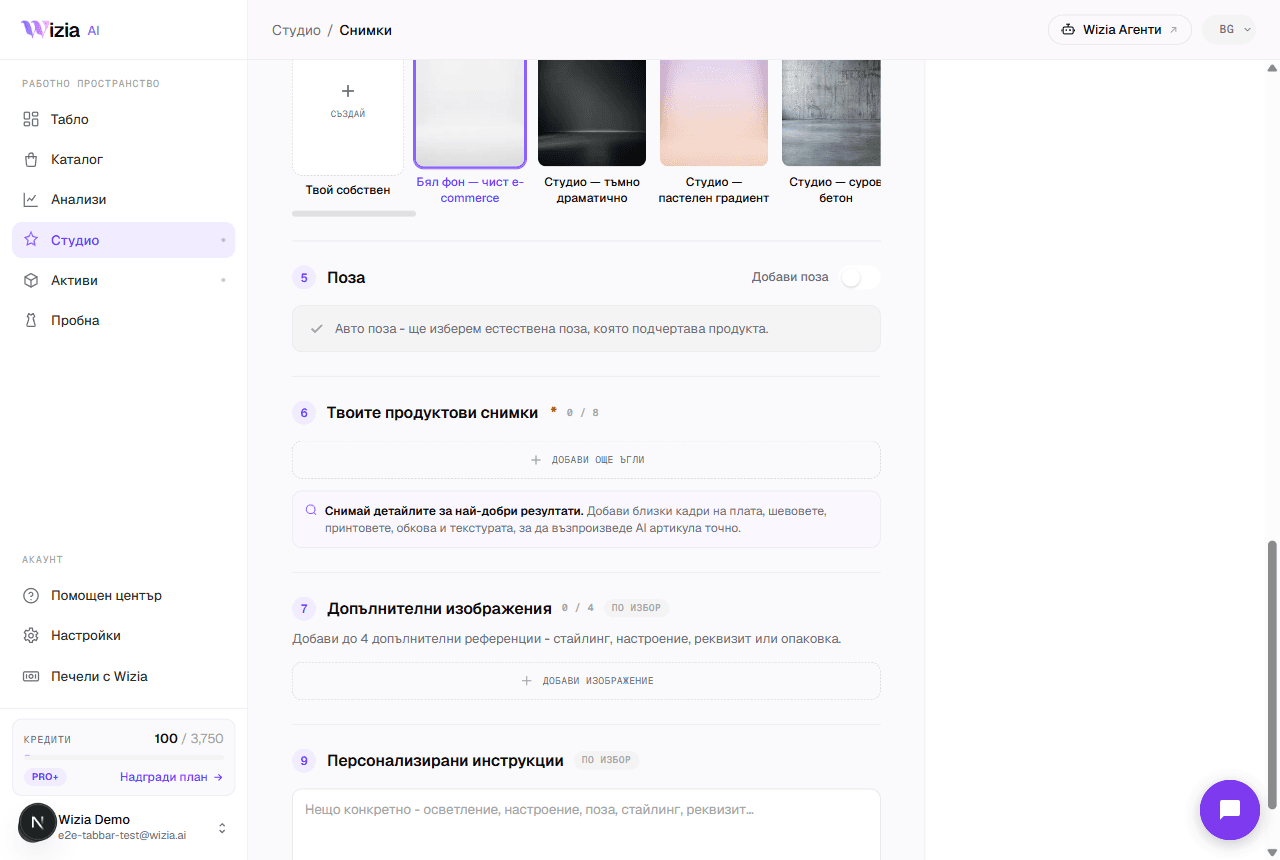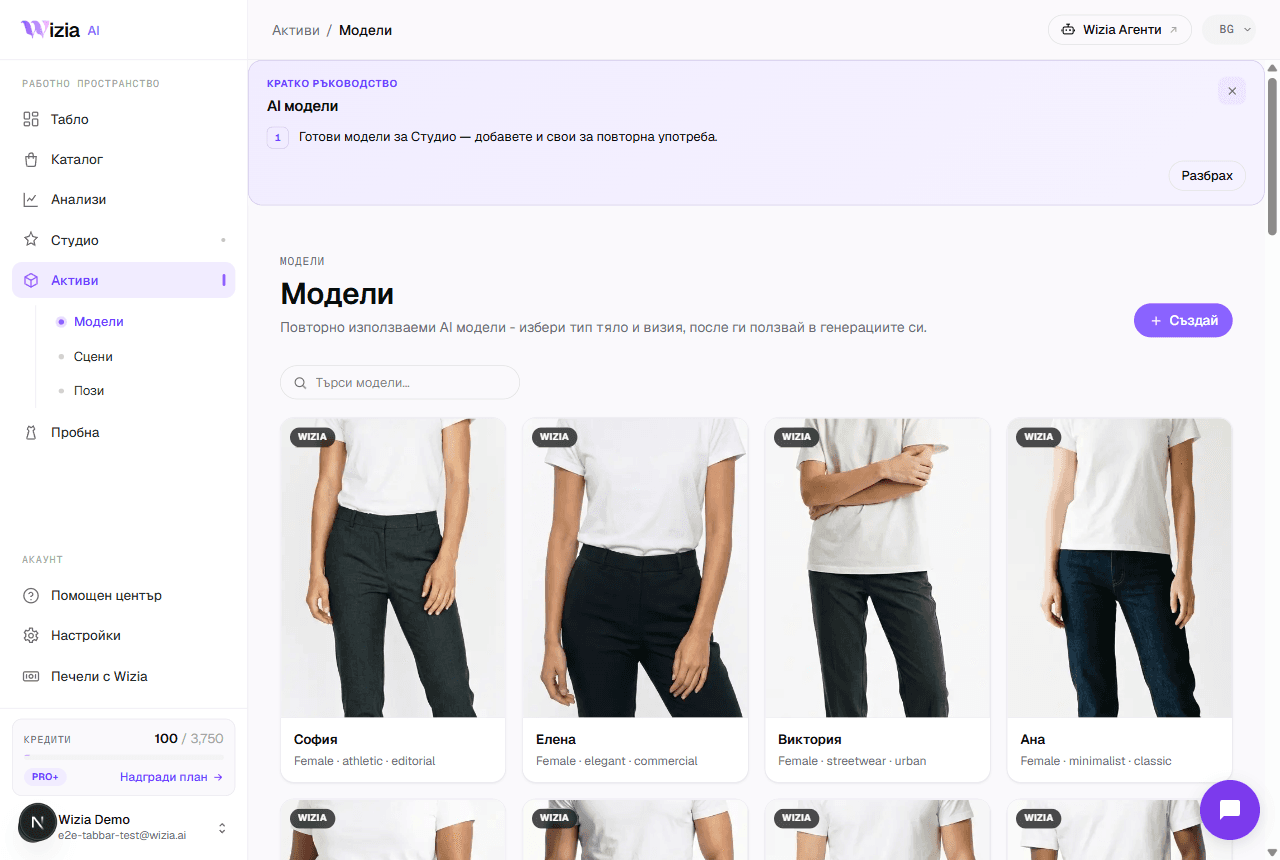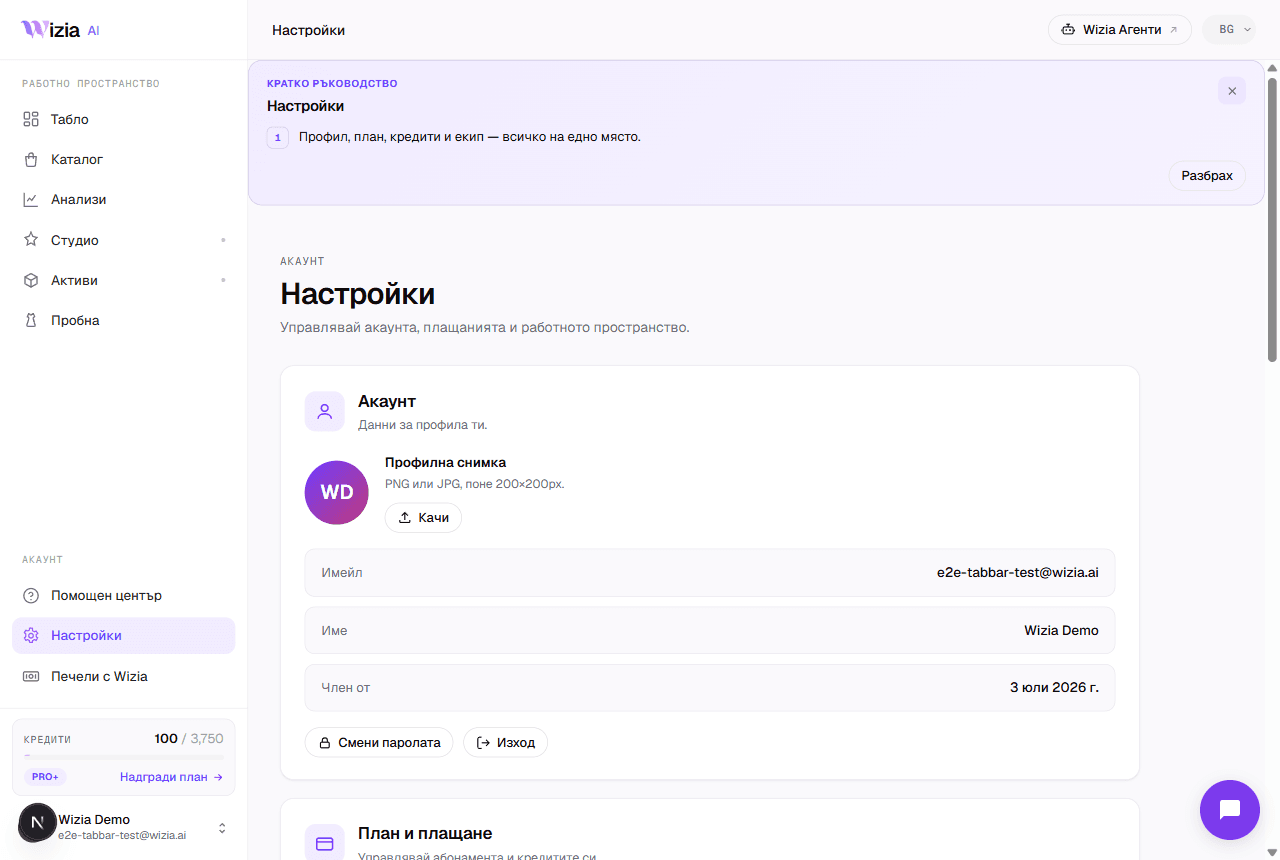
Everything in Wizia runs on credits (one currency for photos, videos, and 360° spins. When you sign up and confirm your email you get 20 free starter credits to try the platform, no card required. Create your first shots or get try-on working on your site within 48 hours of confirming, and we add 30 more) once per account; bonus credits don't expire. Your balance is always visible in the app sidebar and on the Plans page.
What a generation costs
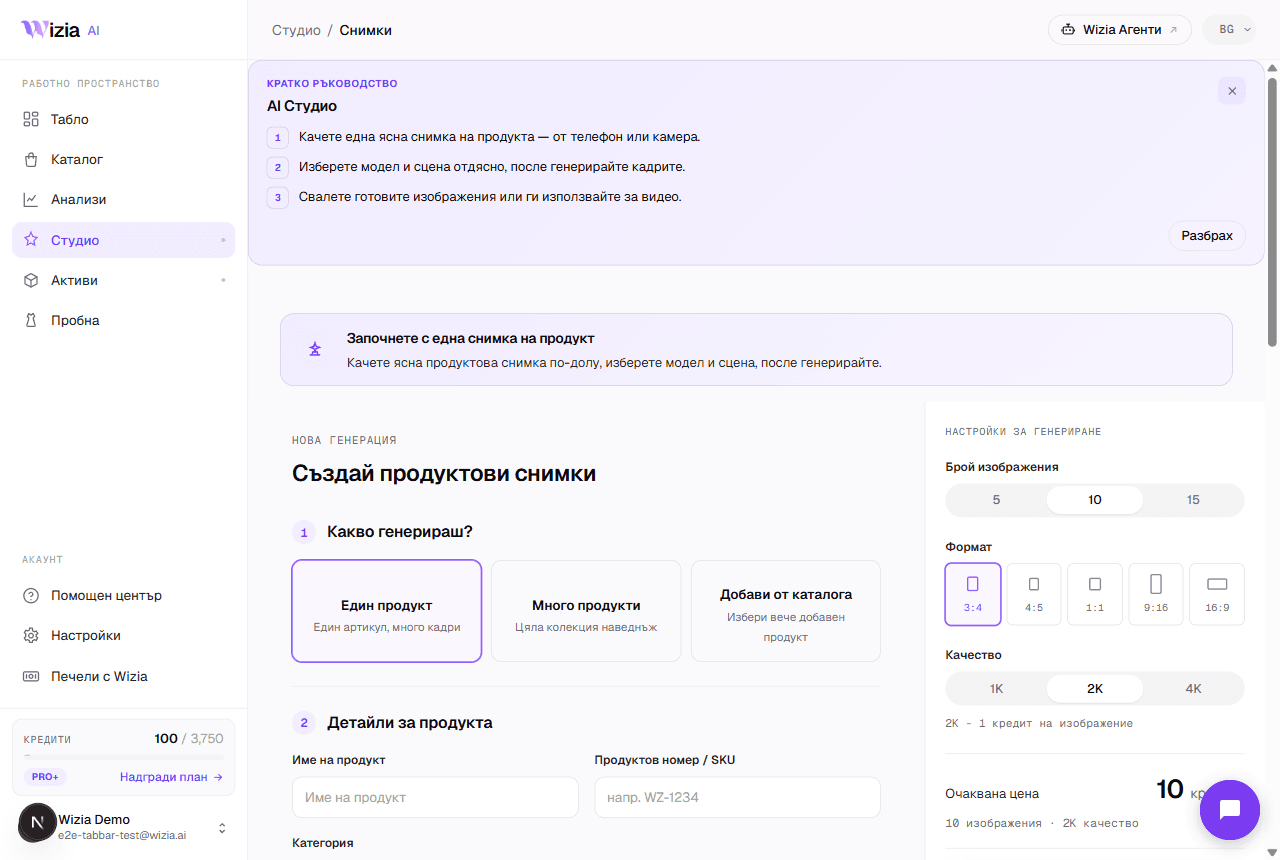
Photo: 1 to 2 credits
The price depends on the quality you pick in the Studio form: 1K and 2K cost 1 credit each, 4K costs 2 credits. A full shot pack for one product is around 15 images, so about 15 credits.
Video: 35 credits
An AI video of your product. The heavier processing makes it the most expensive generation.
360° spin: 18 credits
A full product rotation, available from the Pro plan up.
What the plans include
The Free plan gives you 20 starter credits once, when you confirm your email: they do not renew monthly. Paid plans start at €20/month: Starter (150 credits/month, full resolution), Pro (750 credits, 360° view, unlimited regenerations, priority queue), Pro+ (2,300 credits, custom scenes), Business (3,800 credits, API access), and Enterprise (8,000 credits). Prices exclude VAT.
Tip: Monthly plan credits don't roll over to the next month: the monthly allowance starts fresh on every renewal, while top-up credits stay. Pick a plan that matches your real monthly volume.
Upgrading, billing, and cancelling
Upgrade from Plans in the app (/app/plans): pick a plan and pay through Stripe. The same page is where you change your card via the billing portal and cancel the subscription. After cancelling, the plan stays active until the end of the paid period, then you drop to Free.
Account details (email, password, and notifications) are under Settings (/app/settings). For invoice or payment questions, email support@wizia.ai.