Center za pomoč
Navodila in odgovori.
Vodiči po korakih za Studio, virtualno pomerjanje, agente in vaš račun, opremljeni s posnetki zaslona neposredno iz orodja.
⌘K
Vsi vodniki.
13 vodnikov
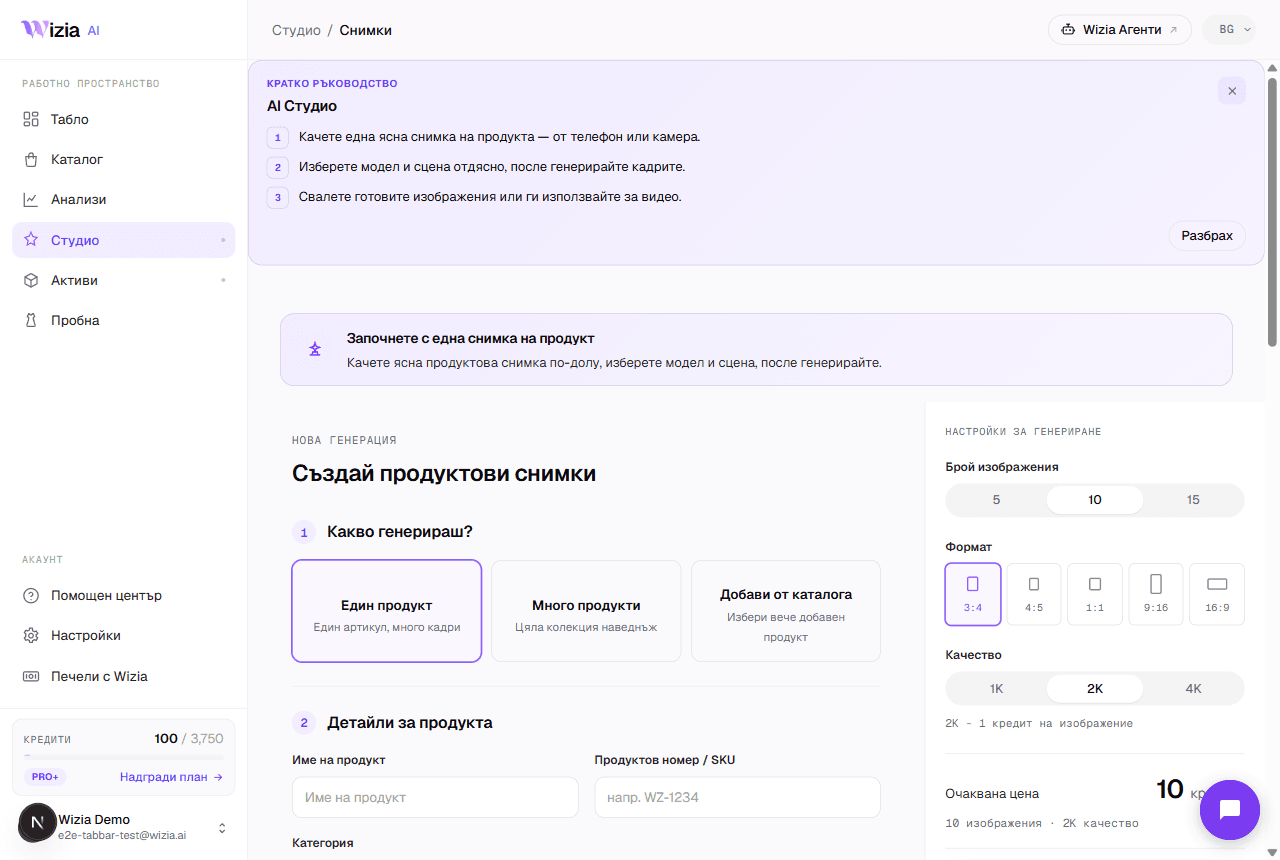 Getting started with the StudioFrom a phone photo to finished product shots with an AI model: the full walkthrough of your first generation.4 min
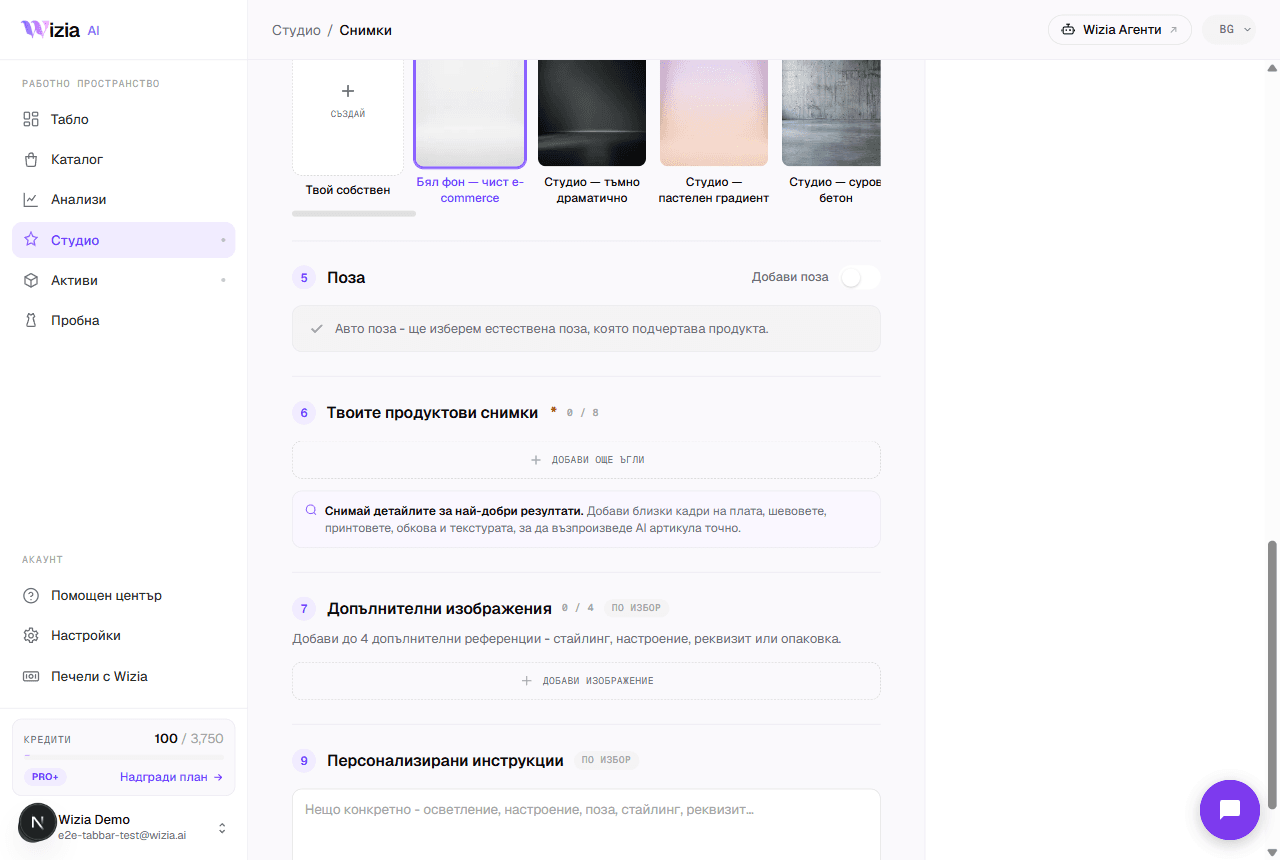 Uploading product photos for the best resultsThe AI is only as good as the photos you give it. How to shoot your product with a phone: light, background, angles, and formats.3 min
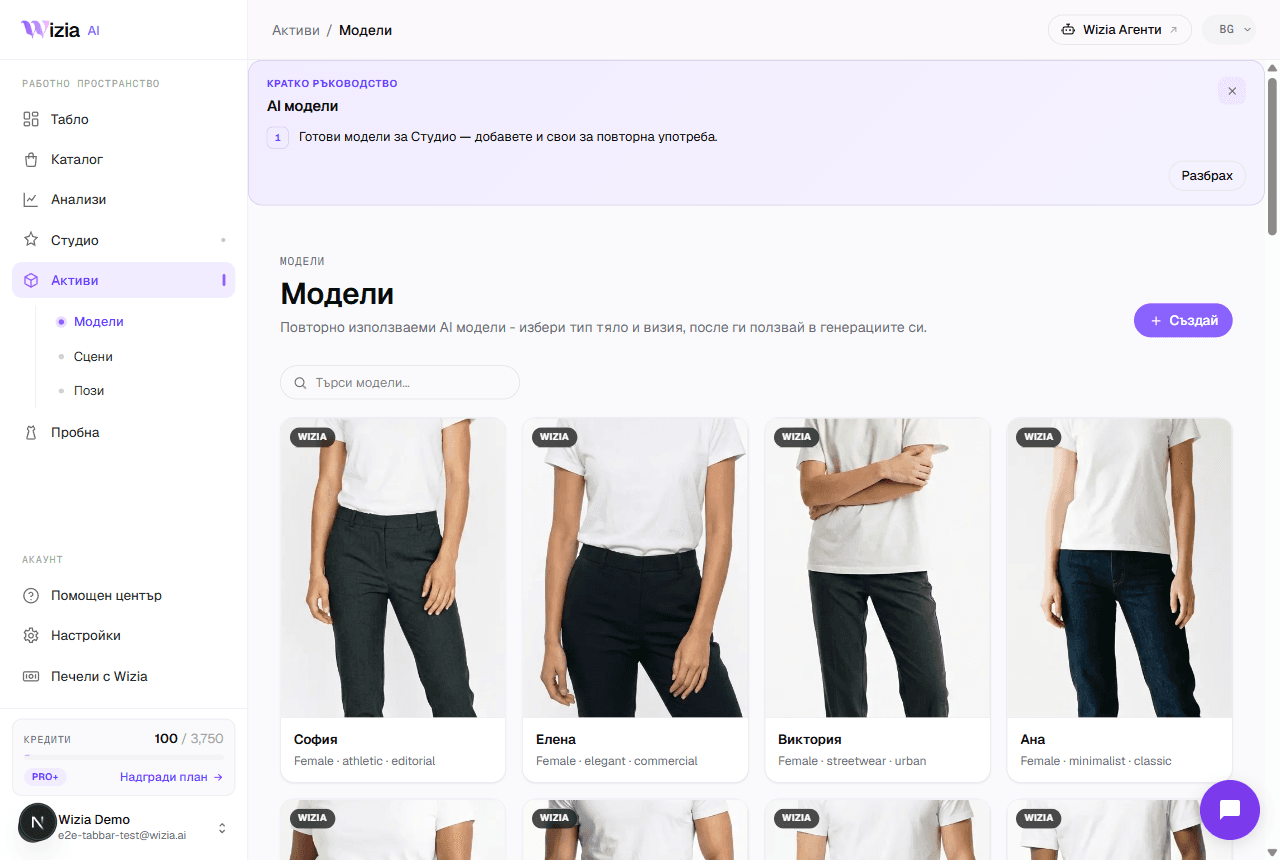 Custom models, scenes, and posesCreate your own AI model, scene, or pose for your brand. A two-step wizard with a preview before saving. Available on Pro+ plans and up.4 min
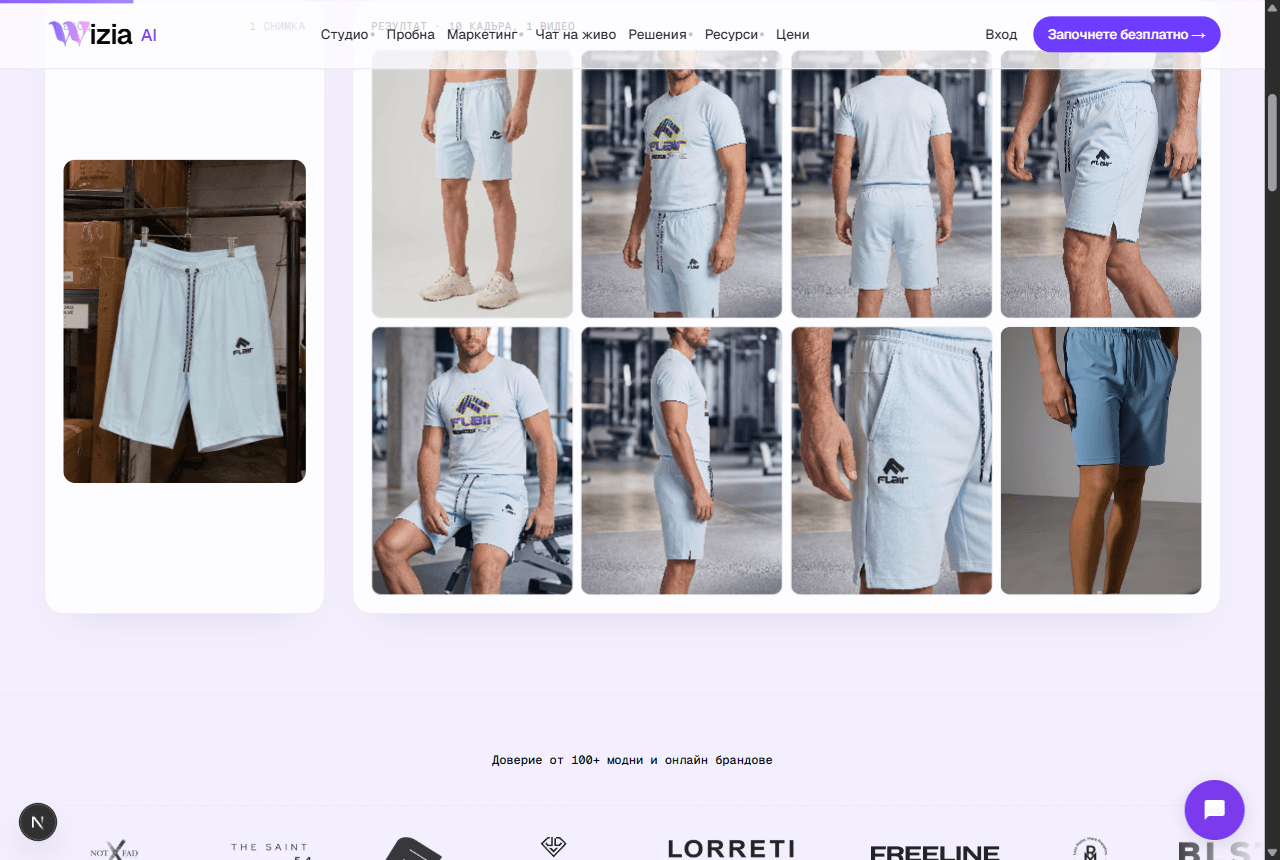 Exporting and uploading photos to your storeHow to download your finished shots and add them to Shopify or WooCommerce, plus ideas for the AI video on Reels and TikTok.4 min
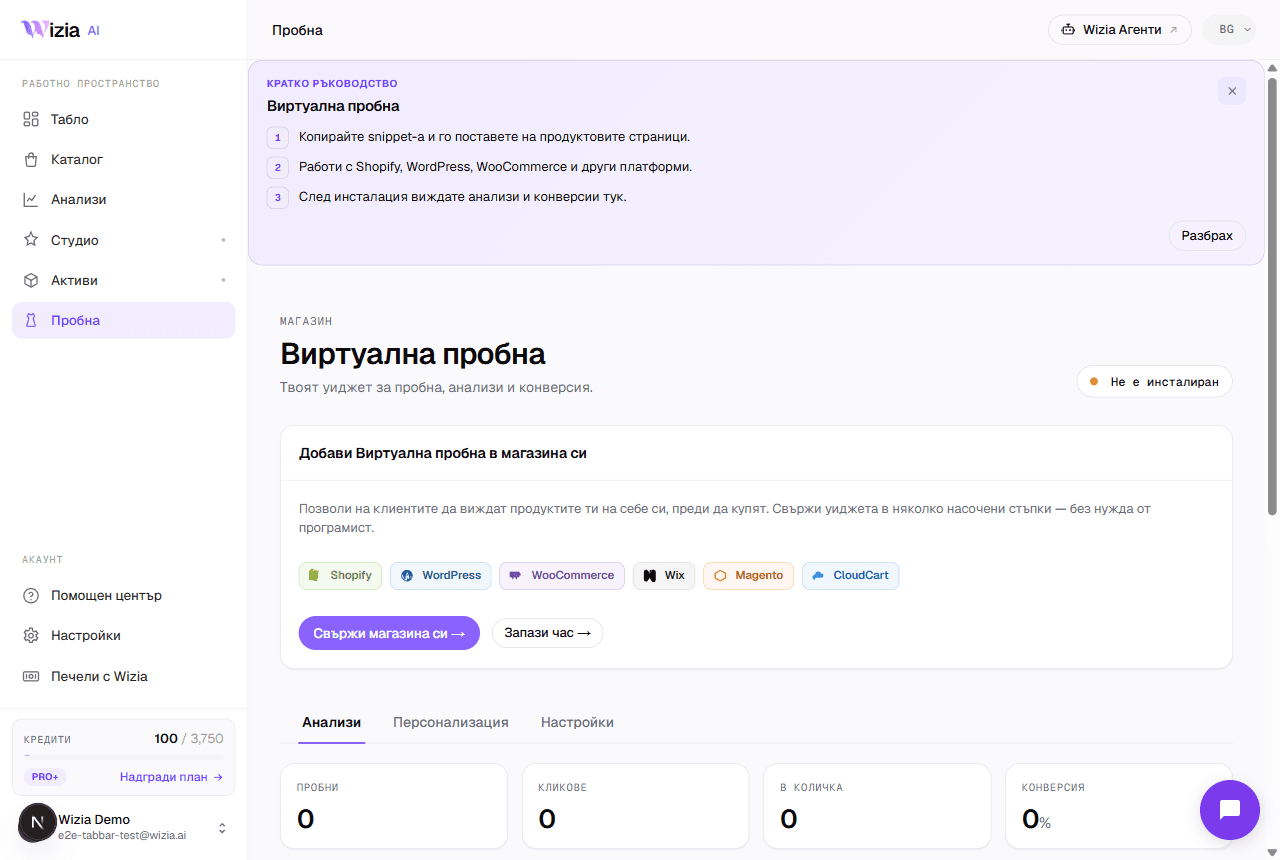 Installing the Virtual Try-on on your storeConnect the widget to Shopify, WooCommerce, Wix, Magento, or a custom site in under 5 minutes, with an automated check.5 min
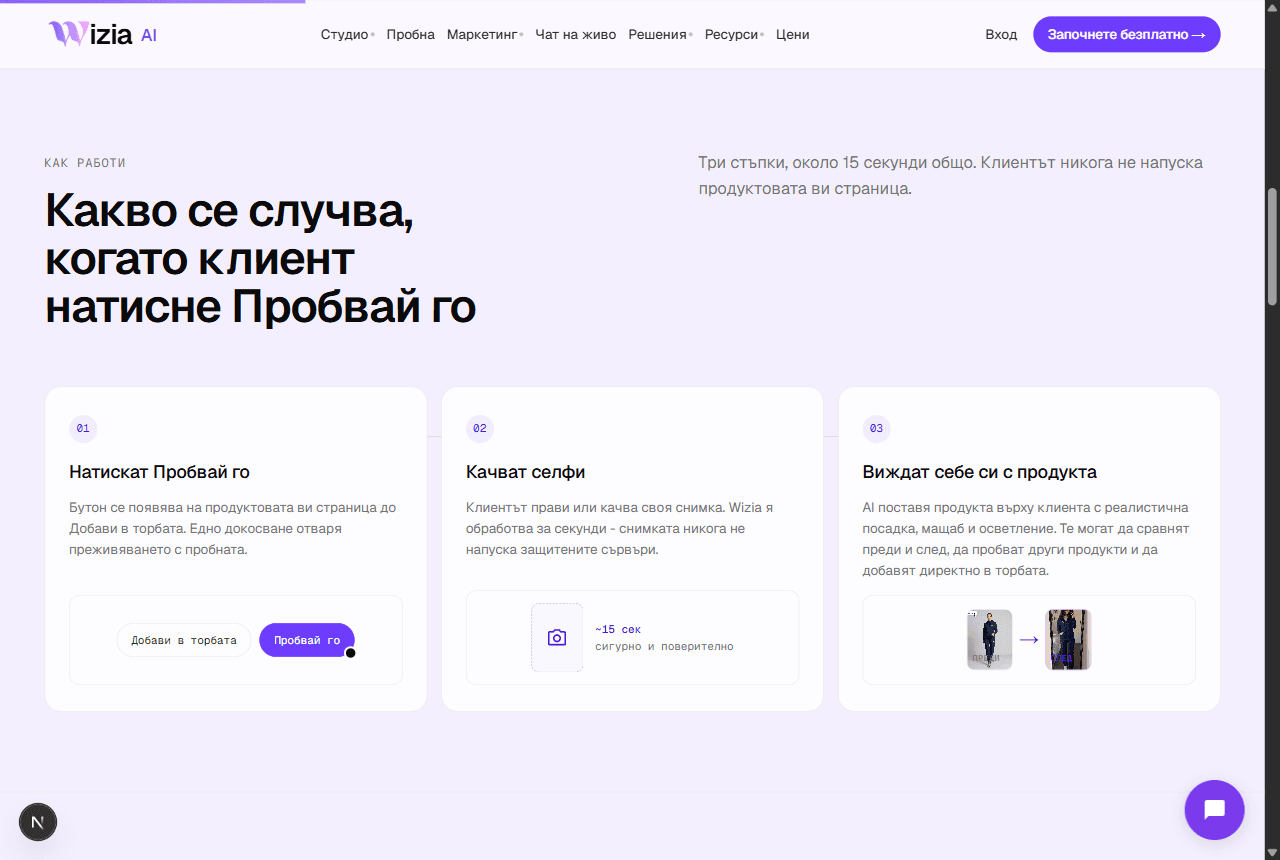 Why the try-on widget isn't showingThe most common reasons the try-on button is missing from product pages, and how to fix them.4 min
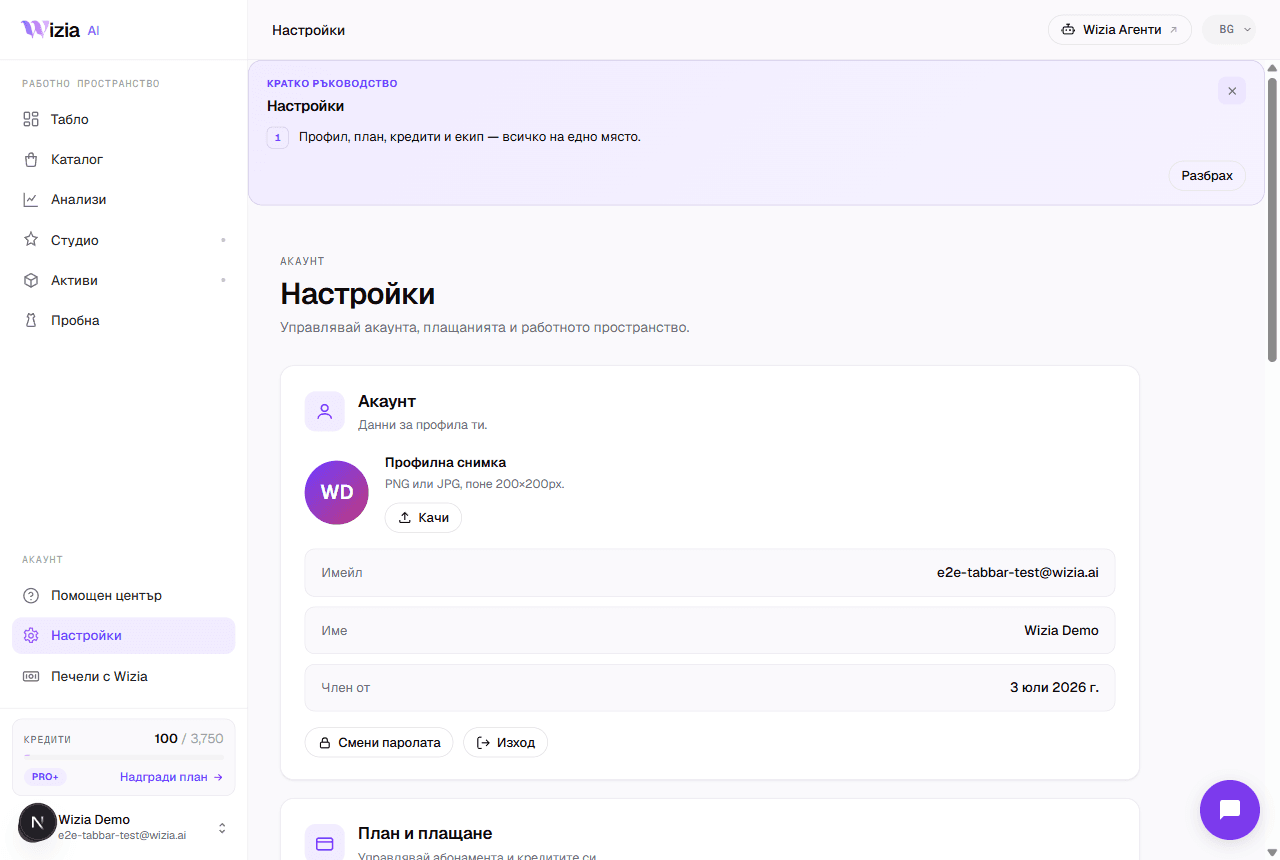 Credits, plans, and billingWhat each generation costs in credits, what the plans include, and how to change or cancel your subscription.4 min
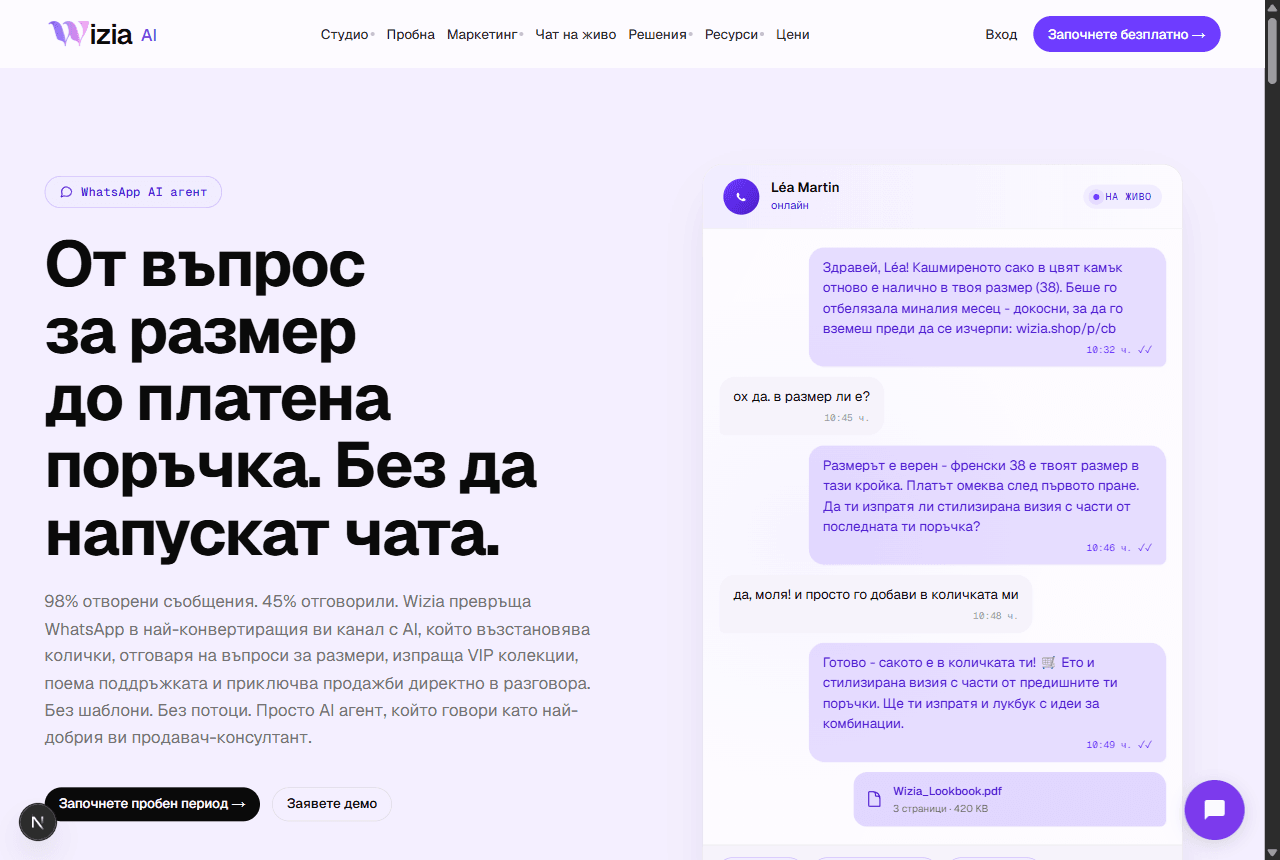 Connecting WhatsApp Business and Wizia AgentsWhat the AI sales agents are, why they live on their own platform, and how to launch your WhatsApp agent.5 min
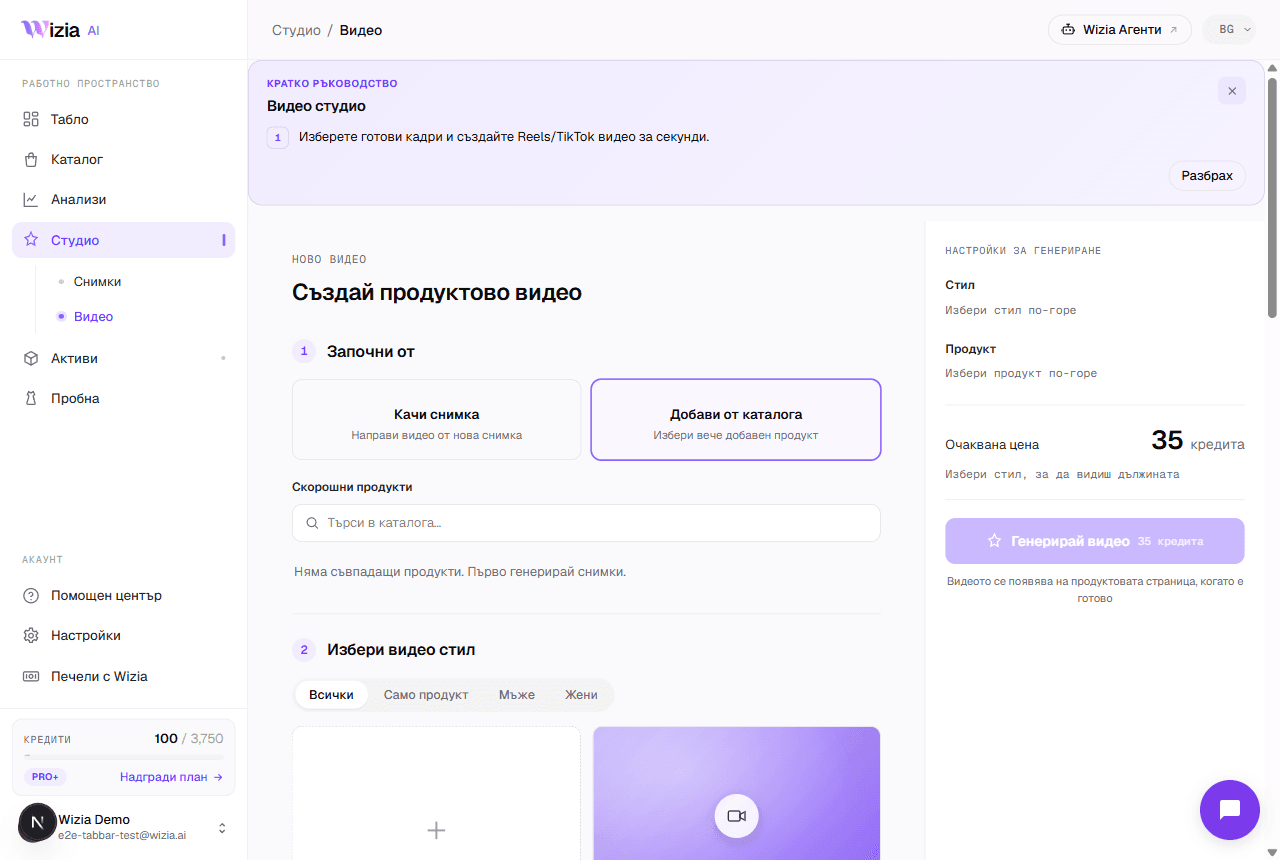 AI video from your product photosTurn a finished catalog product into an 8-second vertical video for Reels and TikTok, with a choice of style and model.4 min
- Regeneration and image qualityWhen regeneration is free, what it costs afterwards at 1K, 2K, and 4K, and how to describe the change to get a better frame.3 min
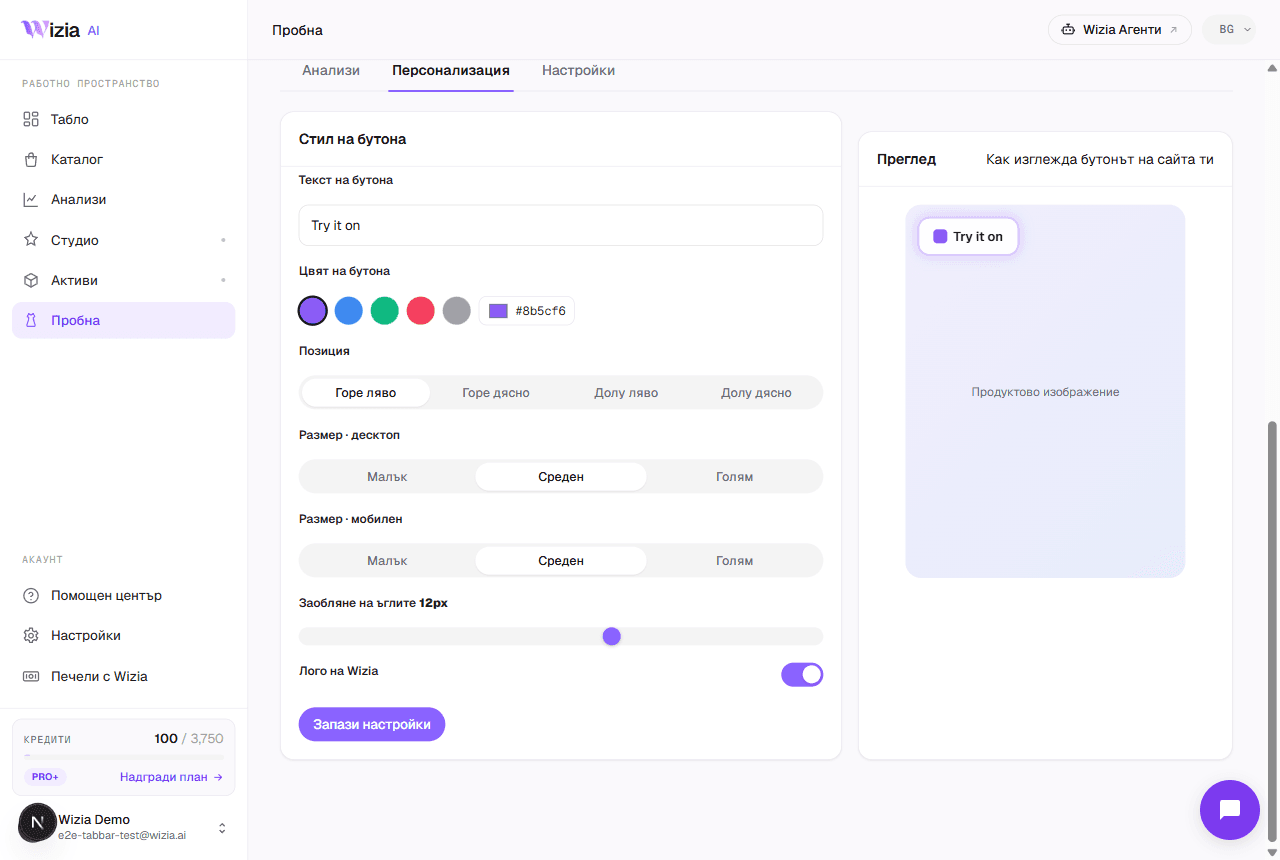 E-commerce platform integrationsWhere Wizia connects: the try-on widget on six platforms, photos and videos for any store, and AI agents with no installation.4 min
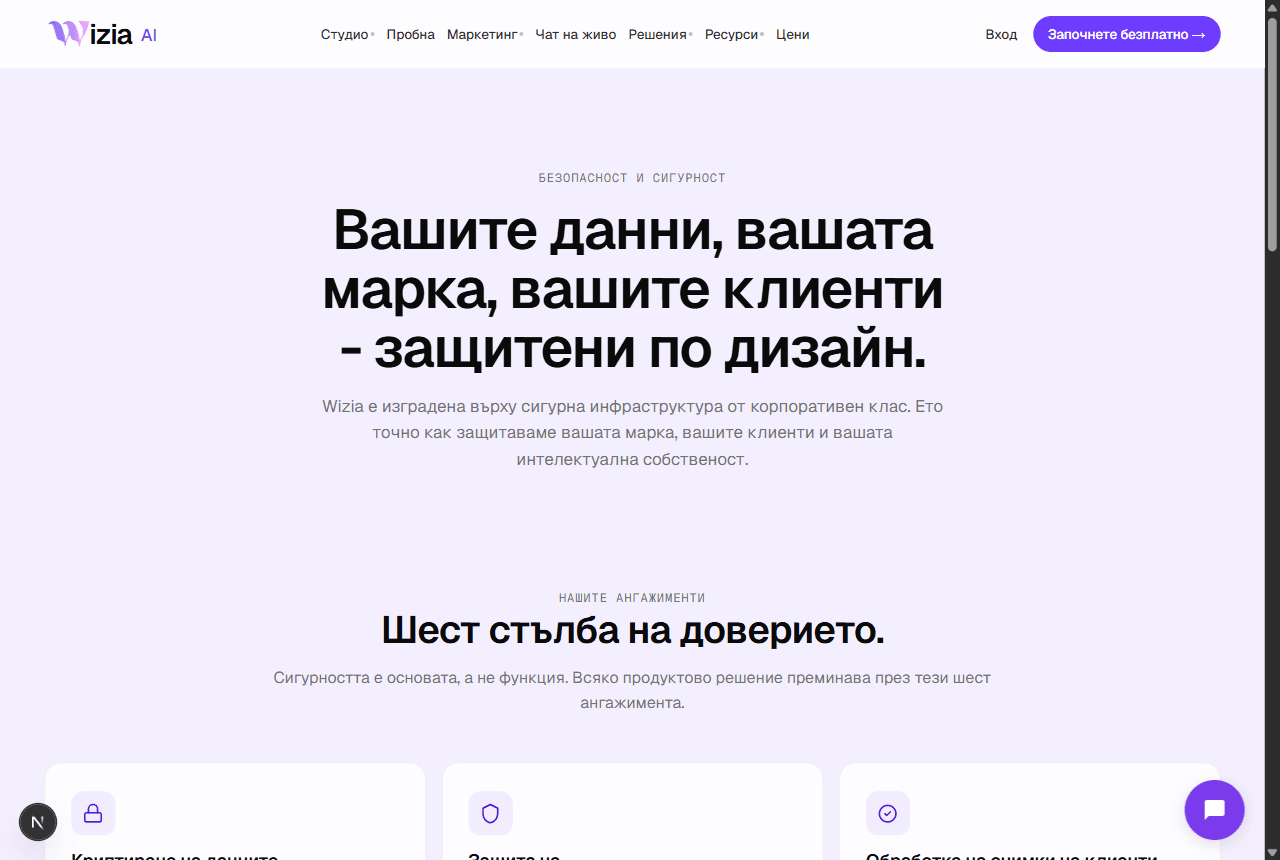 Security and personal dataWhere your data lives, how your uploads are used, and how to export or delete everything from Settings.3 min
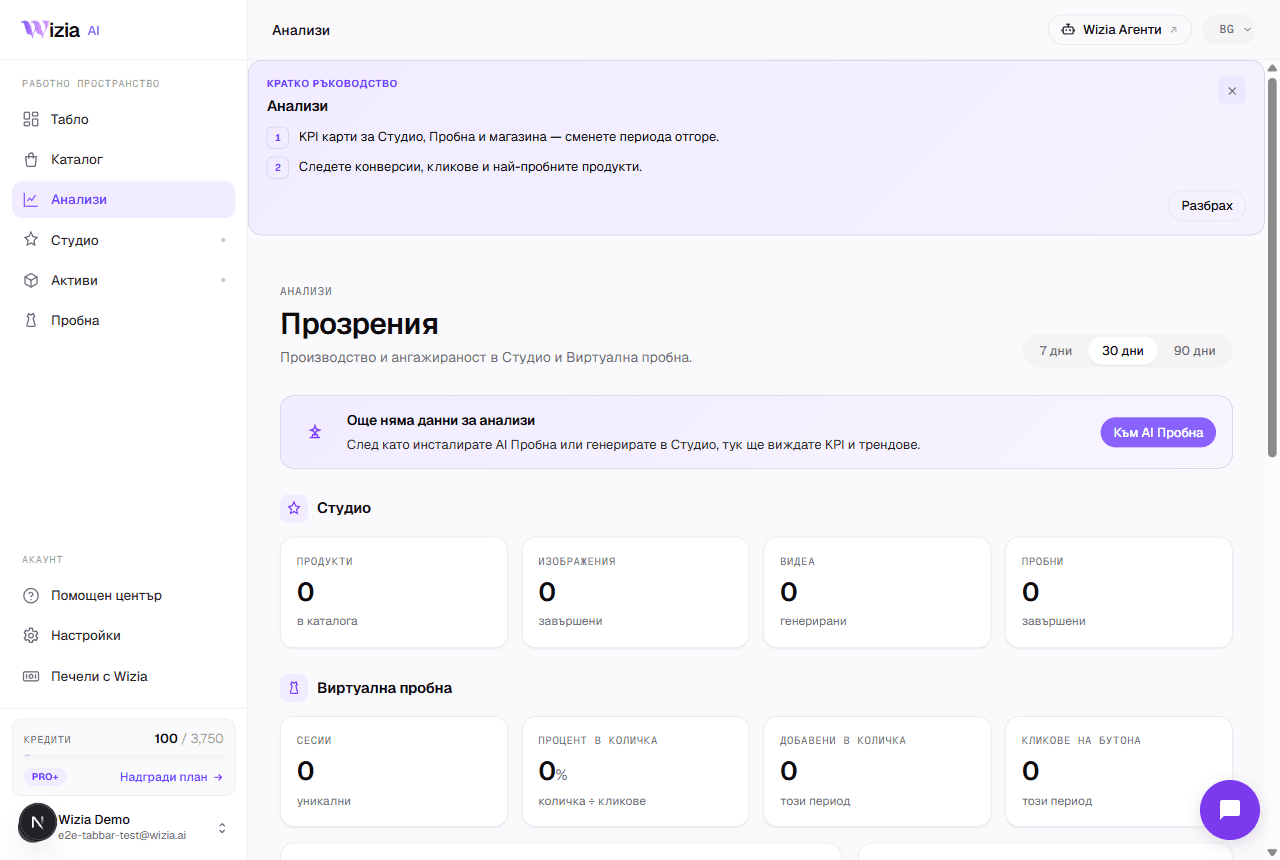 How to read your Try-on analyticsWhat each funnel stage means, where the numbers come from and why they can lag. Plus the Personalize and Settings tabs.4 min
Potrebujete pomoč?
Pišite nam ali rezervirajte 30 minut z našo ekipo.
- Podporasupport@wizia.ai
- ObrazecOdprite kontaktni obrazec
Pogosta vprašanja v centru za pomoč.
Ali za branje vodnikov potrebujem račun?
Ne. Vodniki so javni in brezplačni. Račun potrebujete le za uporabo same aplikacije.
Kako ažurni so vodniki?
Pri vsakem vodniku je naveden datum zadnje spremembe. Če se aplikacija razlikuje od posnetkov zaslona, nam to sporočite na support@wizia.ai.
Pozabil sem geslo. Kaj zdaj?
Na strani za prijavo kliknite povezavo za pozabljeno geslo in na vaš e-poštni naslov bomo poslali povezavo za ponastavitev. Če nimate več dostopa do tega predala, pišite na support@wizia.ai.
Se lahko pogovorim s kom iz ekipe?
Seveda. Rezervirajte 30-minutni klic ob terminu, ki vam ustreza, ali pa nam pišite prek kontaktnega obrazca.