Κέντρο βοήθειας
Οδηγοί και απαντήσεις.
Αναλυτικοί οδηγοί βήμα προς βήμα για το Studio, το virtual try-on, τους agents και τον λογαριασμό σας, με στιγμιότυπα μέσα από την εφαρμογή.
Όλοι οι οδηγοί.
13 οδηγοί
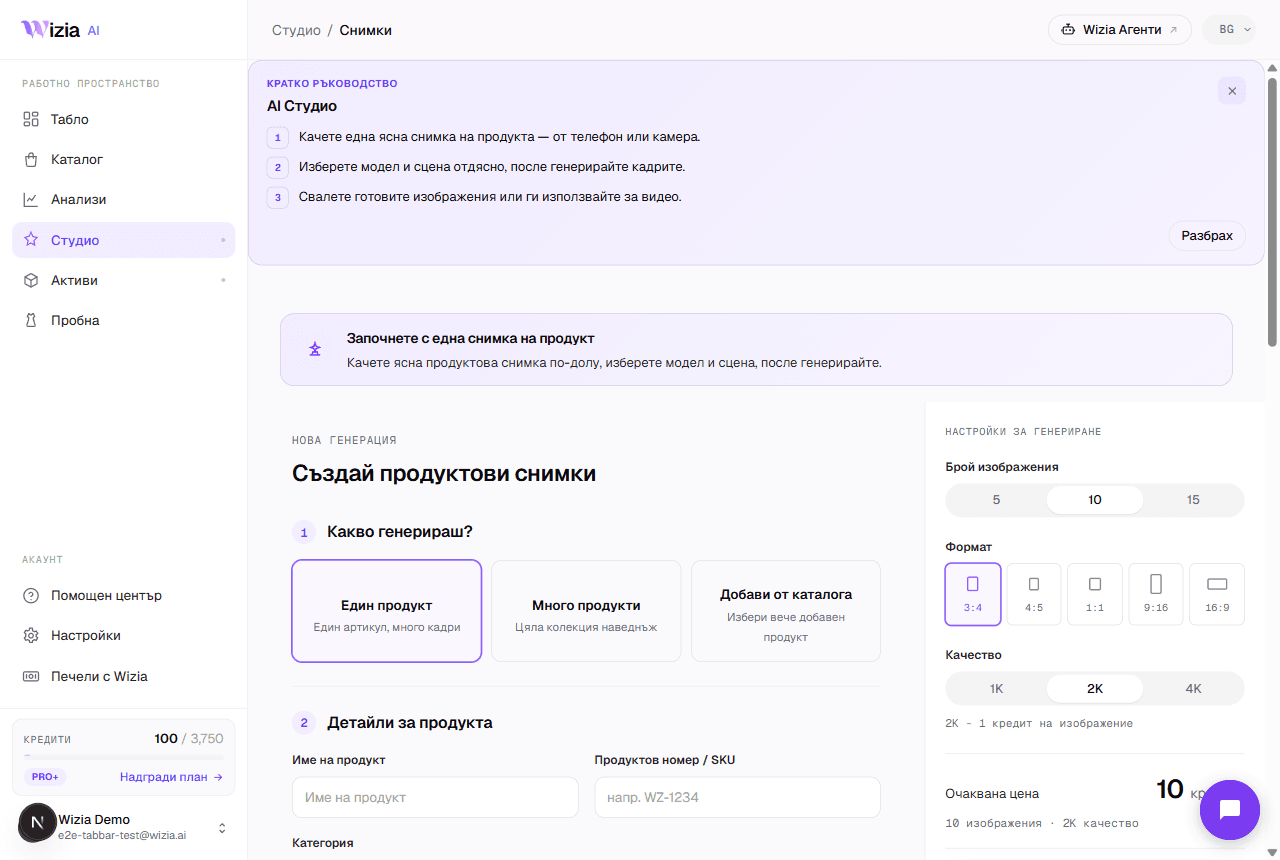 Getting started with the StudioFrom a phone photo to finished product shots with an AI model: the full walkthrough of your first generation.4 λεπτά
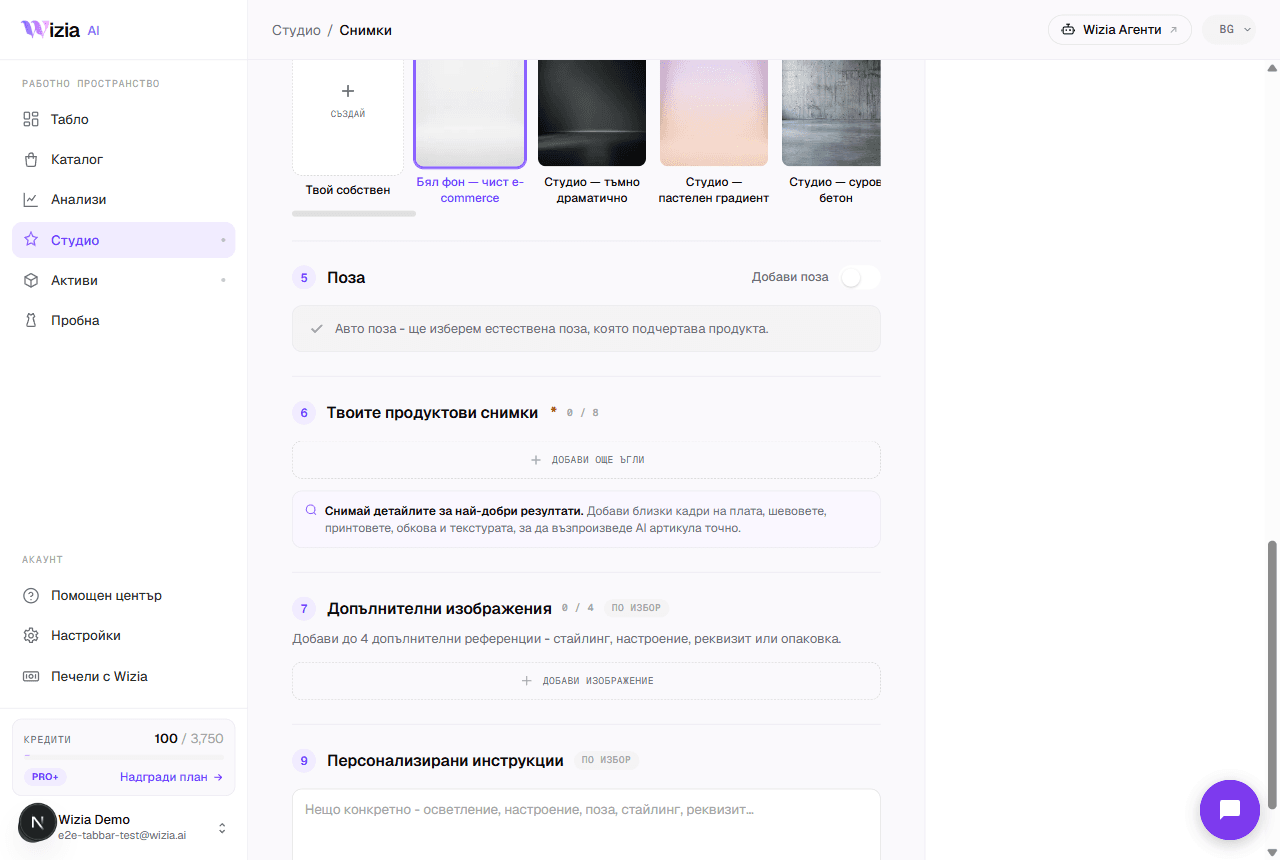 Uploading product photos for the best resultsThe AI is only as good as the photos you give it. How to shoot your product with a phone: light, background, angles, and formats.3 λεπτά
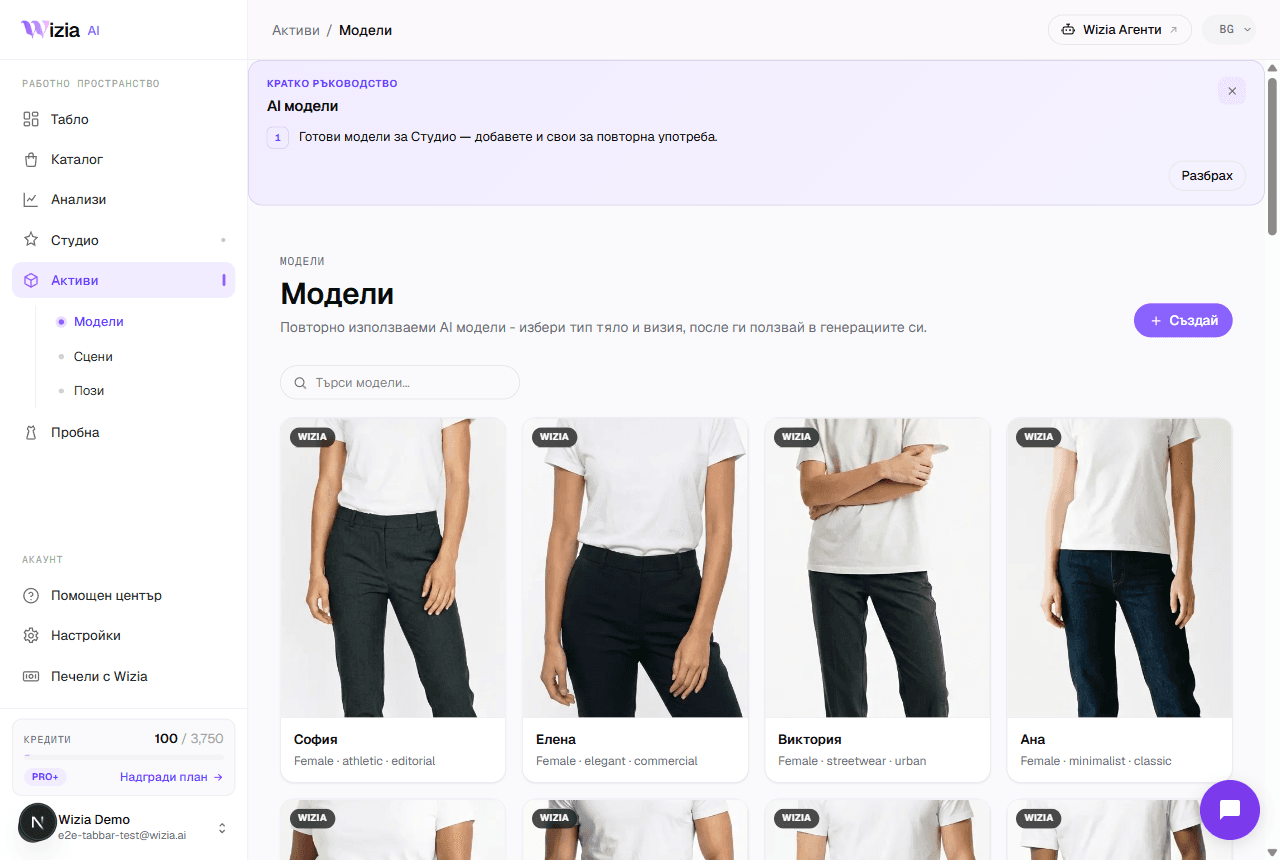 Custom models, scenes, and posesCreate your own AI model, scene, or pose for your brand. A two-step wizard with a preview before saving. Available on Pro+ plans and up.4 λεπτά
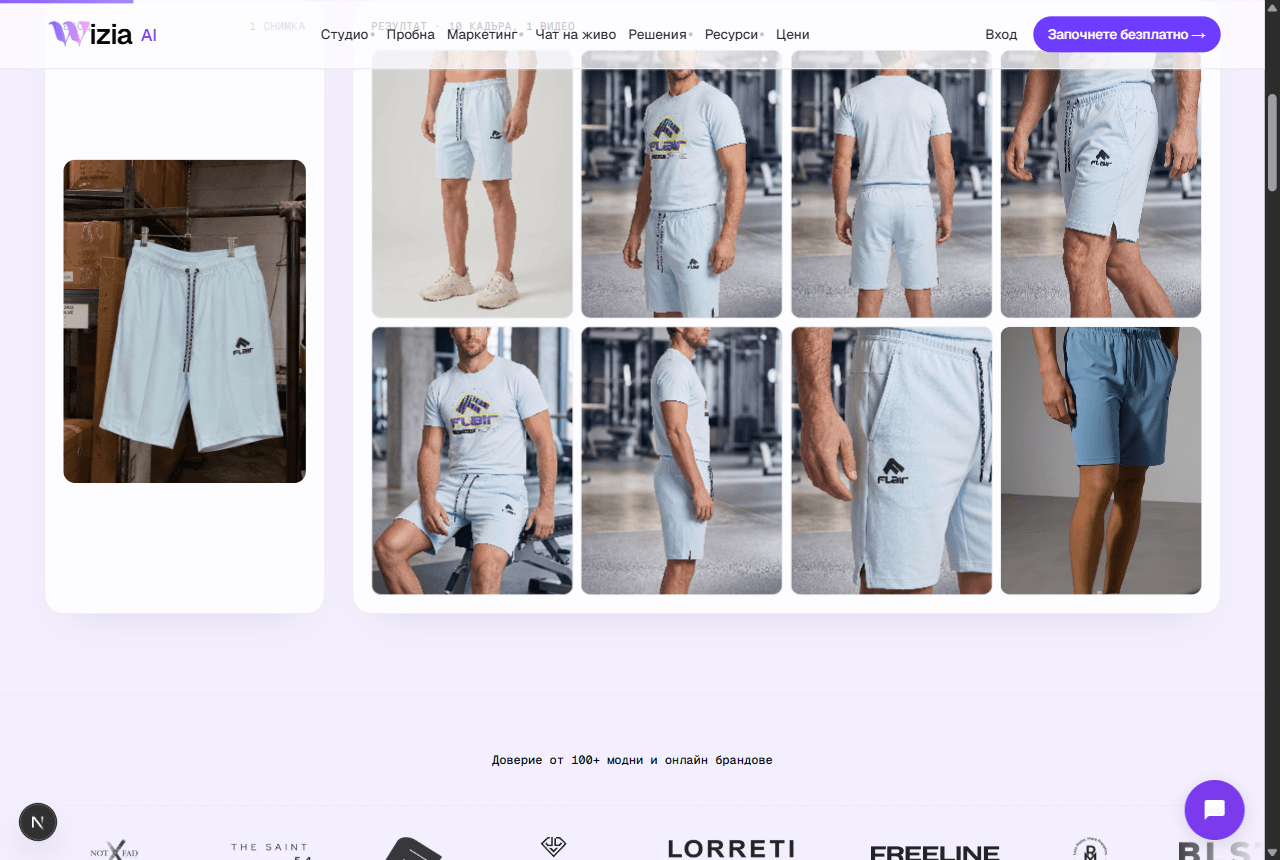 Exporting and uploading photos to your storeHow to download your finished shots and add them to Shopify or WooCommerce, plus ideas for the AI video on Reels and TikTok.4 λεπτά
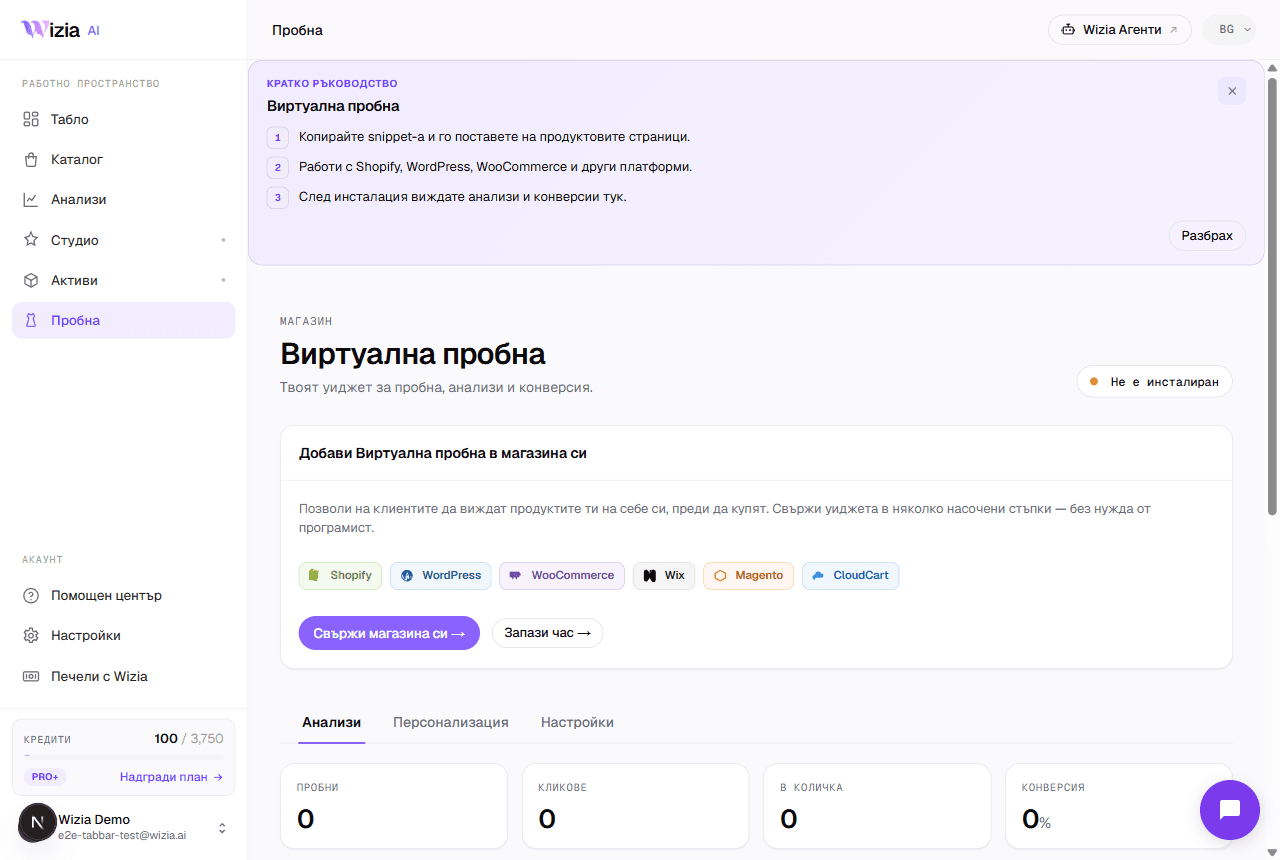 Installing the Virtual Try-on on your storeConnect the widget to Shopify, WooCommerce, Wix, Magento, or a custom site in under 5 minutes, with an automated check.5 λεπτά
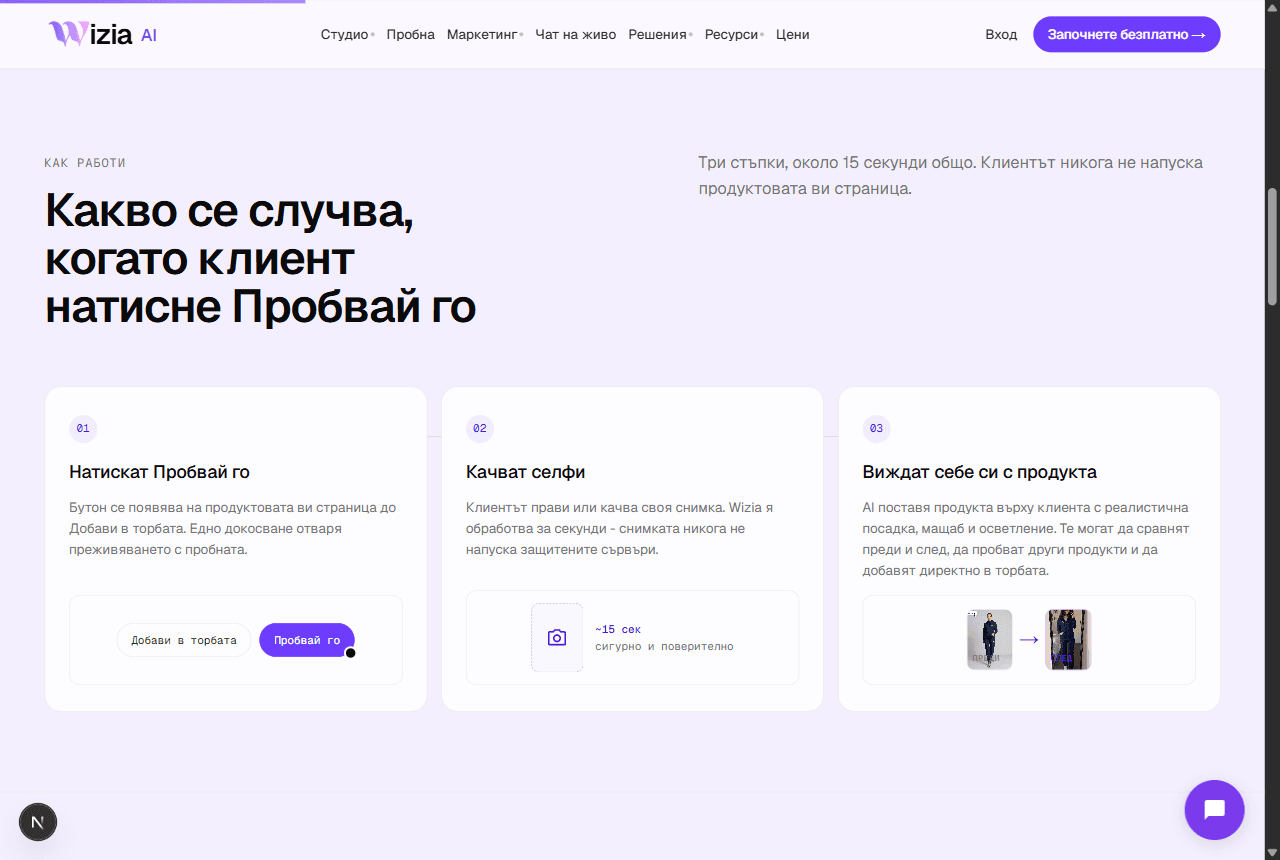 Why the try-on widget isn't showingThe most common reasons the try-on button is missing from product pages, and how to fix them.4 λεπτά
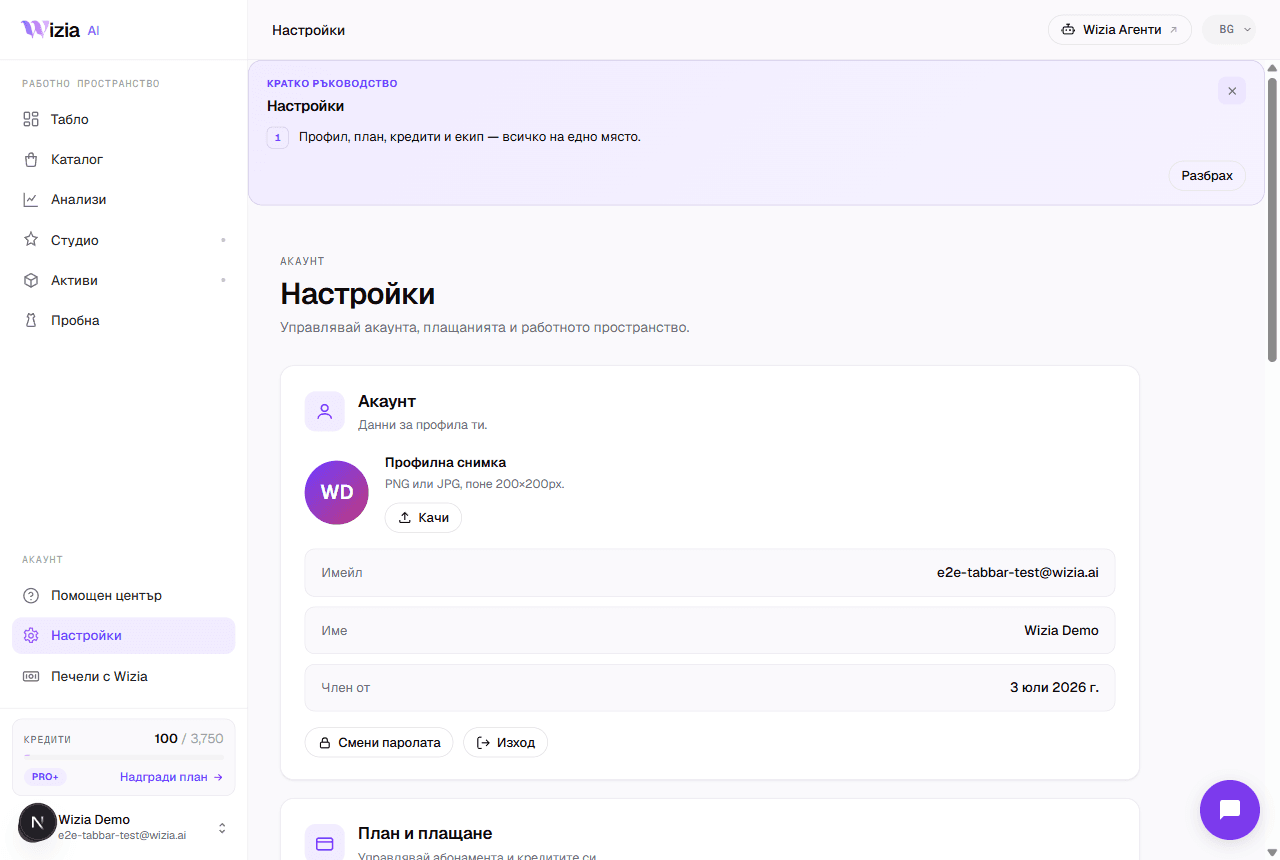 Credits, plans, and billingWhat each generation costs in credits, what the plans include, and how to change or cancel your subscription.4 λεπτά
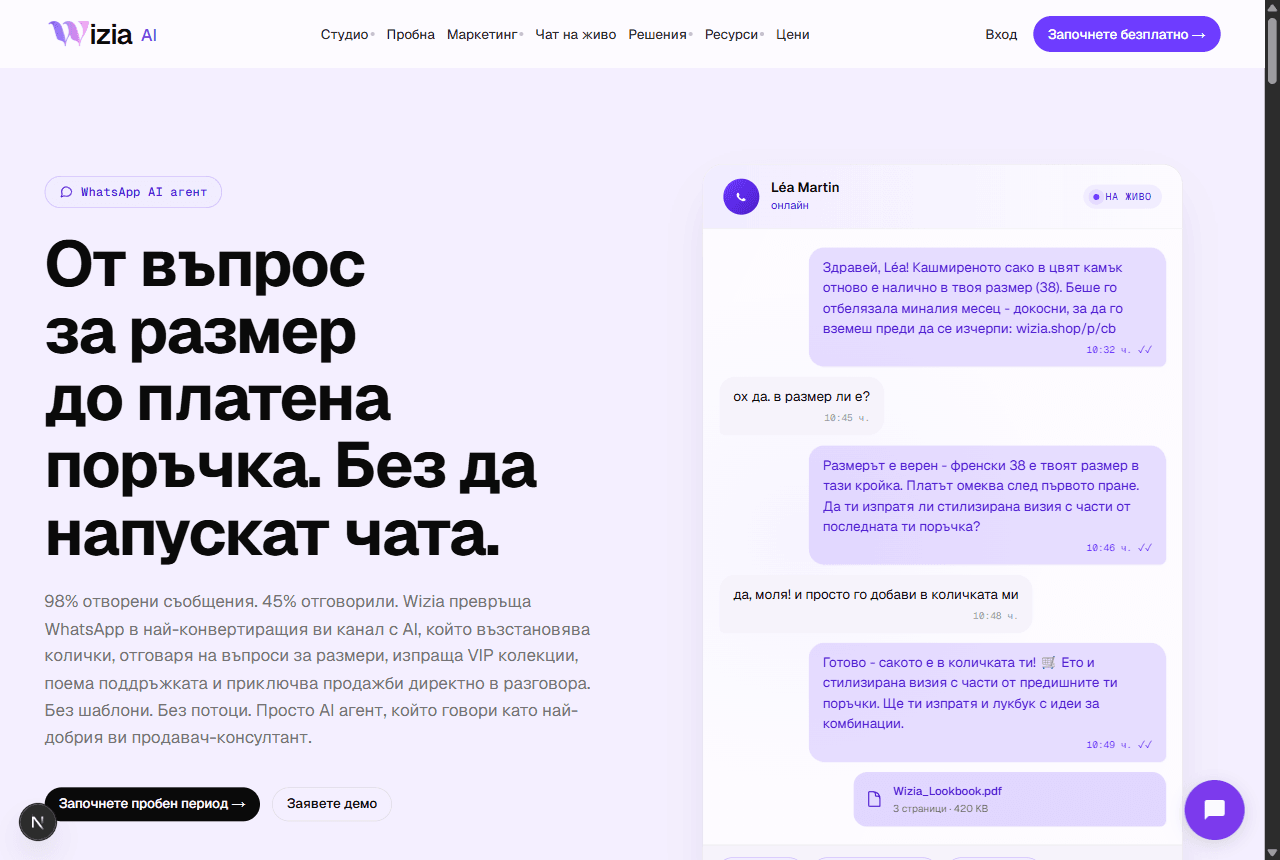 Connecting WhatsApp Business and Wizia AgentsWhat the AI sales agents are, why they live on their own platform, and how to launch your WhatsApp agent.5 λεπτά
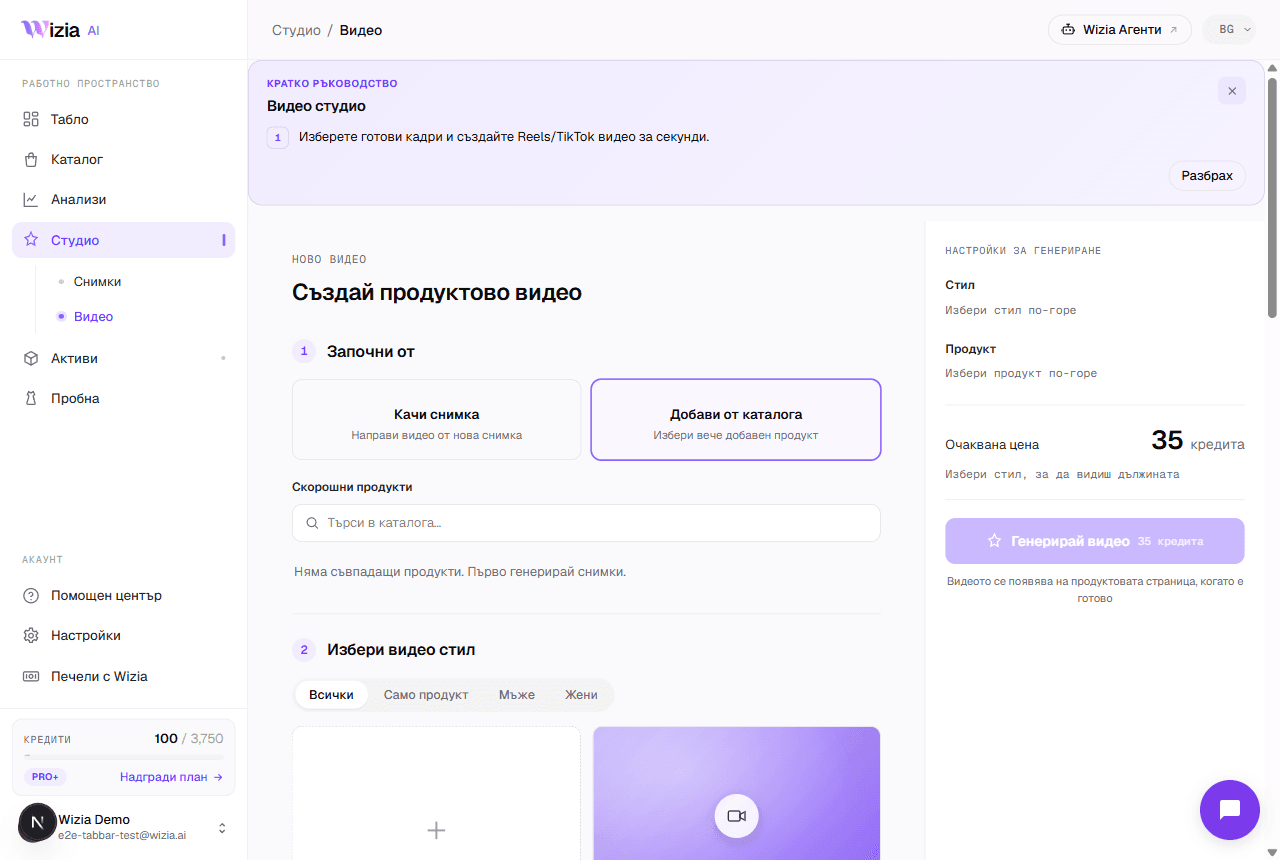 AI video from your product photosTurn a finished catalog product into an 8-second vertical video for Reels and TikTok, with a choice of style and model.4 λεπτά
- Regeneration and image qualityWhen regeneration is free, what it costs afterwards at 1K, 2K, and 4K, and how to describe the change to get a better frame.3 λεπτά
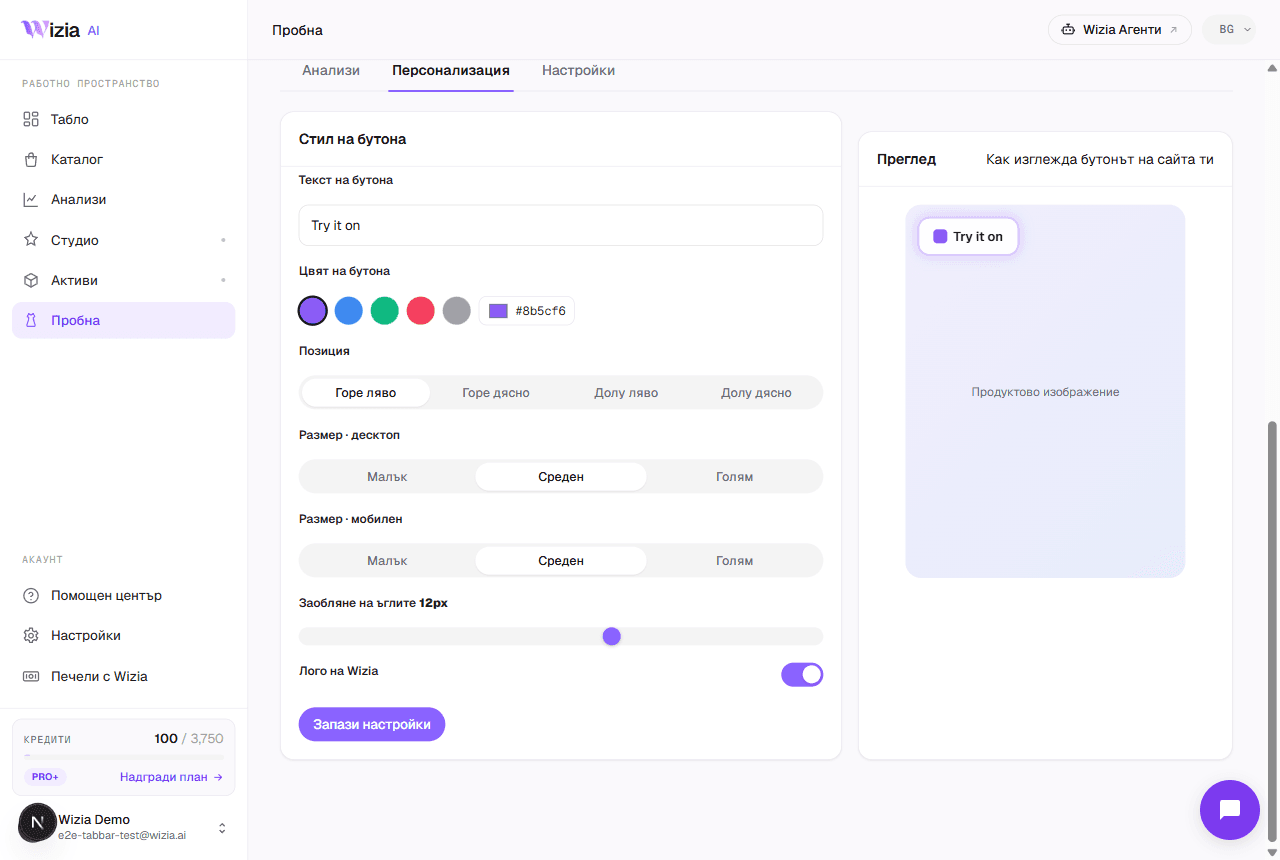 E-commerce platform integrationsWhere Wizia connects: the try-on widget on six platforms, photos and videos for any store, and AI agents with no installation.4 λεπτά
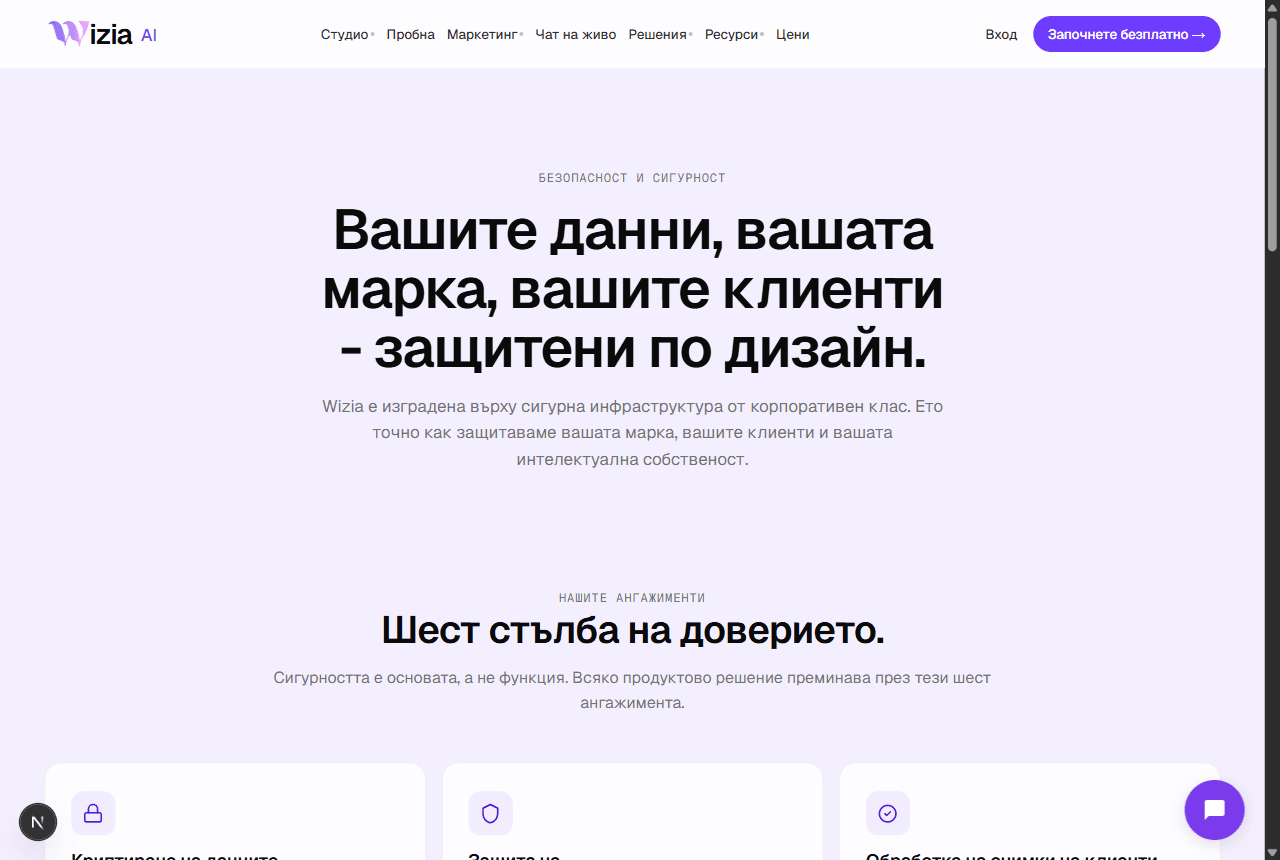 Security and personal dataWhere your data lives, how your uploads are used, and how to export or delete everything from Settings.3 λεπτά
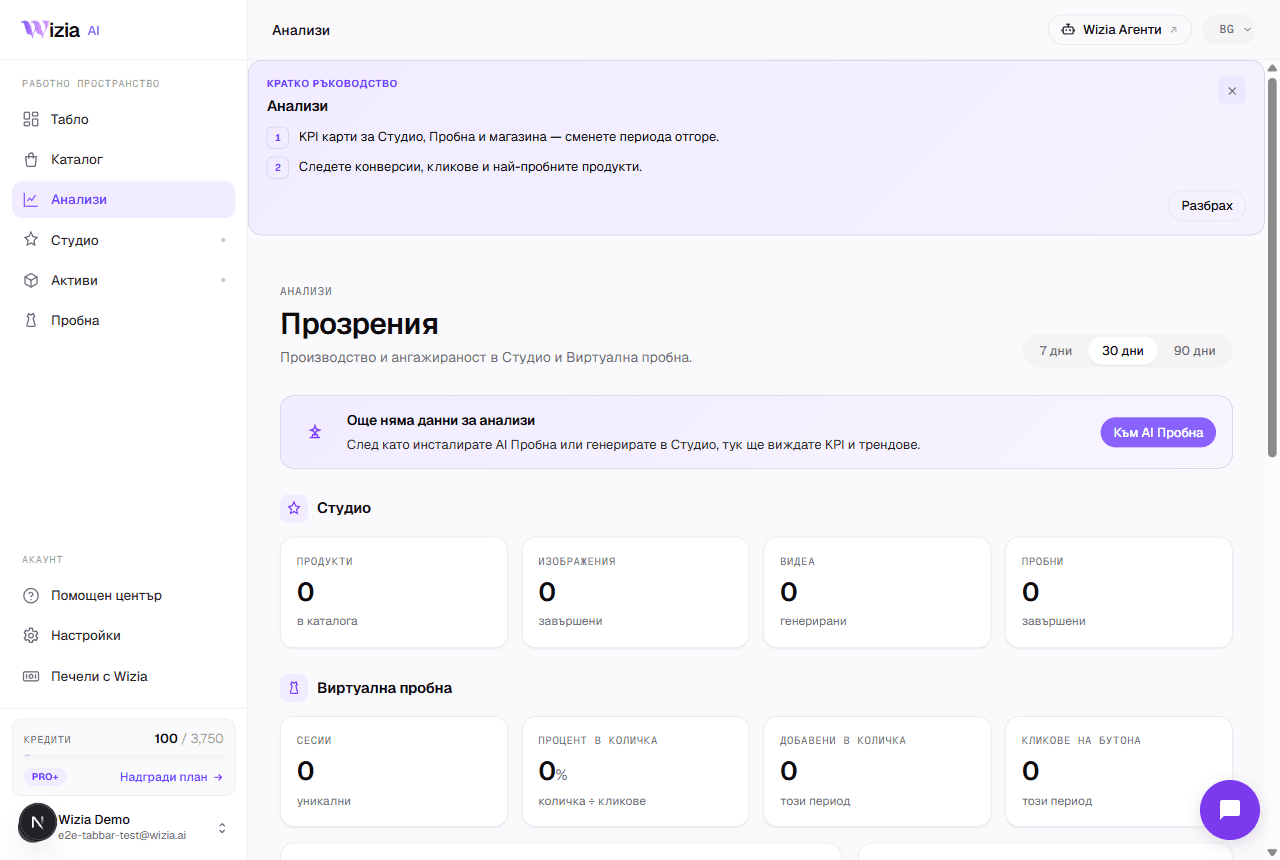 How to read your Try-on analyticsWhat each funnel stage means, where the numbers come from and why they can lag. Plus the Personalize and Settings tabs.4 λεπτά
Χρειάζεστε βοήθεια;
Στείλτε μας email ή κλείστε μια κλήση 30 λεπτών με την ομάδα μας.
- Υποστήριξηsupport@wizia.ai
- ΦόρμαΜετάβαση στη φόρμα επικοινωνίας
Συχνές ερωτήσεις για το κέντρο βοήθειας.
Χρειάζομαι λογαριασμό για να διαβάσω τους οδηγούς;
Όχι. Οι οδηγοί είναι δημόσιοι και δωρεάν. Χρειάζεστε λογαριασμό μόνο για να χρησιμοποιήσετε την εφαρμογή.
Πόσο συχνά ενημερώνονται οι οδηγοί;
Κάθε οδηγός δείχνει την ημερομηνία της τελευταίας του τροποποίησης. Αν η πλατφόρμα διαφέρει από τα στιγμιότυπα οθόνης, ενημερώστε μας στο support@wizia.ai.
Ξέχασα τον κωδικό πρόσβασής μου. Τι να κάνω;
Χρησιμοποιήστε τον σύνδεσμο επαναφοράς κωδικού στη σελίδα σύνδεσης και θα σας στείλουμε ένα email επαναφοράς. Αν δεν έχετε πλέον πρόσβαση σε αυτό το email, επικοινωνήστε στο support@wizia.ai.
Μπορώ να μιλήσω με κάποιον από την ομάδα;
Ναι. Κλείστε μια κλήση 30 λεπτών την ώρα που σας εξυπηρετεί ή γράψτε μας μέσω της φόρμας επικοινωνίας.