Centrum nápovědy
Návody a odpovědi.
Podrobné návody pro Studio, virtuální vyzkoušení, agenty a správu účtu, doplněné o snímky přímo z aplikace.
⌘K
Všechny návody.
13 návodů
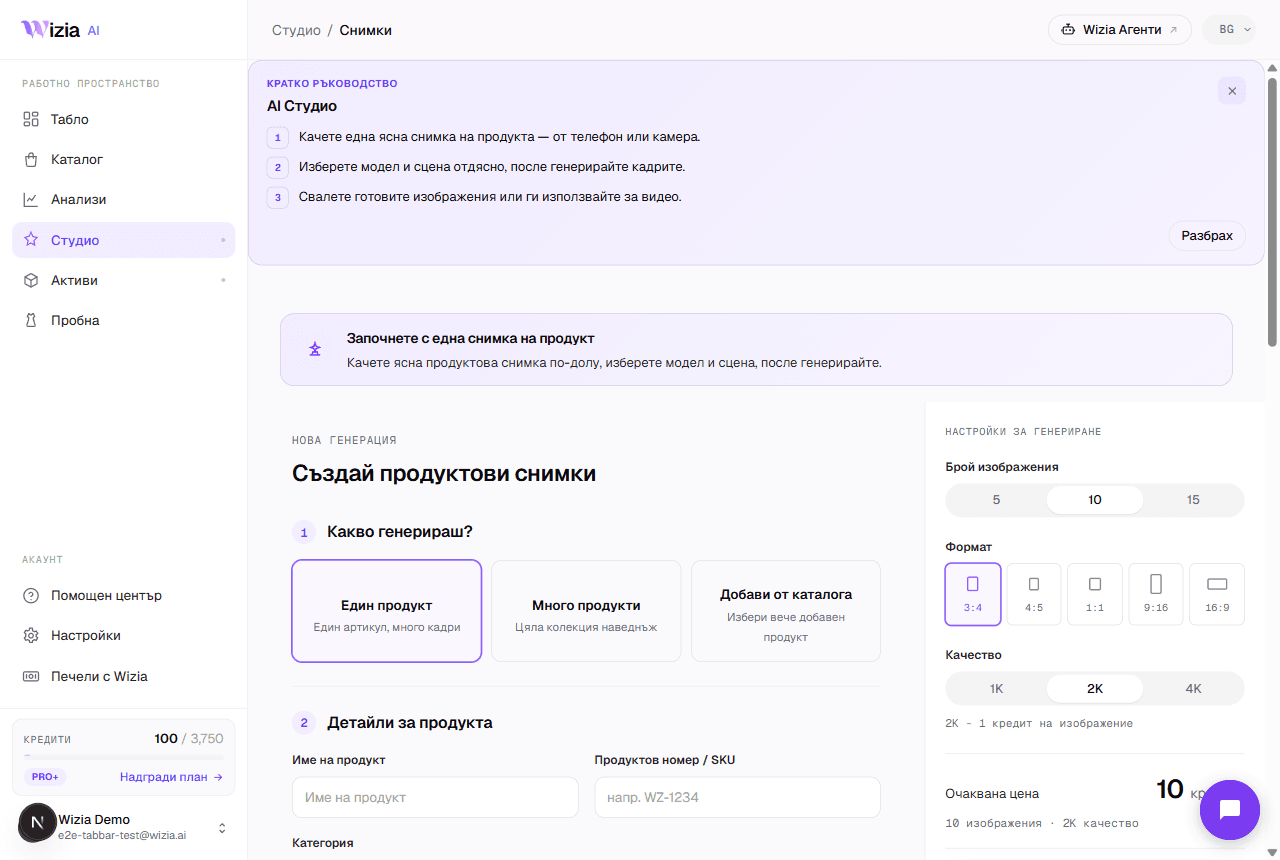 Getting started with the StudioFrom a phone photo to finished product shots with an AI model: the full walkthrough of your first generation.4 min
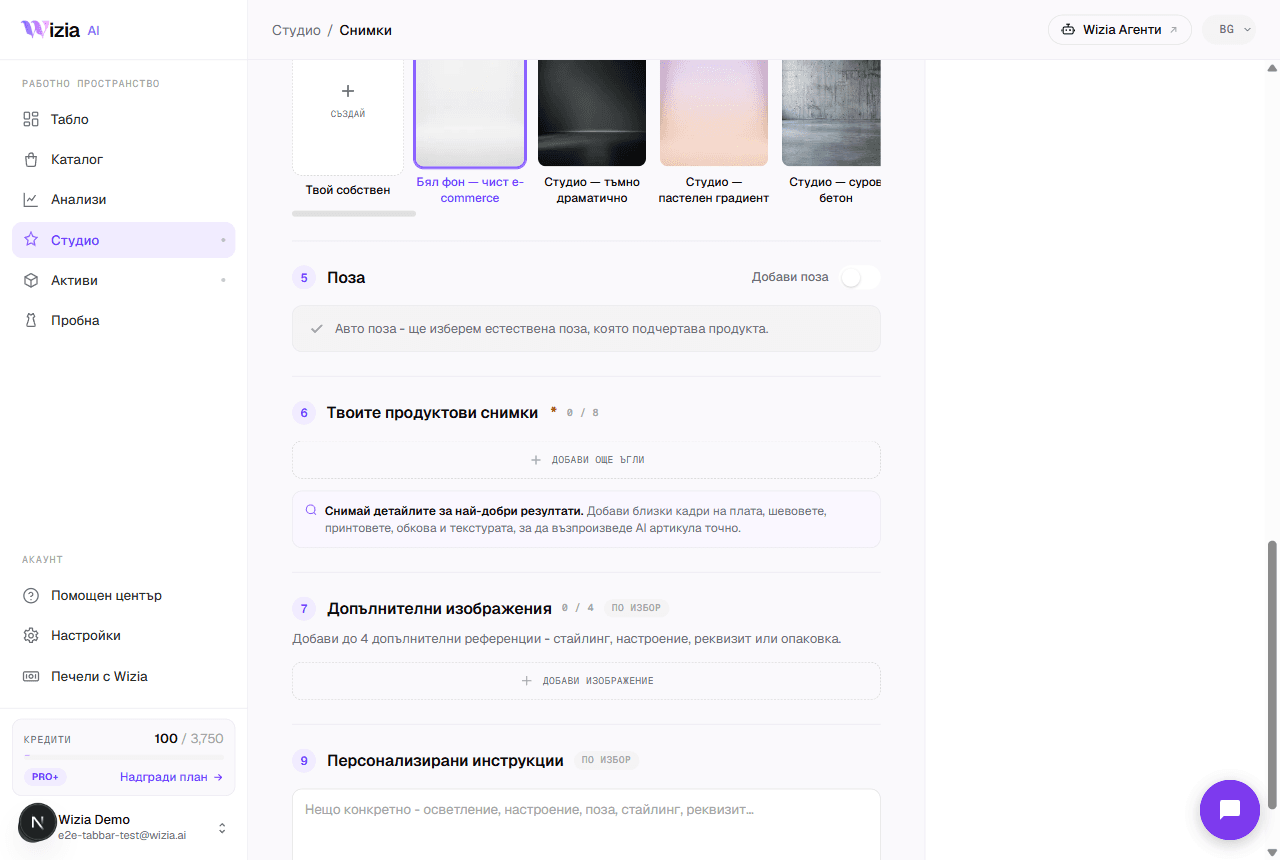 Uploading product photos for the best resultsThe AI is only as good as the photos you give it. How to shoot your product with a phone: light, background, angles, and formats.3 min
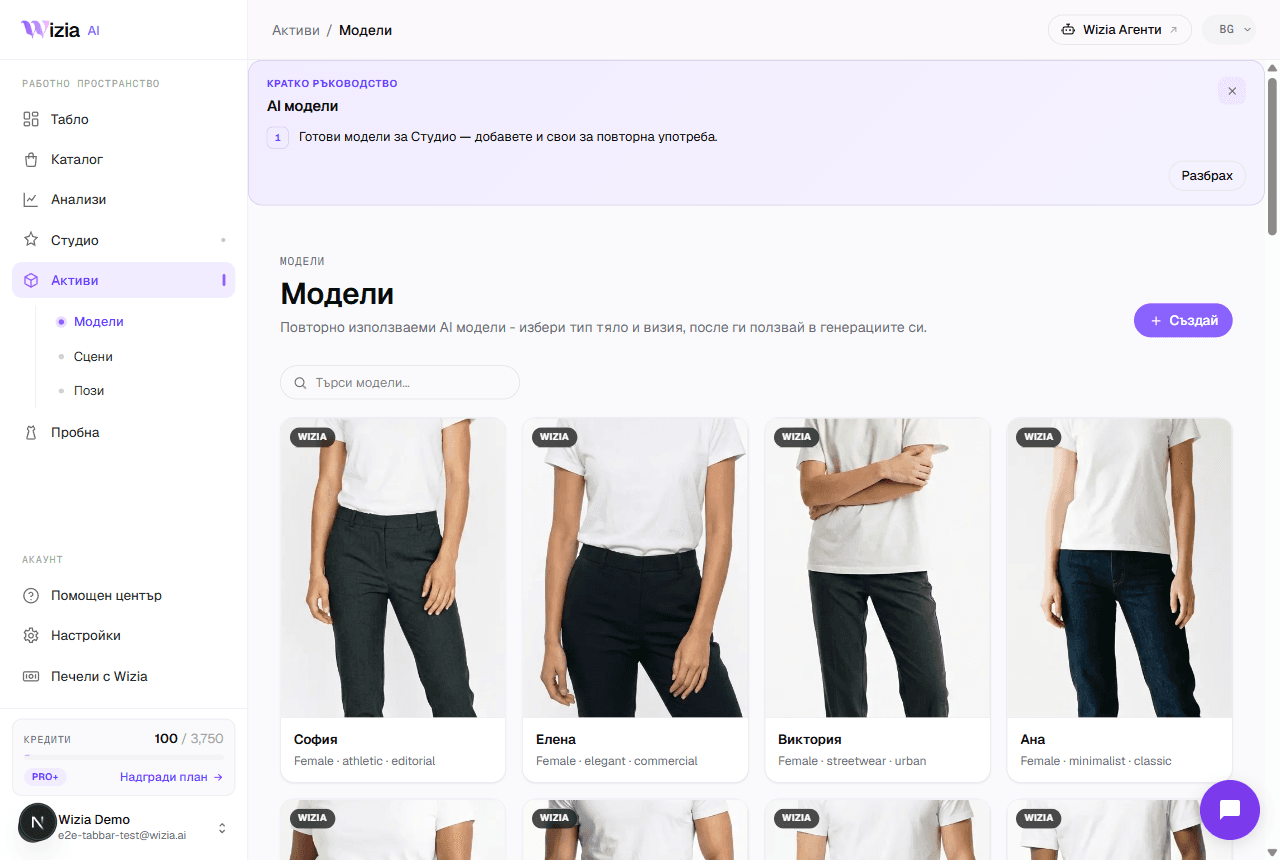 Custom models, scenes, and posesCreate your own AI model, scene, or pose for your brand. A two-step wizard with a preview before saving. Available on Pro+ plans and up.4 min
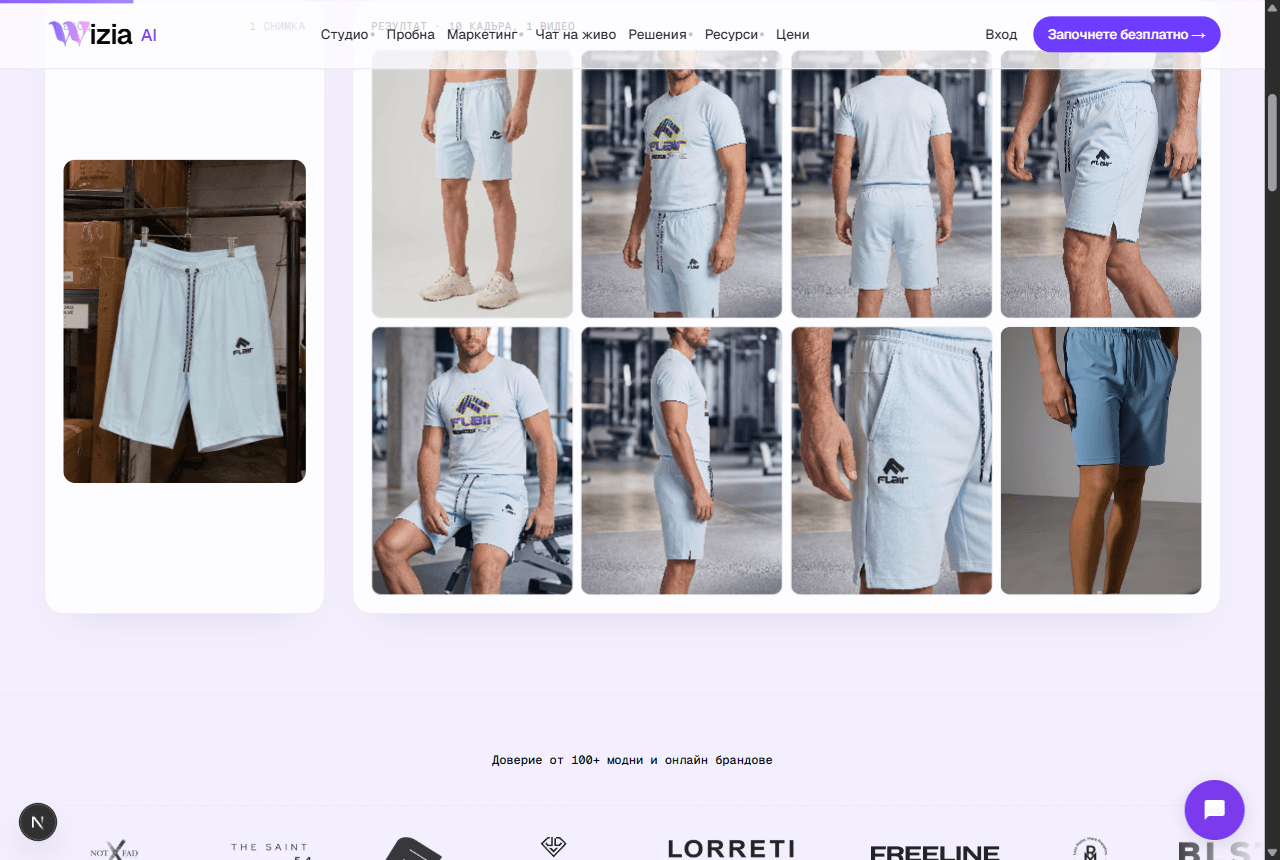 Exporting and uploading photos to your storeHow to download your finished shots and add them to Shopify or WooCommerce, plus ideas for the AI video on Reels and TikTok.4 min
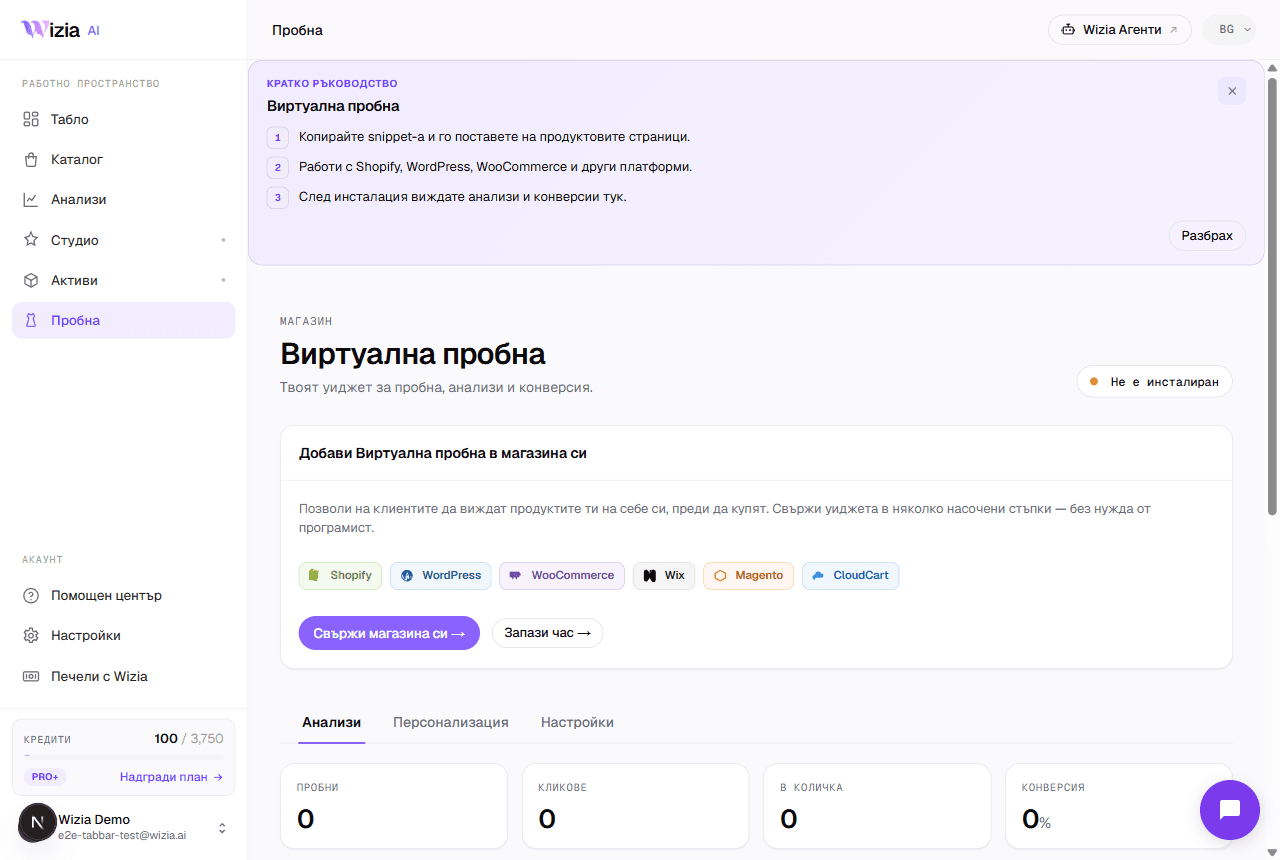 Installing the Virtual Try-on on your storeConnect the widget to Shopify, WooCommerce, Wix, Magento, or a custom site in under 5 minutes, with an automated check.5 min
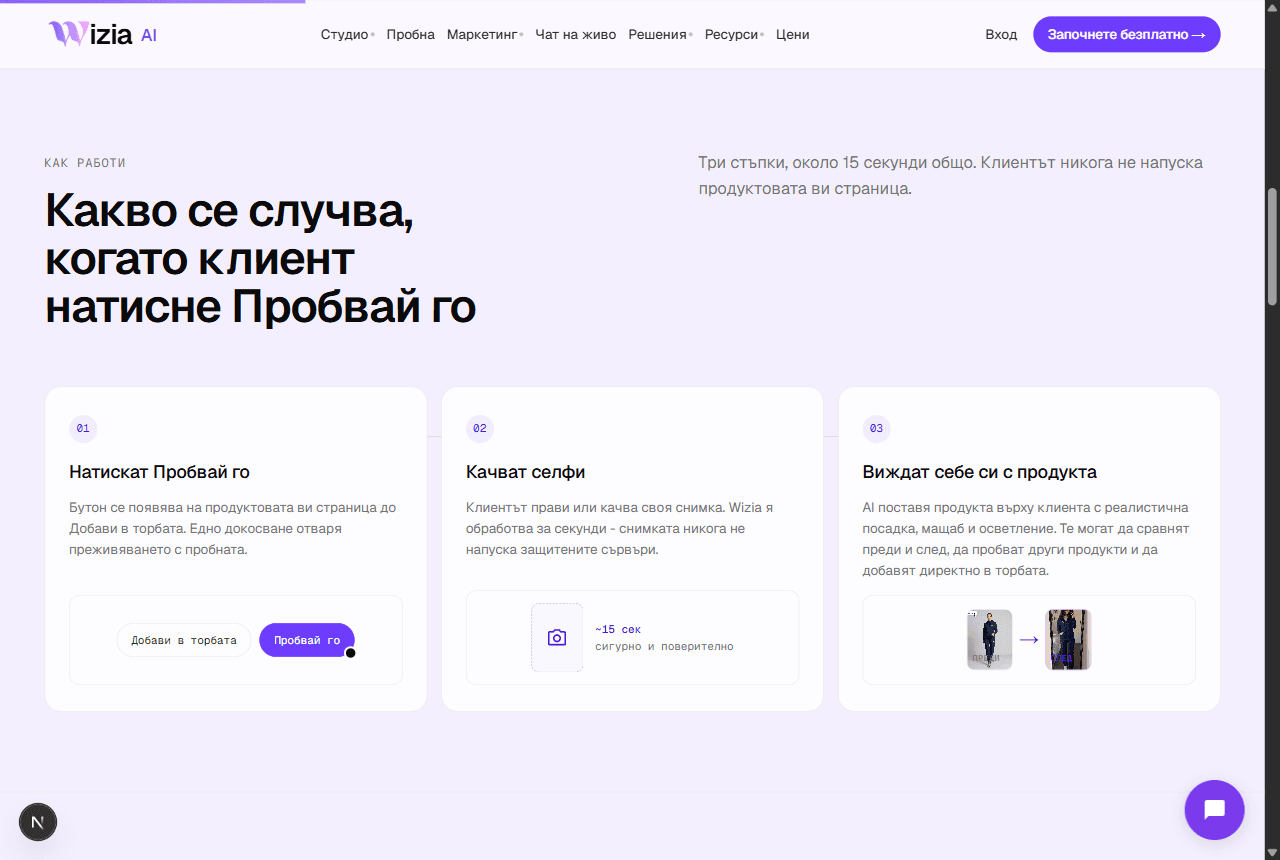 Why the try-on widget isn't showingThe most common reasons the try-on button is missing from product pages, and how to fix them.4 min
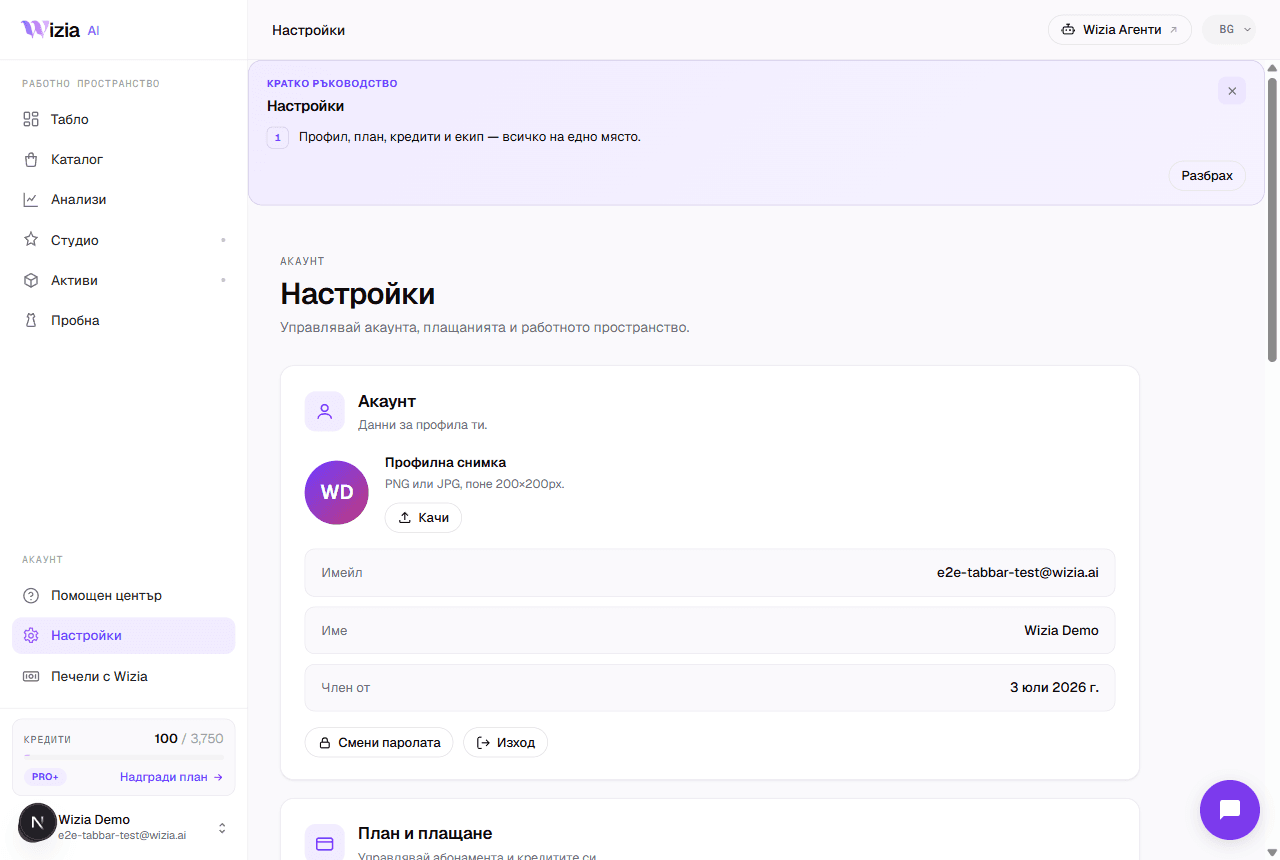 Credits, plans, and billingWhat each generation costs in credits, what the plans include, and how to change or cancel your subscription.4 min
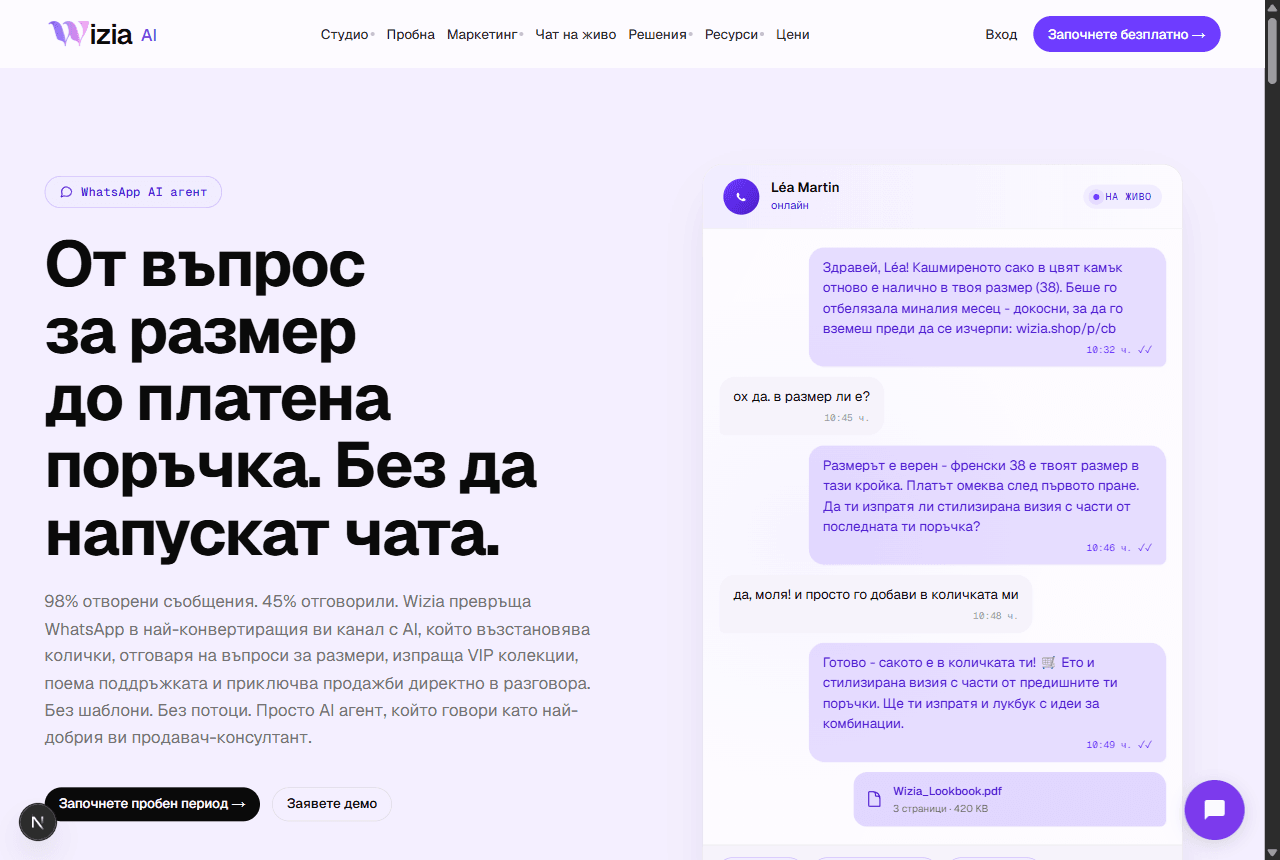 Connecting WhatsApp Business and Wizia AgentsWhat the AI sales agents are, why they live on their own platform, and how to launch your WhatsApp agent.5 min
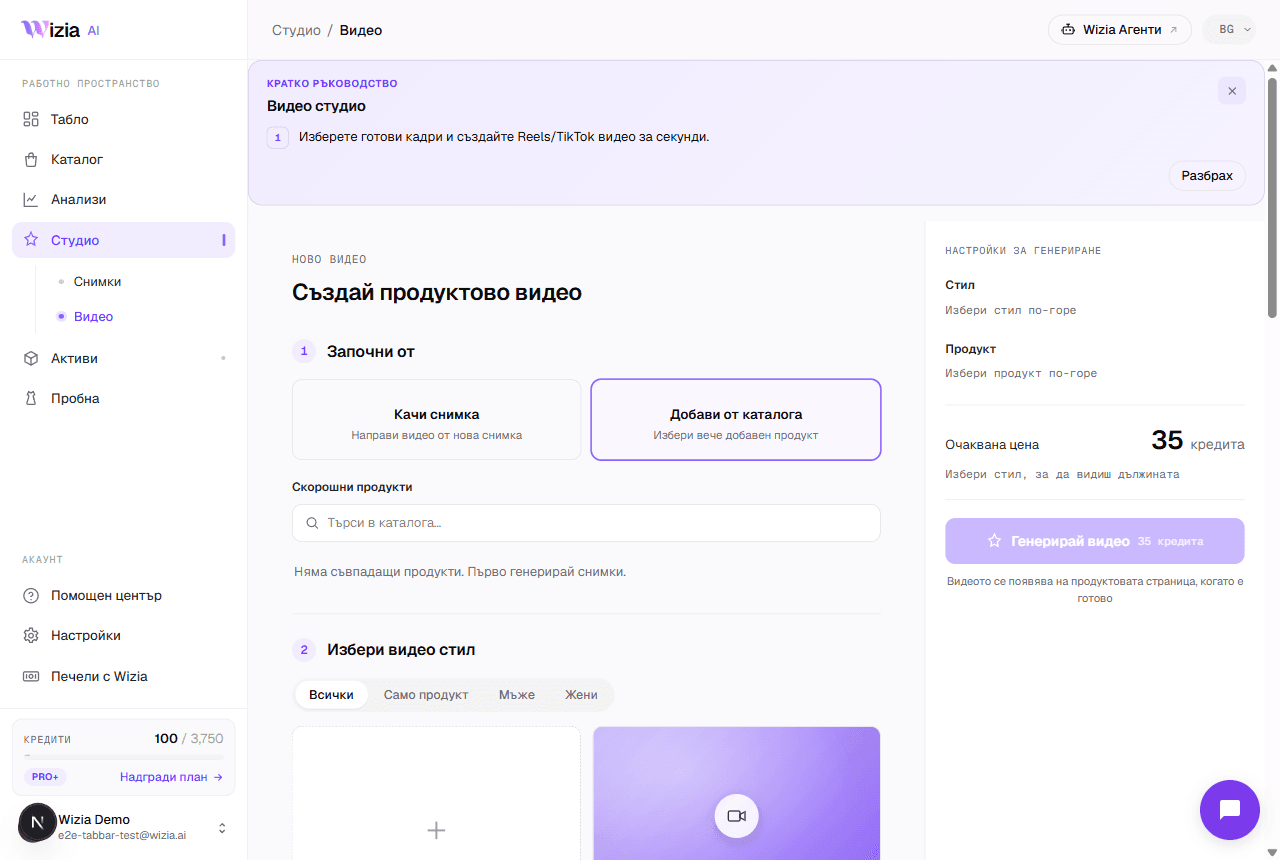 AI video from your product photosTurn a finished catalog product into an 8-second vertical video for Reels and TikTok, with a choice of style and model.4 min
- Regeneration and image qualityWhen regeneration is free, what it costs afterwards at 1K, 2K, and 4K, and how to describe the change to get a better frame.3 min
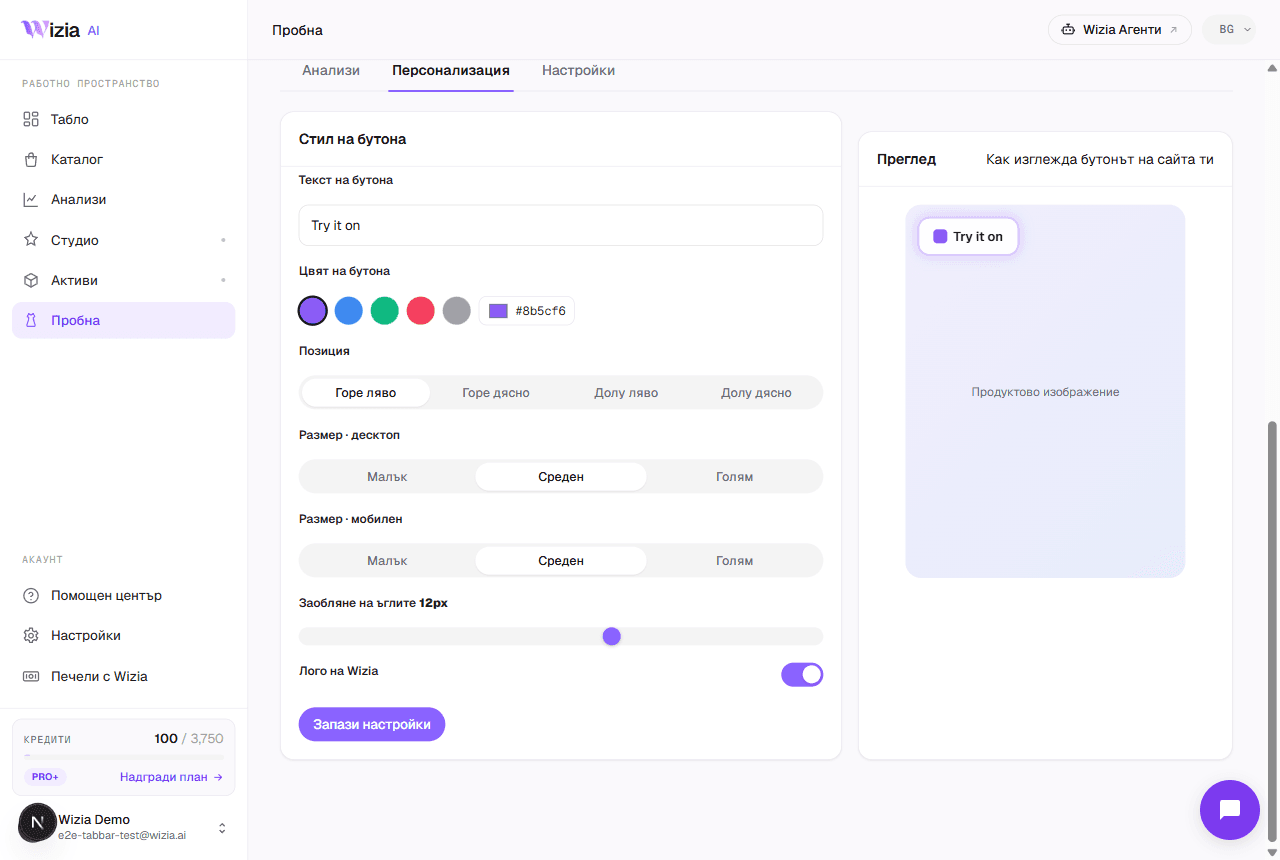 E-commerce platform integrationsWhere Wizia connects: the try-on widget on six platforms, photos and videos for any store, and AI agents with no installation.4 min
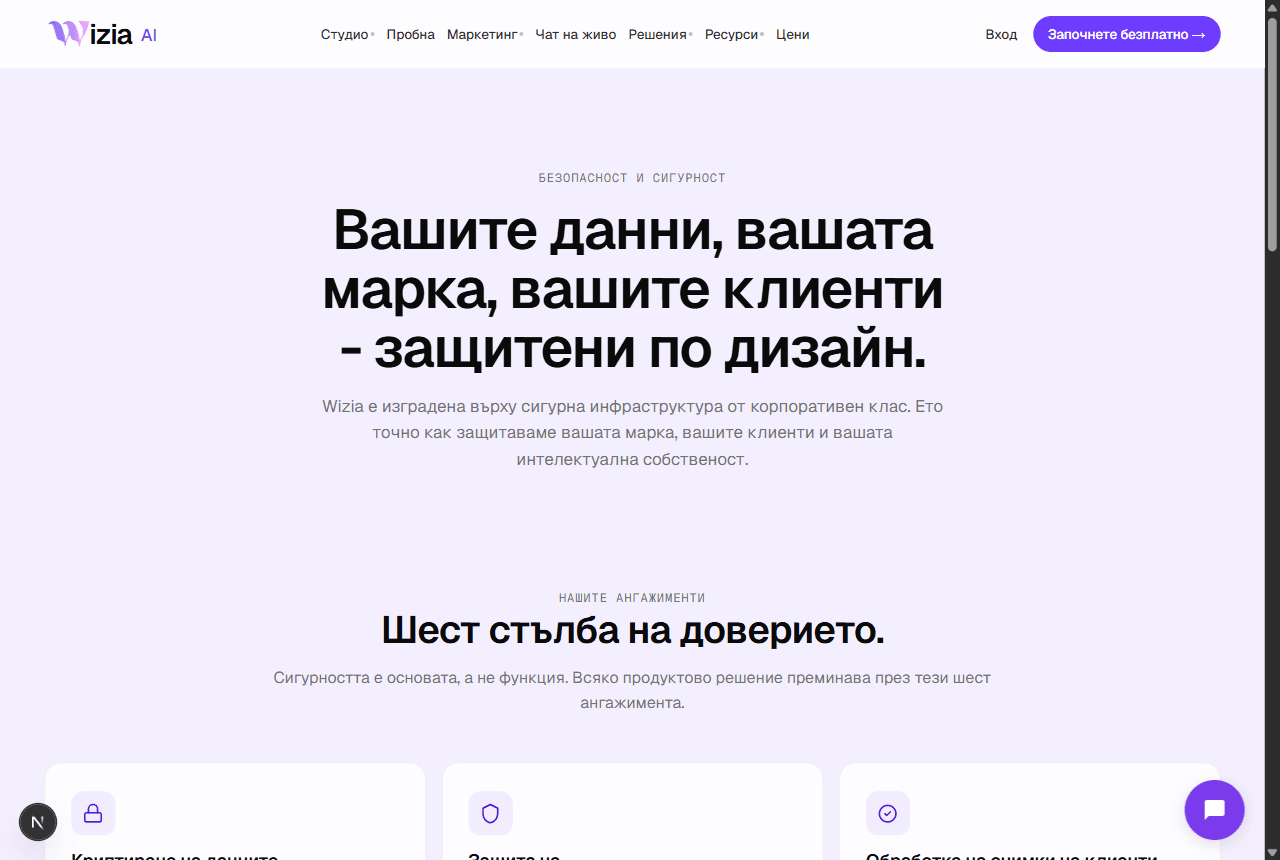 Security and personal dataWhere your data lives, how your uploads are used, and how to export or delete everything from Settings.3 min
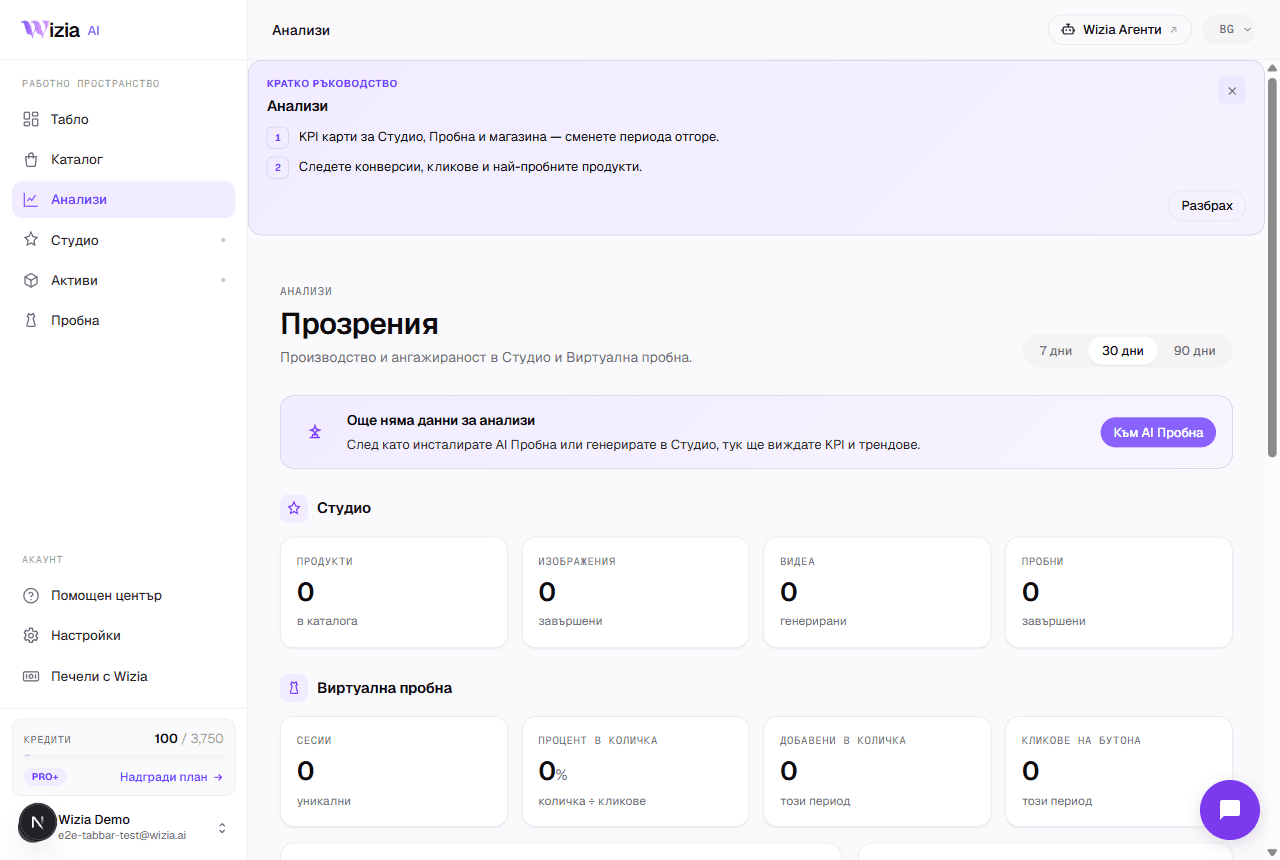 How to read your Try-on analyticsWhat each funnel stage means, where the numbers come from and why they can lag. Plus the Personalize and Settings tabs.4 min
Pořád si nevíte rady?
Napište nám e-mail nebo si zarezervujte 30 minut s naším týmem.
- Podporasupport@wizia.ai
- FormulářPřejít na kontaktní formulář
Časté dotazy k centru nápovědy.
Potřebuji k procházení návodů účet?
Ne. Návody jsou veřejné a zdarma. Účet potřebujete pouze k práci v samotné aplikaci.
Jak aktuální jsou tyto návody?
U každého návodu najdete datum poslední úpravy. Pokud produkt vypadá jinak než na snímcích obrazovky, dejte nám vědět na support@wizia.ai.
Zapomněl/a jsem heslo. Co teď?
Na přihlašovací stránce klikněte na odkaz pro zapomenuté heslo a my vám na e-mail účtu pošleme odkaz pro obnovení. Pokud k této schránce již nemáte přístup, napište na support@wizia.ai.
Mohu si promluvit s někým z týmu?
Ano. Rezervujte si 30minutový hovor v termínu, který vám vyhovuje, nebo nám napište přes kontaktní formulář.