Центар за помош
Водичи и одговори.
Чекор-по-чекор водичи за Studio, виртуелно пробување, агентите и вашата сметка, со слики директно од производот.
⌘K
Сите водичи.
13 водичи
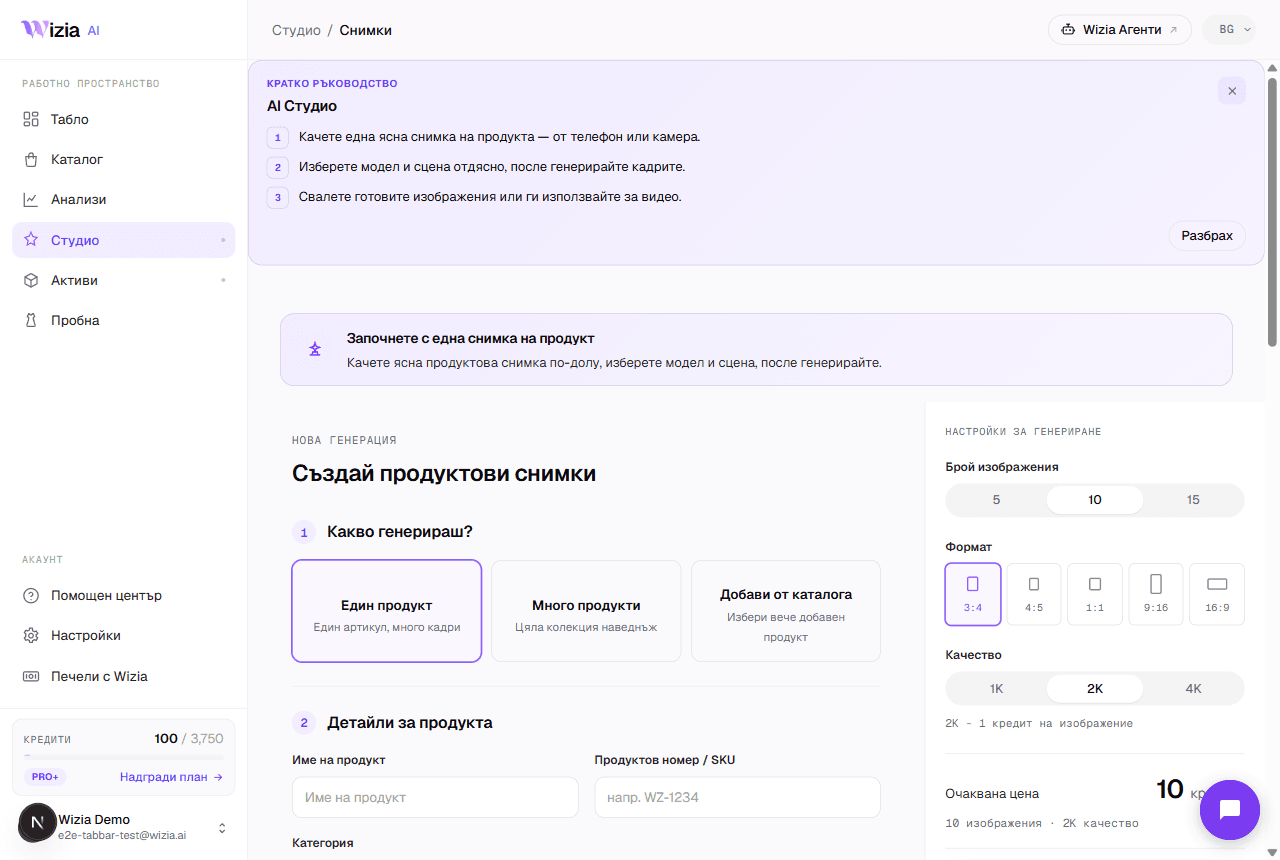 Getting started with the StudioFrom a phone photo to finished product shots with an AI model: the full walkthrough of your first generation.4 мин
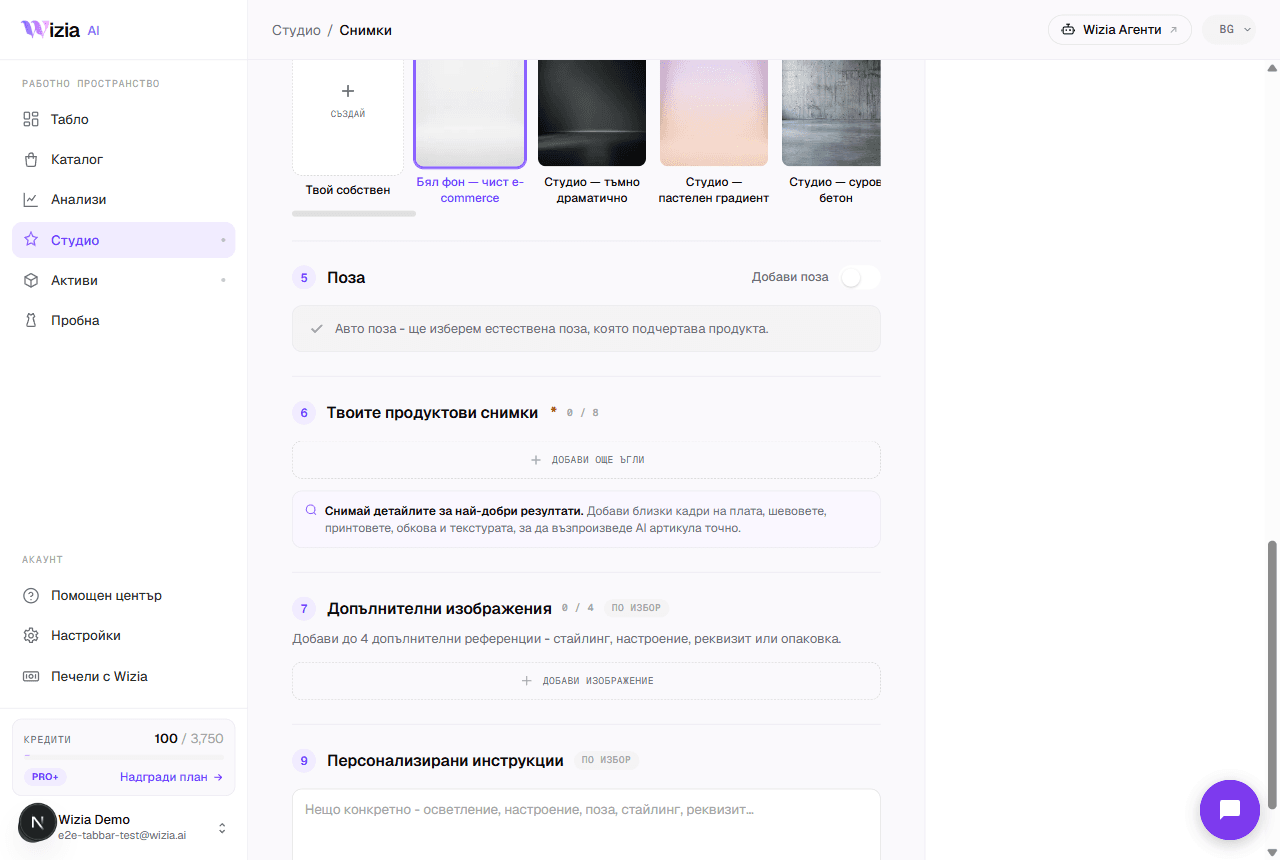 Uploading product photos for the best resultsThe AI is only as good as the photos you give it. How to shoot your product with a phone: light, background, angles, and formats.3 мин
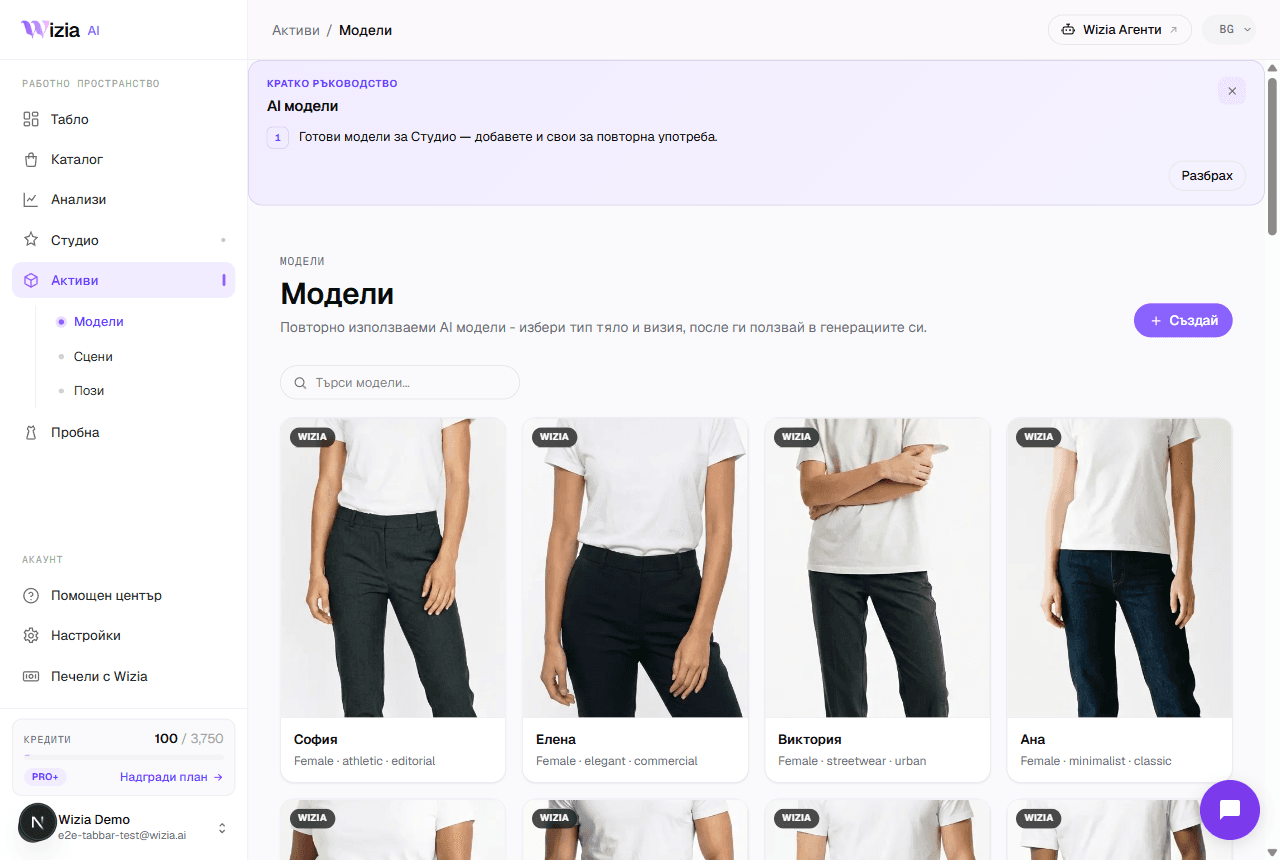 Custom models, scenes, and posesCreate your own AI model, scene, or pose for your brand. A two-step wizard with a preview before saving. Available on Pro+ plans and up.4 мин
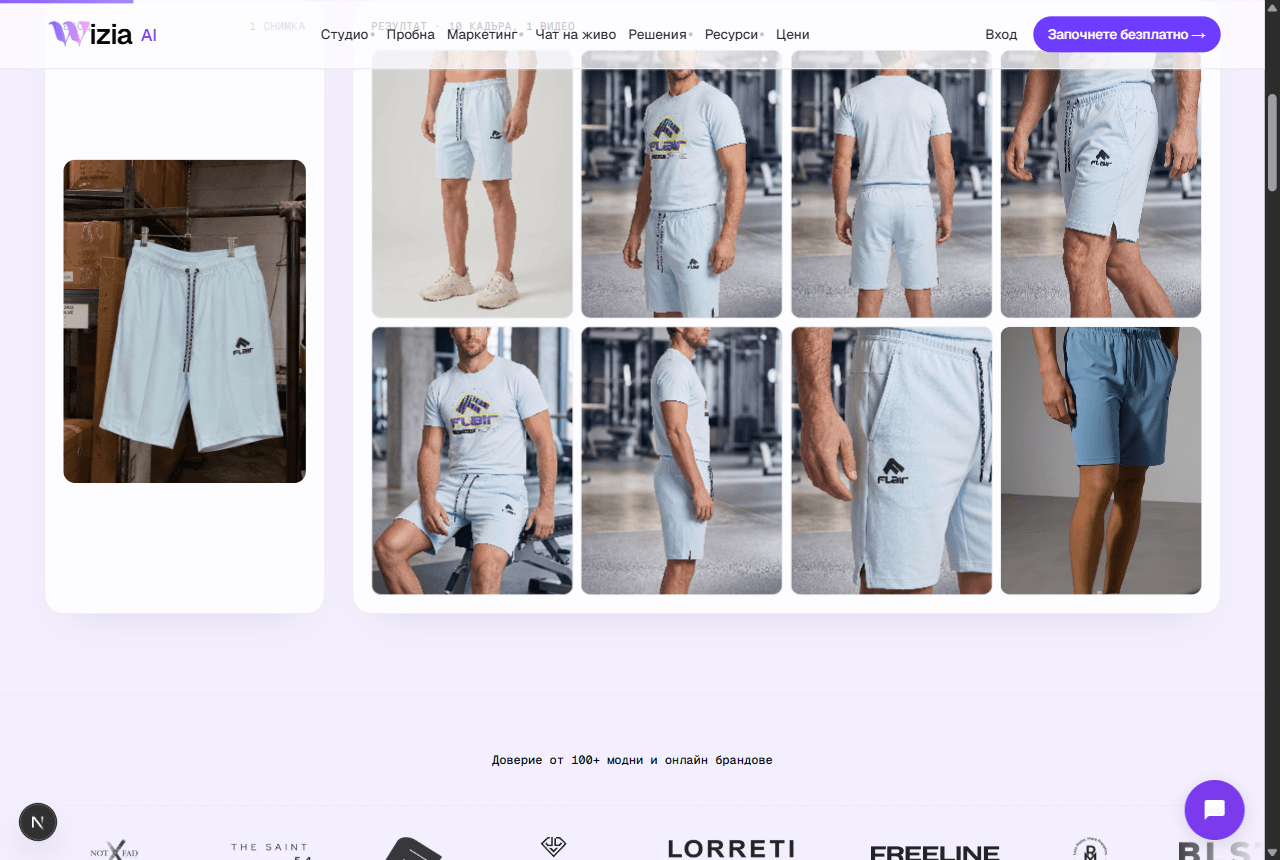 Exporting and uploading photos to your storeHow to download your finished shots and add them to Shopify or WooCommerce, plus ideas for the AI video on Reels and TikTok.4 мин
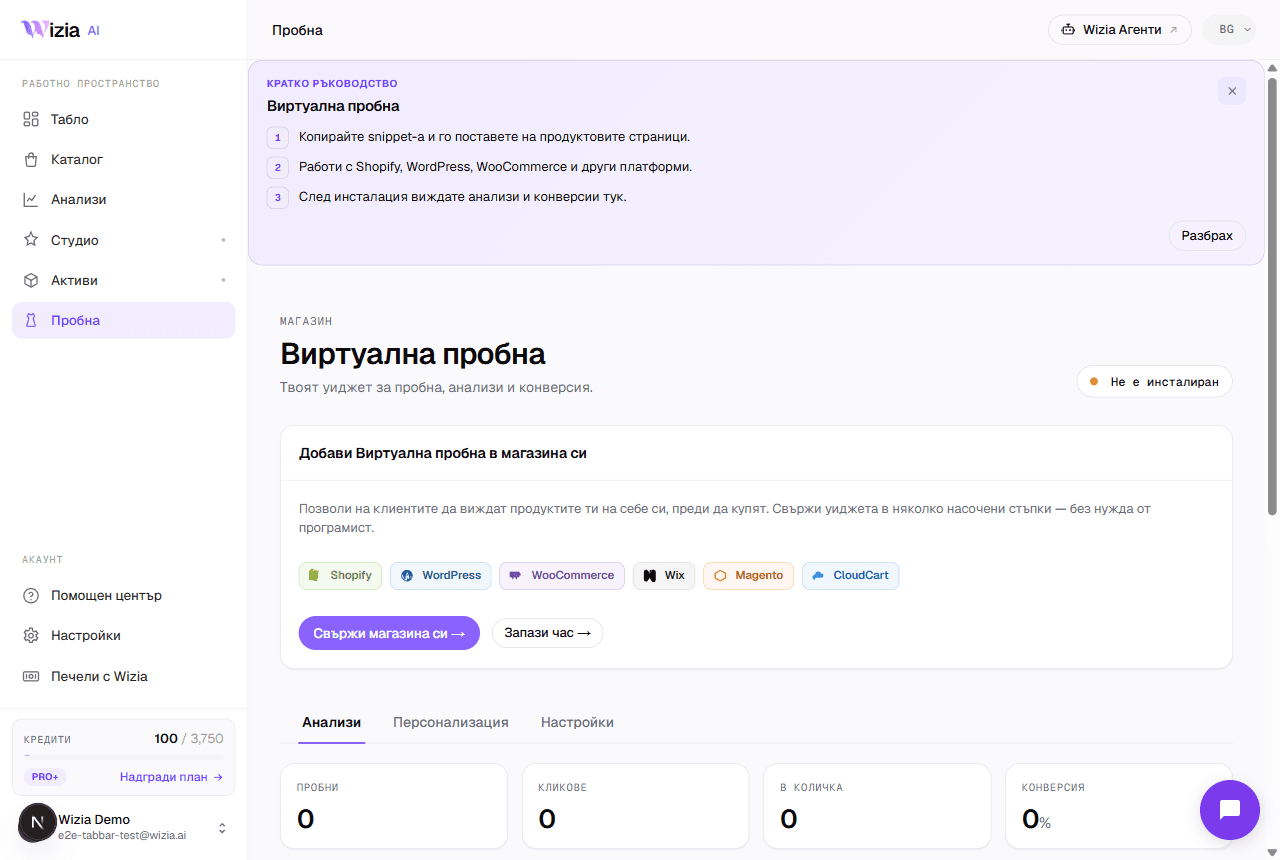 Installing the Virtual Try-on on your storeConnect the widget to Shopify, WooCommerce, Wix, Magento, or a custom site in under 5 minutes, with an automated check.5 мин
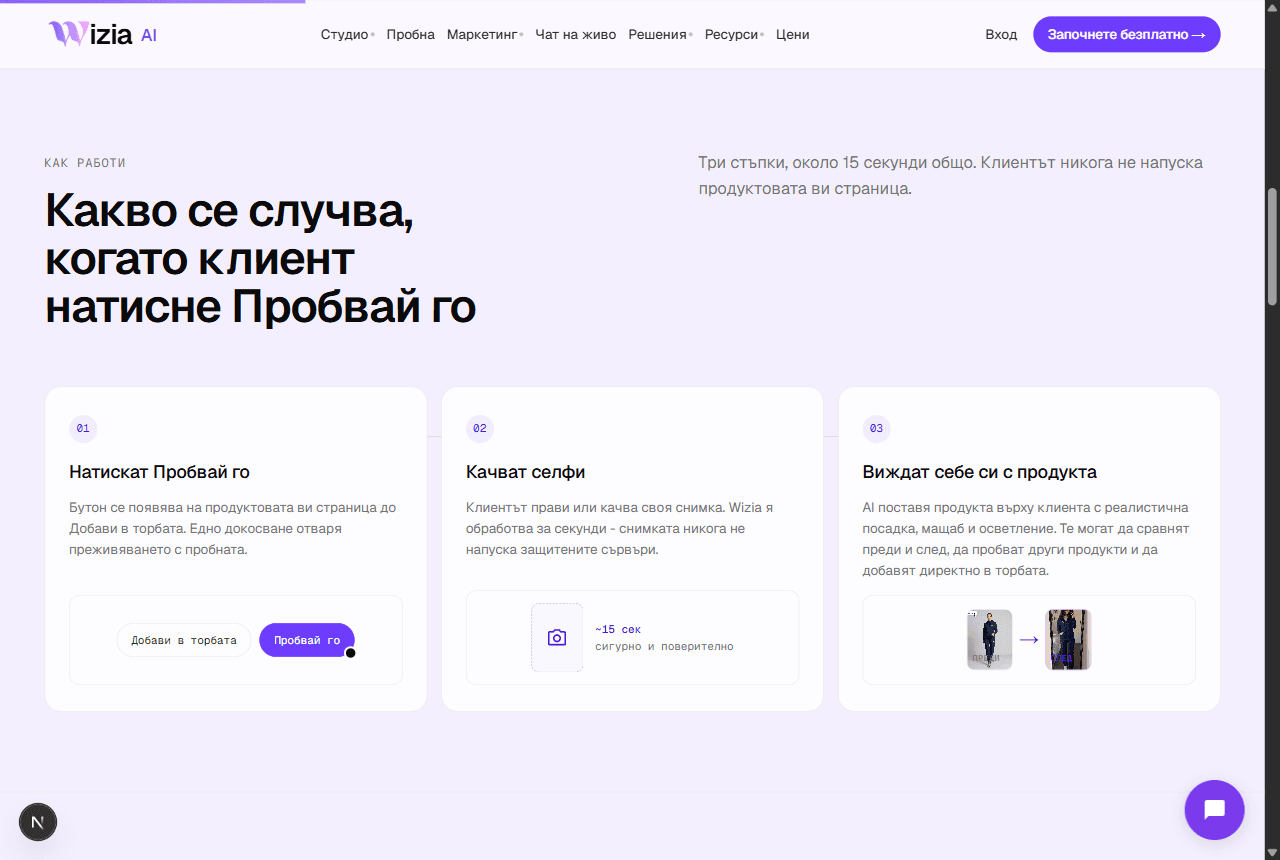 Why the try-on widget isn't showingThe most common reasons the try-on button is missing from product pages, and how to fix them.4 мин
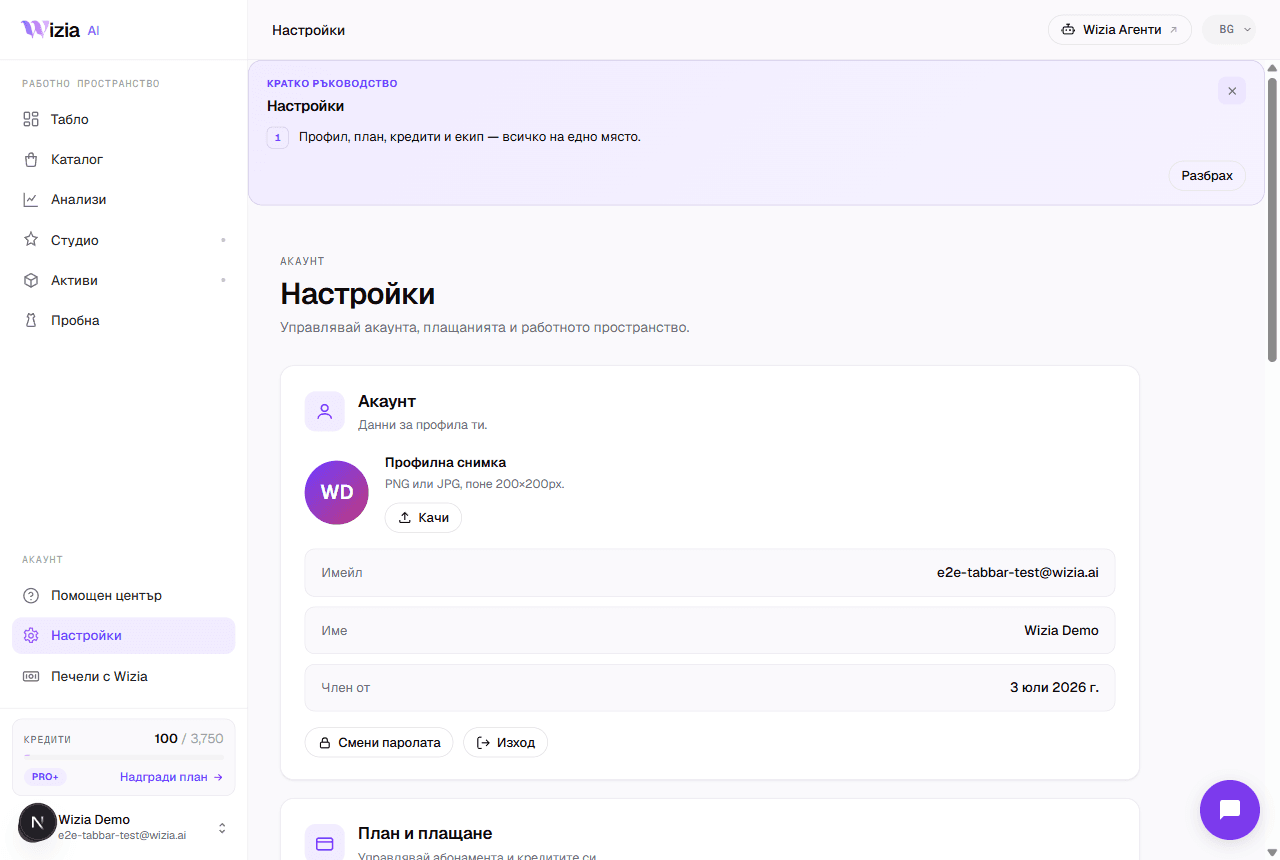 Credits, plans, and billingWhat each generation costs in credits, what the plans include, and how to change or cancel your subscription.4 мин
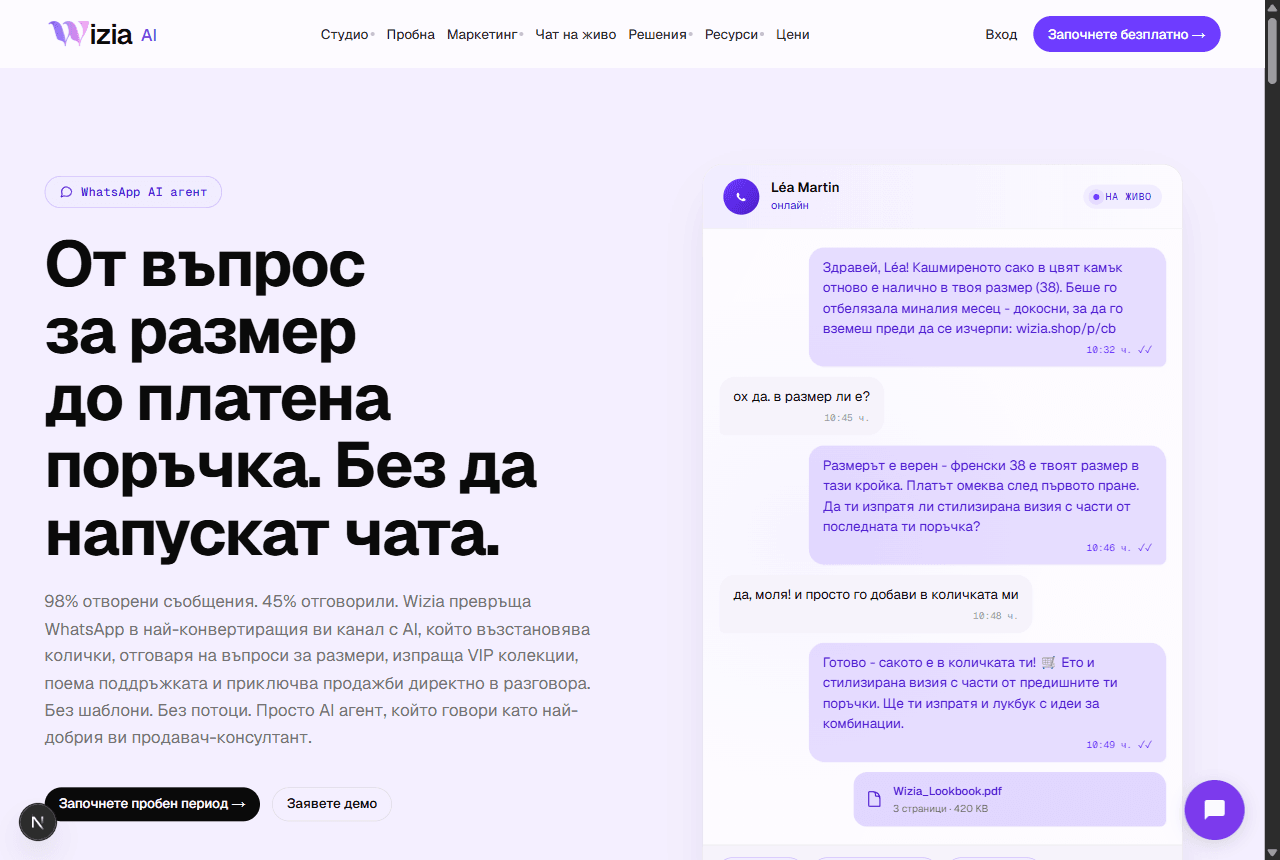 Connecting WhatsApp Business and Wizia AgentsWhat the AI sales agents are, why they live on their own platform, and how to launch your WhatsApp agent.5 мин
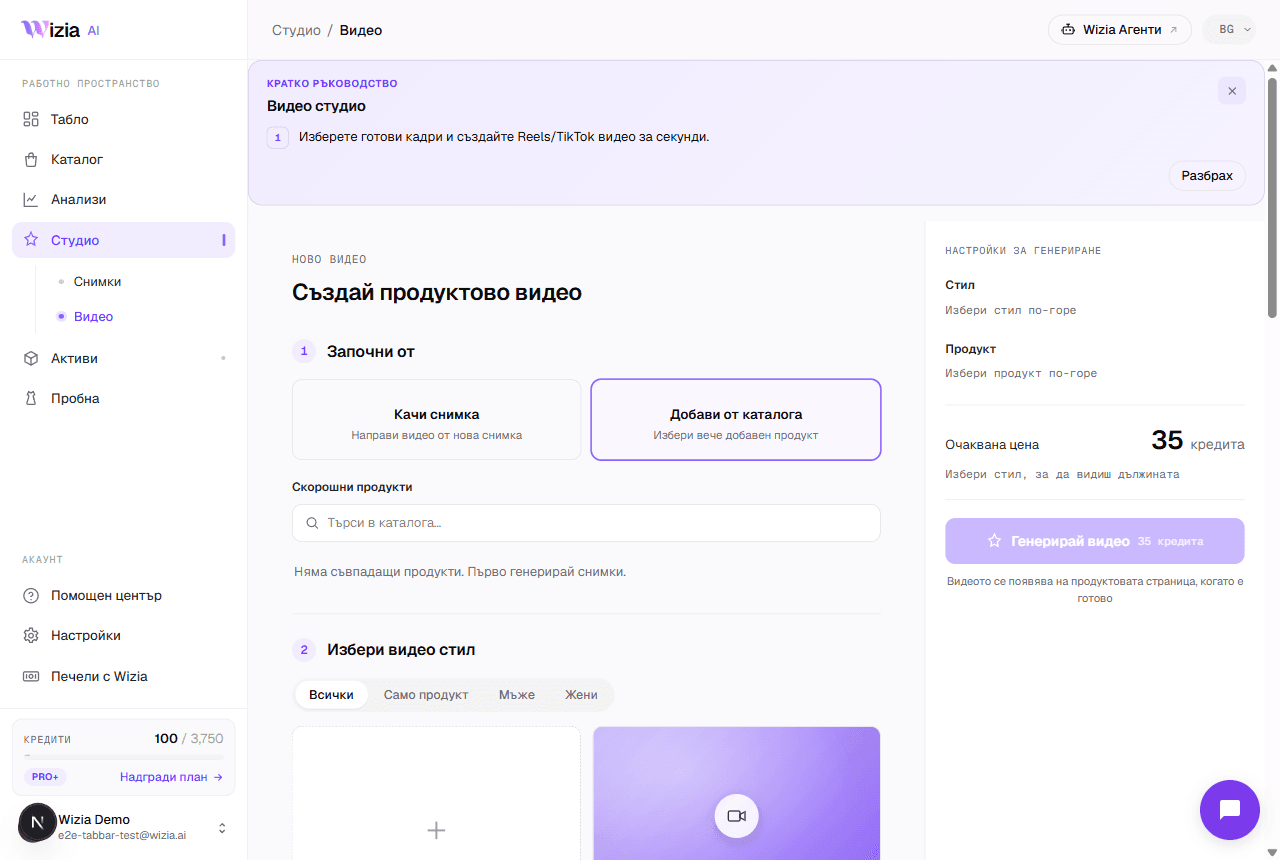 AI video from your product photosTurn a finished catalog product into an 8-second vertical video for Reels and TikTok, with a choice of style and model.4 мин
- Regeneration and image qualityWhen regeneration is free, what it costs afterwards at 1K, 2K, and 4K, and how to describe the change to get a better frame.3 мин
 E-commerce platform integrationsWhere Wizia connects: the try-on widget on six platforms, photos and videos for any store, and AI agents with no installation.4 мин
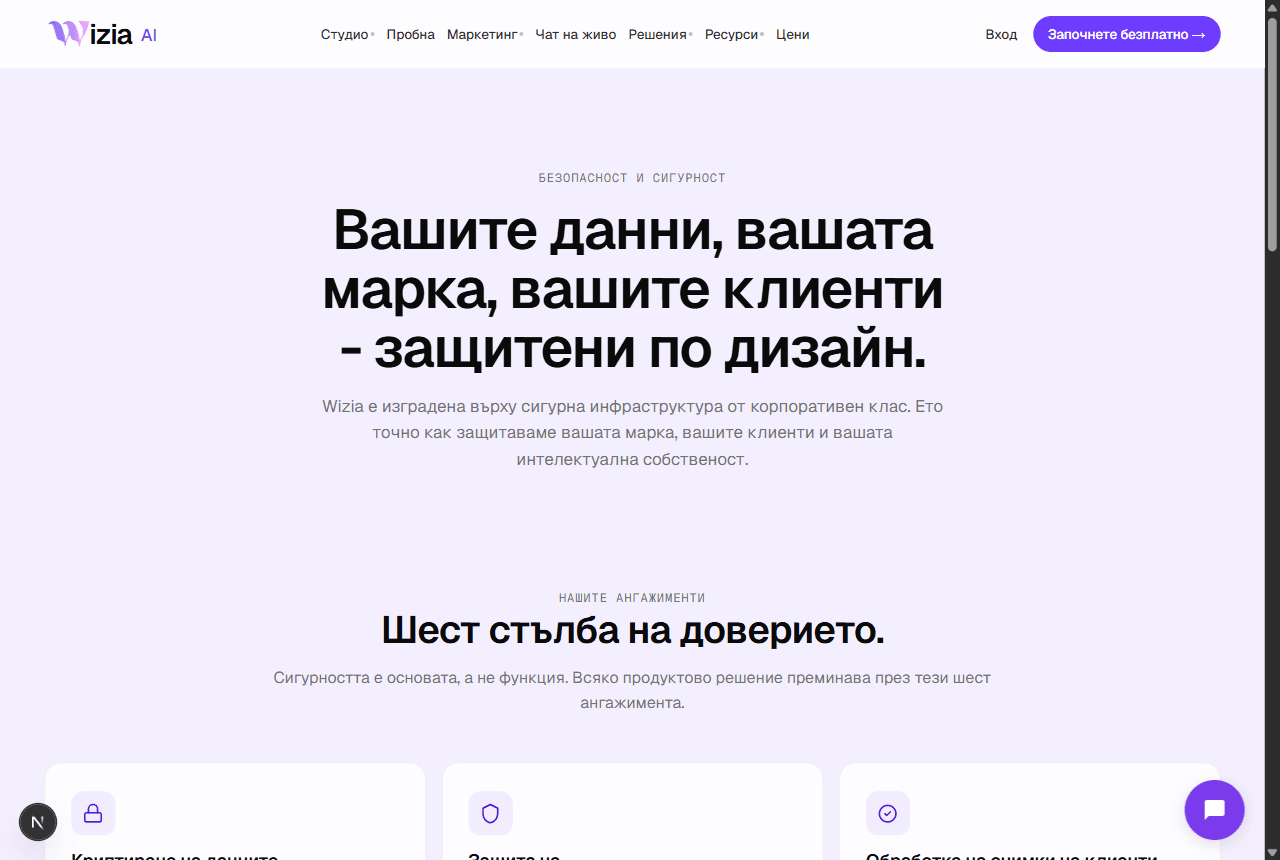 Security and personal dataWhere your data lives, how your uploads are used, and how to export or delete everything from Settings.3 мин
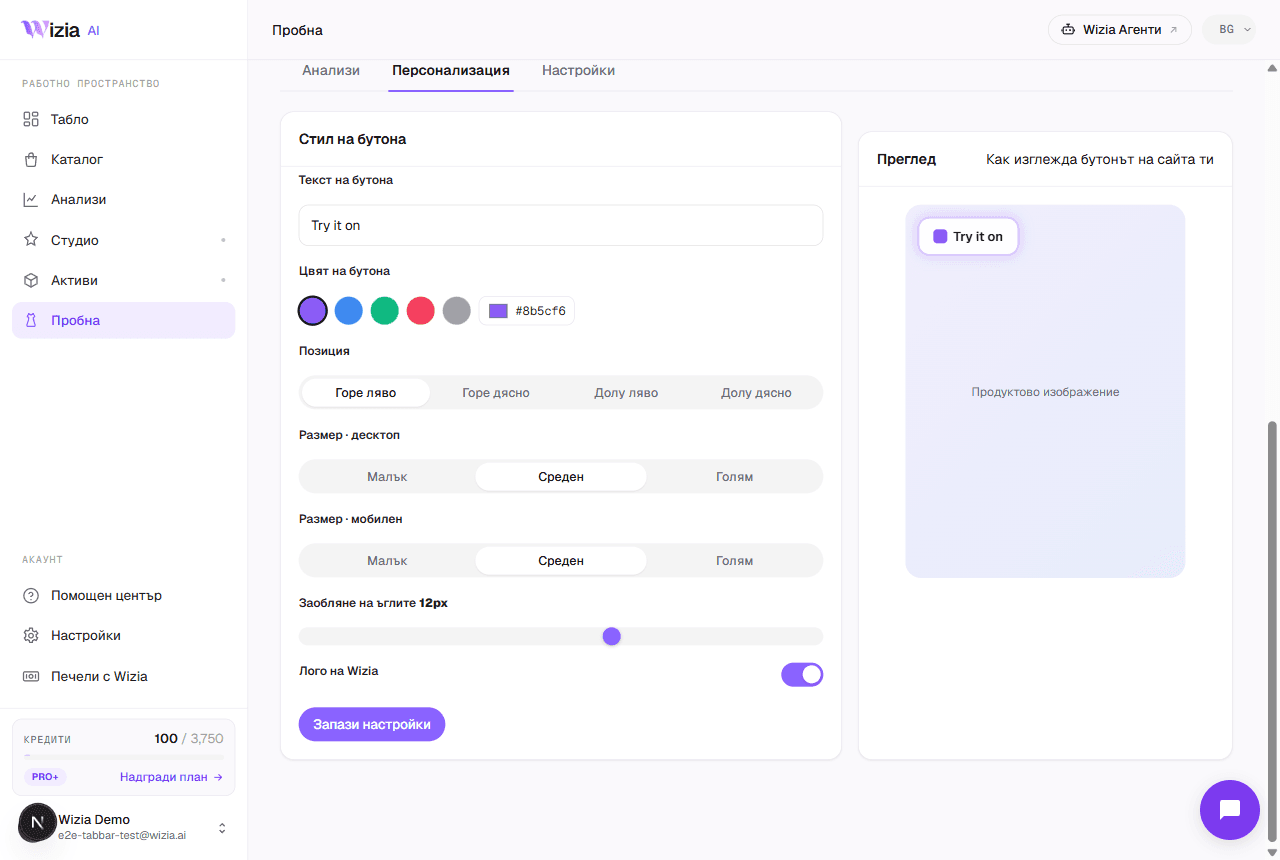
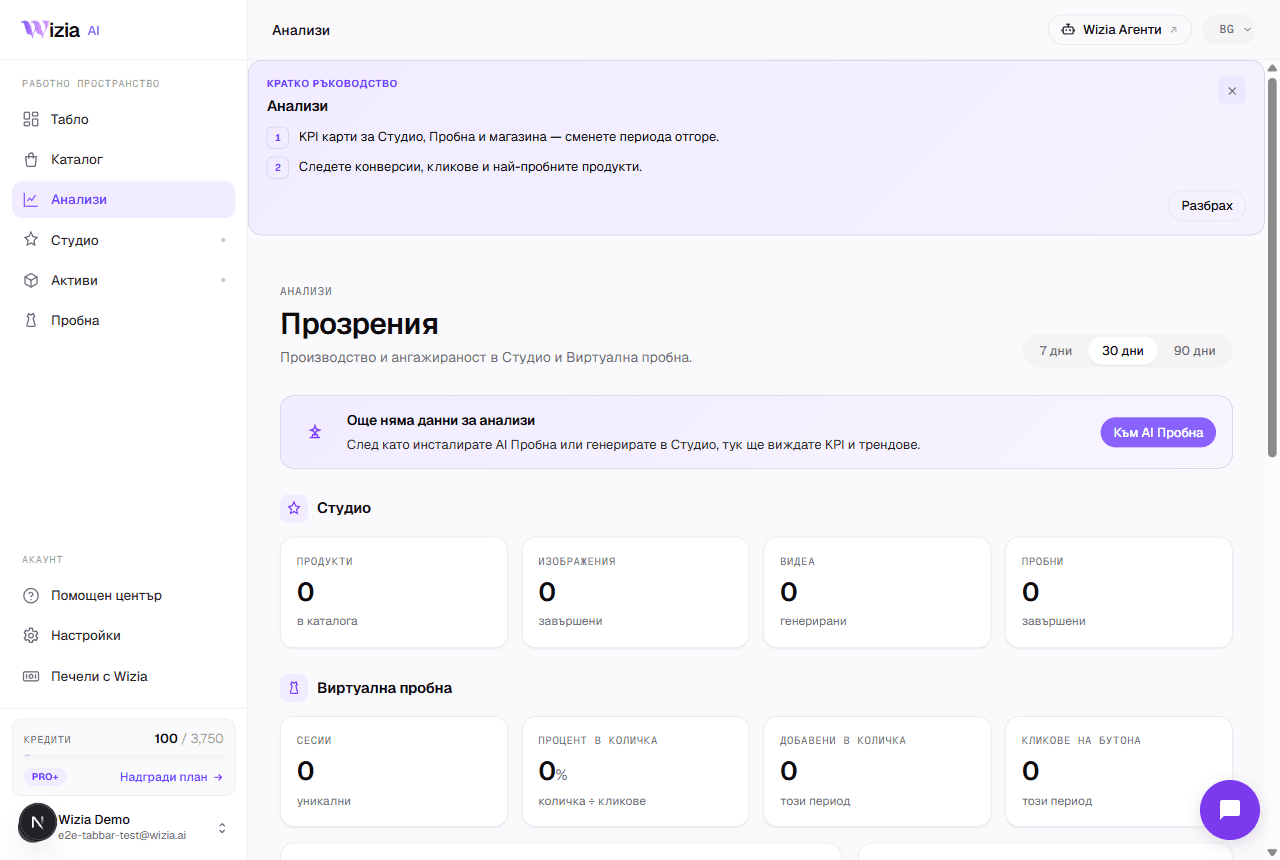 How to read your Try-on analyticsWhat each funnel stage means, where the numbers come from and why they can lag. Plus the Personalize and Settings tabs.4 мин
Сè уште ви треба помош?
Пишете ни или закажете 30 минути со нашиот тим.
- Поддршкаsupport@wizia.ai
- ФормуларОтворете го формуларот за контакт
Често поставувани прашања.
Дали ми е потребна сметка за да ги читам водичите?
Не. Водичите се јавни и бесплатни. Сметка ви е потребна само за да работите во апликацијата.
Колку се ажурни водичите?
Секој водич го прикажува датумот на последната измена. Доколку производот се разликува од сликите, известете нè на support@wizia.ai.
Ја заборавив лозинката. Што сега?
Искористете ја врската за заборавена лозинка на страницата за најава и ќе ви испратиме линк за ресетирање на е-пошта. Доколку немате пристап до таа е-пошта, пишете на support@wizia.ai.
Може ли да разговарам со некој од тимот?
Да. Закажете 30-минутен повик во термин што ви одговара или пишете ни преку контакт формуларот.